

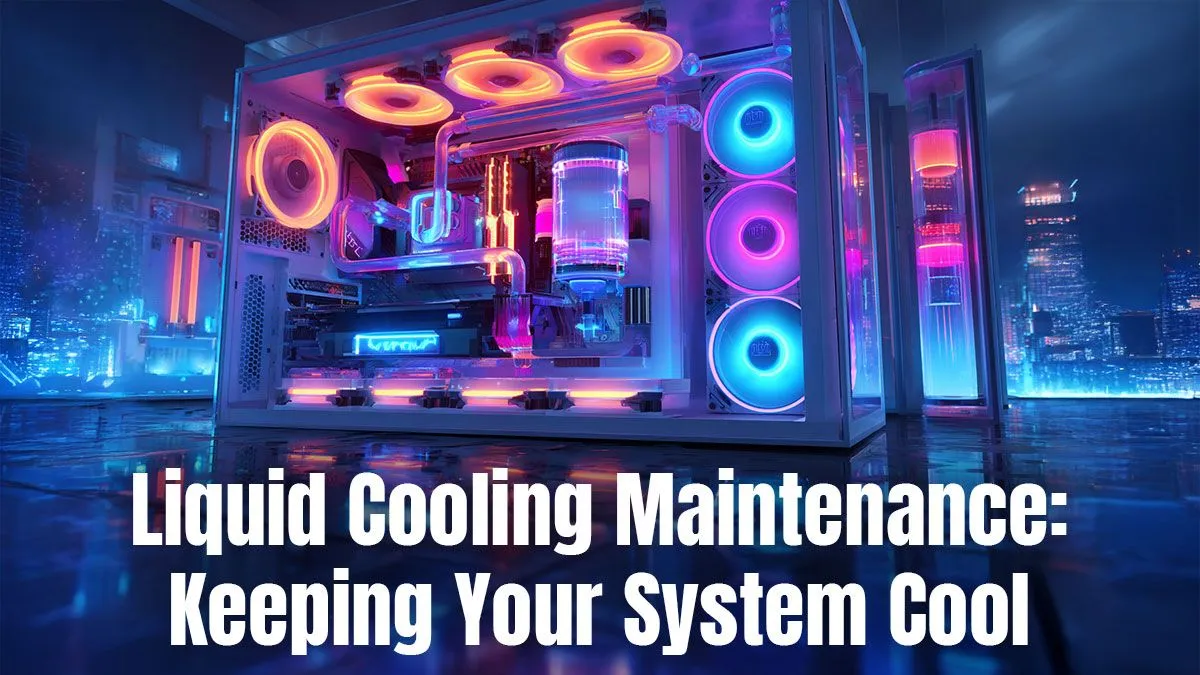
So, you’ve got a liquid-cooled beast of a PC. You love the whisper-quiet operation and the frosty CPU temperatures, even when the Highveld heat is cranking. But there's a little voice in your head asking... "How do I look after this thing?" Don't stress. Proper liquid cooling maintenance is way easier than you think. This guide will walk you through everything you need to keep your system running cool and quiet for years to come.
Why Liquid Cooling Maintenance is a Must
Ignoring your cooler is like never changing the oil in your car. At first, things seem fine, but eventually, performance suffers. For a gaming PC, this means thermal throttling—your CPU slows down to protect itself from heat, tanking your frame rates right in the middle of a boss fight. Consistent liquid cooling maintenance ensures peak performance, extends the lifespan of your components, and prevents potential issues like pump failure or leaks. It's a small investment of time for a huge return.
Your AIO Liquid Cooler Maintenance Checklist
For the vast majority of gamers using an All-In-One (AIO) cooler, the process is simple and straightforward. You don't need to be a pro builder to handle this basic upkeep.
### Step 1: The Monthly Visual Inspection
Once a month, take a peek inside your case. Look at the tubing for any cracks, kinks, or signs of bulging. Check the area around the CPU block and radiator fittings for any hint of moisture. Catching a small issue early is key. Whether you're running a monster rig or one of the most popular gaming PCs under R20k, a quick visual check can save you a world of pain.
### Step 2: Dust Busting the Radiator (Every 3-6 Months) 🔧
Your radiator is a dust magnet. Clogged fins suffocate your cooler, preventing it from dissipating heat effectively. Every few months:
- Power down and unplug your PC.
- Use a can of compressed air to blow dust out of the radiator fins.
- Important: Use a finger to gently hold the fan blades still while you spray. Letting them spin freely with compressed air can damage the fan motor.
Even the most affordable budget gaming PCs benefit massively from this simple cleaning step.
Monitor Your Temps Like a Pro ⚡
Use free software like HWMonitor or Core Temp to keep an eye on your CPU temperatures. Idle temps should typically be between 30-50°C, and under heavy load (like gaming), they should ideally stay below 85°C. If you see your temps slowly creeping up over the months, it's a sure sign your radiator needs a clean!
### Step 3: Listen to Your Pump
When you first boot up your PC, you might hear a faint gurgling sound for a few seconds as the liquid circulates. This is usually normal. However, if you constantly hear grinding, rattling, or loud gurgling, it could be a sign of air bubbles trapped in the pump or, in a worst-case scenario, pump failure. Consistent, unusual noise is a signal to investigate further.
Custom Loops vs. AIO Maintenance
While AIOs are designed to be sealed, maintenance-free systems, custom cooling loops are a different story. They require more intensive upkeep, including draining and flushing the loop and replacing the coolant every 12-18 months to prevent plasticiser buildup and algae growth. This is why many gamers prefer the plug-and-play reliability found in our pre-built PC deals, which offer incredible cooling performance without the complex upkeep of a custom loop.
When is it Time for an Upgrade? ✨
An AIO cooler has a typical lifespan of 5-7 years. If you've performed all the liquid cooling maintenance steps and your temps are still high, or if the pump is making constant noise, it might be time for a replacement. An aging cooler can be the perfect excuse to explore the best gaming PC deals and get a complete performance uplift. For owners of high-end PCs above R20k, ensuring your cooling is in top shape is essential to get the most out of your powerful hardware.
Ready for an Ice-Cold Upgrade? While maintaining your rig is key, sometimes a fresh start is the best way to guarantee performance. Explore our massive range of gaming PCs and find a professionally built system, perfectly cooled and ready for battle.











