

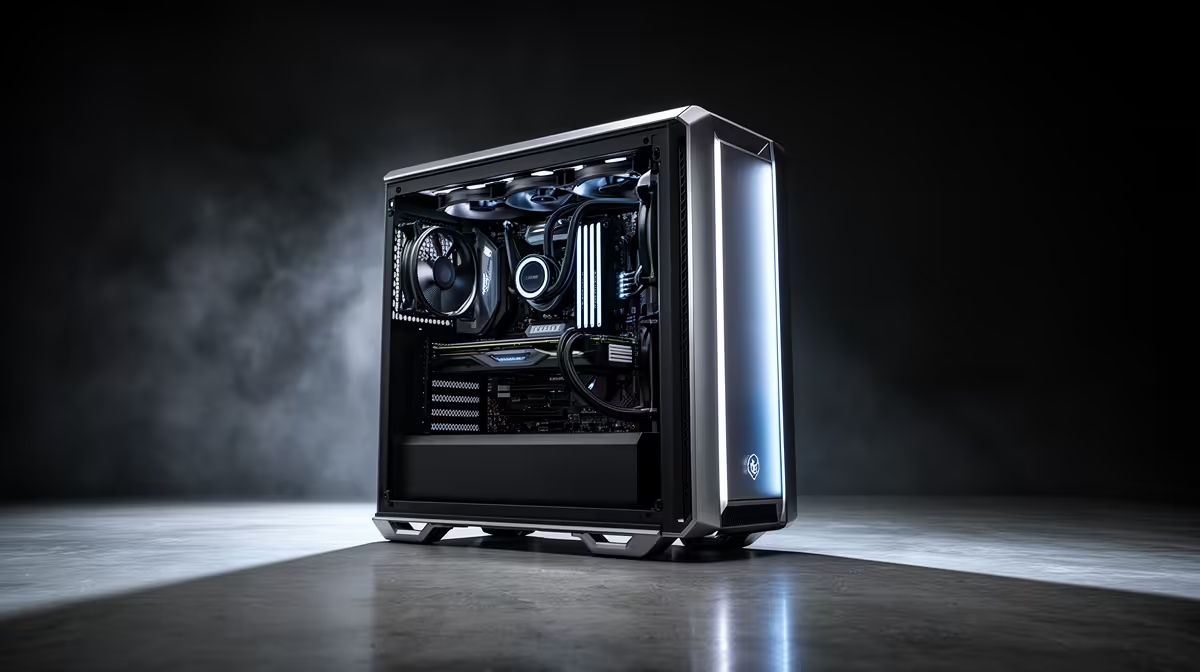
The lights flicker. The dreaded beep of the UPS kicks in. For South African gamers, this is a familiar, frustrating story. But what if your PC itself was part of the solution? Building a loadshedding-ready PC isn't just about a bigger battery backup; it’s about smart, efficient power management from the core components. A rig designed to sip, not guzzle, electricity means longer gaming sessions and less anxiety when the power goes out. ⚡
Why an Efficient PC is Your Secret Weapon
When the grid goes down, every watt counts. A standard gaming PC can easily pull 400-600W or more under load, draining a typical UPS in minutes. An energy-efficient gaming PC, however, might only draw half of that while delivering a fantastic experience. This is the core of building a true loadshedding-ready PC: maximising your uptime.
The benefits go beyond just surviving Stage 6. A PC built with efficient power management also means:
- Lower Electricity Bills: Less power consumption directly translates to savings on your monthly bill.
- Cooler & Quieter Operation: Efficient components generate less heat, requiring less aggressive (and noisy) cooling.
- Longer Component Lifespan: Less thermal stress can contribute to a longer life for your valuable hardware.
Start Smart: The Motherboard and CPU Foundation
The heart of any efficient PC build is the motherboard and CPU combination. Modern platforms have made huge strides in power management, allowing components to dynamically scale their power usage based on the task at hand.
For those looking to build a top-tier, future-proof system, a board like the MSI MAG X870E TOMAHAWK MAX WIFI offers robust power delivery and advanced BIOS options to fine-tune your CPU's performance and efficiency. Pairing it with a modern, power-conscious CPU is key. Generally, CPUs with a 65W TDP (Thermal Design Power) offer a brilliant sweet spot between high performance and low consumption. You can explore the latest generation of AMD motherboards to find a platform that perfectly suits your needs, from high-end to budget-focused builds.
Check the TDP! 💡
When comparing CPUs or GPUs, look for the TDP (Thermal Design Power). While not a direct measure of power draw, it's a great indicator of a component's heat output and general power consumption under load. A lower TDP often points to a more efficient part, helping you build a cooler, quieter, and more loadshedding-ready PC.
Key Components for Maximum Power Efficiency 🔧
Beyond the motherboard, several other choices are critical for optimising your rig's power draw. Don't worry, you don't have to break the bank; even on a budget, you'll find plenty of affordable motherboard options that can serve as a great base for an efficient build.
Power Supply Unit (PSU)
This is non-negotiable. Always choose a PSU with an 80 Plus Gold rating or higher. This rating certifies its efficiency, meaning less energy is wasted as heat. A Gold-rated PSU is typically around 90% efficient at 50% load, whereas a basic 80 Plus White unit might be closer to 80%. That 10% difference is power you get to use, not just pay for.
Graphics Card (GPU)
The GPU is often the most power-hungry component. Thankfully, modern cards have excellent performance-per-watt. Consider undervolting your GPU—a simple process that can significantly reduce power consumption and heat with minimal to no performance loss.
Storage and Memory
Every little bit helps. Opt for NVMe M.2 SSDs over traditional spinning hard drives. They are not only ridiculously faster but also consume significantly less power and have no moving parts. It's a win-win for performance and efficiency.
By making these deliberate choices, you're not just assembling parts; you're creating a smarter, more resilient system perfectly adapted for the South African reality.
Ready to Build Your Loadshedding-Proof Rig? Don't let power cuts dictate your playtime. By choosing smart, efficient components, you can build a PC that performs brilliantly while saving power. Explore our massive range of PC components and start designing your ultimate loadshedding-ready PC today.











