

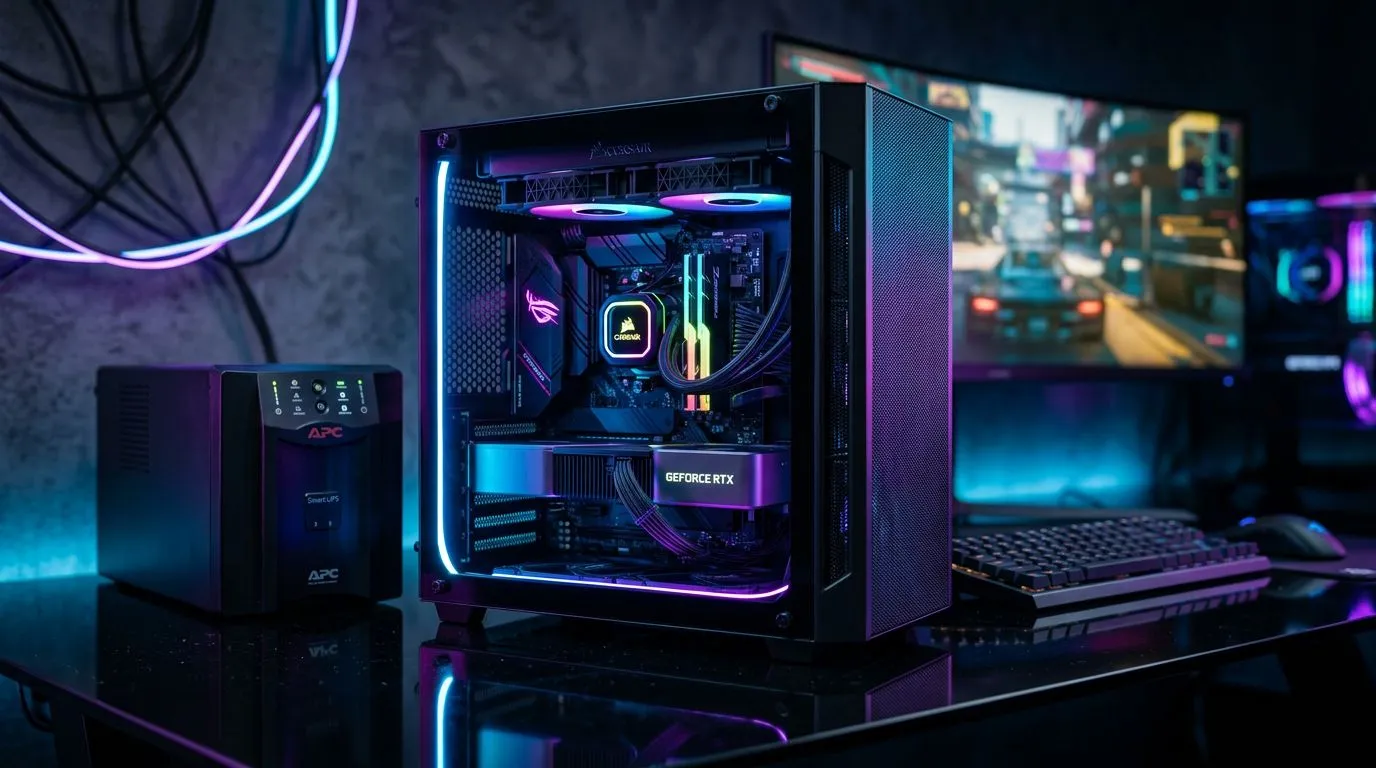
Why this matters in SA: Build a Loadshedding-Resilient Micro-ATX Gaming PC
Loadshedding turns “one more match” into “why is my PC dead?” fast. If you’re in South Africa, you know the pain: modem down, lights flicker, and suddenly your gaming rig is just… furniture. ⚡
A Build a Loadshedding-Resilient Micro-ATX Gaming PC approach helps you keep your setup stable when the grid goes quiet. You get a compact build that fits better in smaller cases, but still prioritises the things that matter most during outages: clean power, safe shutdown, and fast recovery once power returns.
In this Build Lab guide, you’ll build smarter around the components that decide whether your rig survives or shuts down mid-raid. 🚀
The core idea: power you can trust (and power you can plan for) 🔧
To be loadshedding-resilient, your PC needs two layers:
- Battery backup (UPS) to bridge the gap.
- A stable power setup so your PC doesn’t brown out when voltage dips.
A UPS won’t make you “immune” to outages, but it buys time. The key is choosing a UPS that supports your PC load long enough for graceful shutdown, plus keeps your router/modem running so you can reconnect quicker after power returns.
What to calculate before you buy a UPS
- Sum your system draw (PC + monitor + networking gear).
- Look for UPS runtime that covers your typical outage length (even 10 to 20 minutes helps).
- If you can, aim for a UPS with AVR (automatic voltage regulation), which smooths out minor dips.
If you’re unsure where to start, Evetech’s PC component selection pages make it easy to pick a compatible motherboard first, then build around it.
Micro-ATX motherboard choices that make rebuilding easier
Your motherboard is the backbone of the build. During downtime, you want fewer headaches later: correct form factor, solid VRM choices, and BIOS features that make recovery painless.
For motherboard selection, start with the form factor and platform you prefer:
- AMD boards for flexibility and current-value builds
Browse AMD micro-ATX motherboards - Intel boards for players who prefer Intel platforms
Browse Intel motherboards - If you’re trying to keep the budget under control
Check cheap Intel / AMD-based motherboards
When your goal is a loadshedding-resilient build, don’t just chase the cheapest board. Choose one with enough chipset/VRM headroom for your CPU, because stable power delivery matters when power is unstable.
Loadshedding-Pro Tip ⚡
On loadshedding days, avoid hard reboots. If your UPS provides minutes of runtime, save your work, let the PC shut down cleanly, and power back up once the grid stabilises. That simple habit protects drives, keeps Windows updates from getting interrupted, and makes post-outage boot much smoother.
Build a Loadshedding-Resilient Micro-ATX Gaming PC: component picks that help
Here’s how you typically “stack the odds” for resilience while keeping performance relevant for gaming.
Choose a PSU that’s built for stability
A quality PSU reduces the risk of weird shutdowns during dips. Look for:
- reputable brand and wattage matched to your GPU
- efficiency (less wasted heat)
- protective features
If your PSU is underpowered, it will push harder during restart cycles. That’s when unstable power can cause failures.
Prioritise your “always-on” devices
A common SA scenario: your gaming PC is on battery… but your router isn’t. Result: you can boot, but you can’t reconnect quickly.
Plan your UPS outlets like this:
- PC (main runtime)
- router/modem (fast reconnection)
- Optional: a monitor if the UPS supports it
Storage and shutdown safety
When power cuts suddenly, storage corruption risk increases. A graceful shutdown helps protect:
- SSDs used as your game library
- Windows system files
- game launchers and caches
That’s why the UPS runtime matters more than people think. Even short bridge time can be the difference between “clean boot tomorrow” and “why won’t it load?” today.
Micro-ATX layout tips: keep it compact, keep it serviceable
Micro-ATX should save desk space, but it must still be easy to work on. During outages, you may want to move or tidy cables for better airflow.
Quick build-lab checklist:
- leave room for airflow around the GPU
- use tidy cable runs so you don’t choke the intake fans
- keep a note of your BIOS settings and XMP/EXPO profile name
If you ever need to swap a board, this makes rebuilding faster.
Real-world expectation: what “resilient” actually means
Let’s set expectations honestly: loadshedding resilience is about buying time and reducing damage, not guaranteeing continuous gaming during long blackouts.
With the right UPS and safe shutdown habits, your gaming PC is much less likely to:
- hard cut and corrupt storage
- fail to boot after power returns
- restart loops triggered by unstable voltage
That means you spend fewer evenings debugging and more evenings gaming. ✨
Ready to Find Your Perfect Match? If you’re building a loadshedding-resilient micro-ATX gaming PC, the right motherboard and components make all the difference. Explore our massive range of PC parts at Evetech and build confidently for South African power realities. Shop Evetech PC Components











