

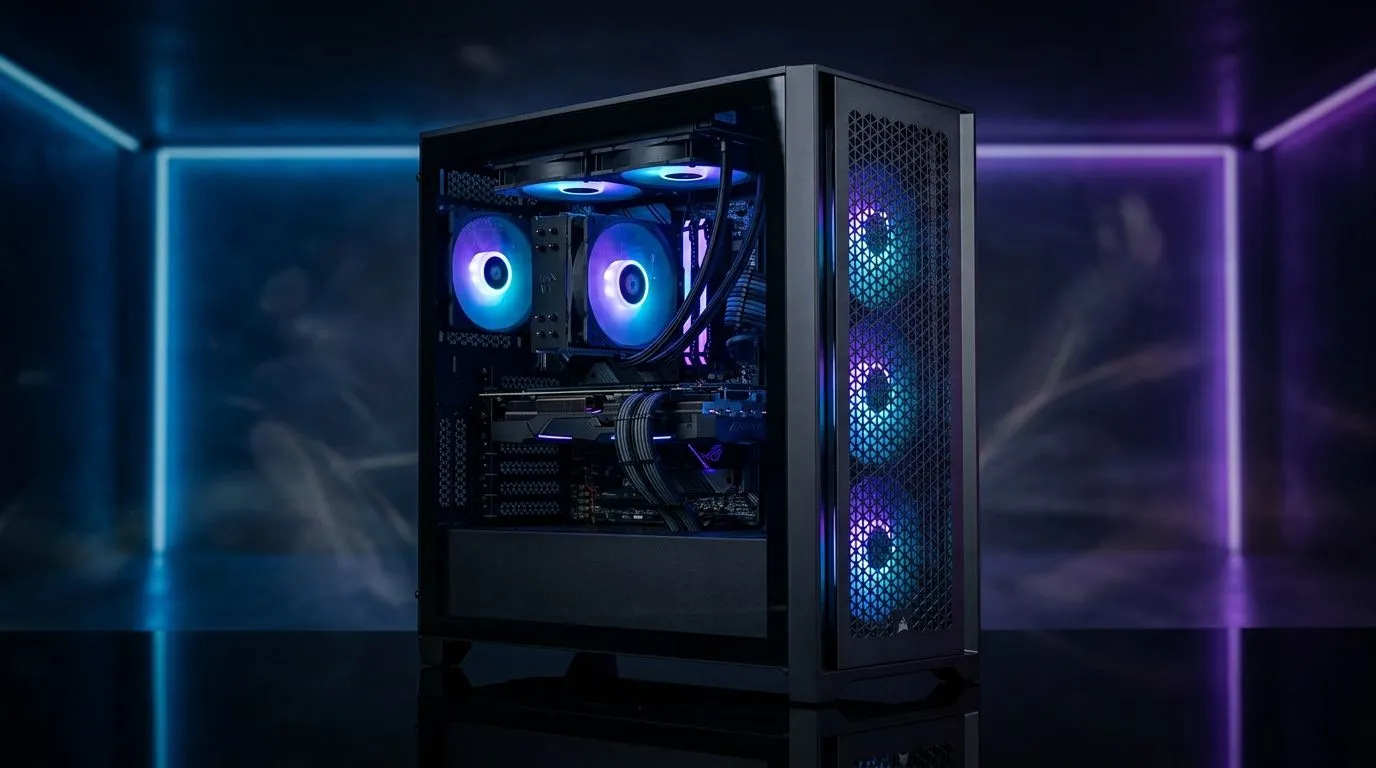
Build Lab: Low-Noise High-Airflow Gaming PC With ARGB Sync Fans on a Budget
If your PC sounds like a kettle, you’re not alone. South African gamers are chasing smoother frames and calmer rooms, especially during load shedding sessions and late-night ranked. 🔧
The good news? A low-noise high-airflow gaming PC with ARGB sync fans on a budget is totally doable. You just need to think airflow first, then lighting… and finally the fan curve. ⚡
In this Build Lab guide, I’ll show you a practical setup approach, plus what to look for when buying fans from Evetech.
Start With Airflow: The Quiet Performance Foundation
High airflow doesn’t have to mean high noise. The trick is matching three things: fan size, fan speed range, and case layout.
- Aim for pressure + volume: More restrictive cases benefit from fans that push air through tighter gaps.
- Use sensible RPM targets: Fans that can run at lower RPM while staying effective tend to be quieter at “normal” gaming loads.
- Plan your intake/exhaust: Two front intakes and one rear exhaust is a classic starting point for airflow balance.
For fan options, browse the full selection here, then filter based on your needs: Compare case fans for your build
Fan Size Matters (More Than You Think)
Bigger fans often move the same air at lower RPMs. That usually means less audible whine, especially under medium loads. Here’s how to shop by size on Evetech:
ARGB Sync on a Budget: Lighting That Doesn’t Waste Power
ARGB is great when it’s synchronised. Sync means fewer controllers, less cable chaos, and a cleaner look on your desk. ✨
If you want to keep the build cost down, choose ARGB fans that still allow control via your motherboard’s ecosystem. Start with Evetech’s ARGB filter:
Browse RGB/ARGB lighting options
If you’re not chasing lighting right now, you can save money with non-lighting fans and add visuals later: Find non-RGB fan options
Budget-Friendly Brand Choices That Actually Fit
Some brands keep pricing tight while still offering decent fan performance. If you have a preferred manufacturer, shop by brand:
Or if you’re aiming for value and reliable cooling performance: Explore Deepcool case fans
Tuning for Silence: Make Your PC Sound Like It Should
A “quiet” gaming PC isn’t just the fans. It’s the fan curve.
Set a custom curve in your BIOS or fan control software:
- Keep fans low at idle (so desktop work doesn’t sound loud).
- Let RPM rise only when CPU or GPU temps approach their usual gaming thresholds.
- If your room is warm, raise the curve slightly, but don’t slam RPM instantly.
Productivity Pro Tip ⚡
On your PC, set a gentle fan curve first, then test during a real game session. Watch CPU and GPU temperatures for 15 minutes, then adjust in small steps. Lowering idle RPM by even 200 to 300 can noticeably reduce noise without harming stability during gameplay.
Quick Micro-Story From the Build Lab
I once helped a friend who bought “loud performance fans” because the RPM numbers looked impressive. The PC cooled fine… but every fight sounded like a workshop drill. Once we tuned the curves and balanced intake/exhaust, the fan noise dropped dramatically while temps stayed stable. Quiet is mostly tuning… not guessing.
Final Checklist Before You Buy Fans (You’ll Thank Yourself Later)
Before checkout, confirm:
- Fan size (120mm vs 140mm) based on noise goals
- Airflow layout (intake vs exhaust)
- Whether ARGB sync is supported by your motherboard header
- Fan control options for smooth curves
And if you’re still not sure where to start, use Evetech’s fan range and filters to narrow quickly.
Ready to Find Your Perfect Match? The Mac vs Windows debate is complex, but for maximum power, choice, and value in South Africa, Windows is hard to beat. Explore our massive range of laptop specials and find the perfect machine to conquer your world.











