

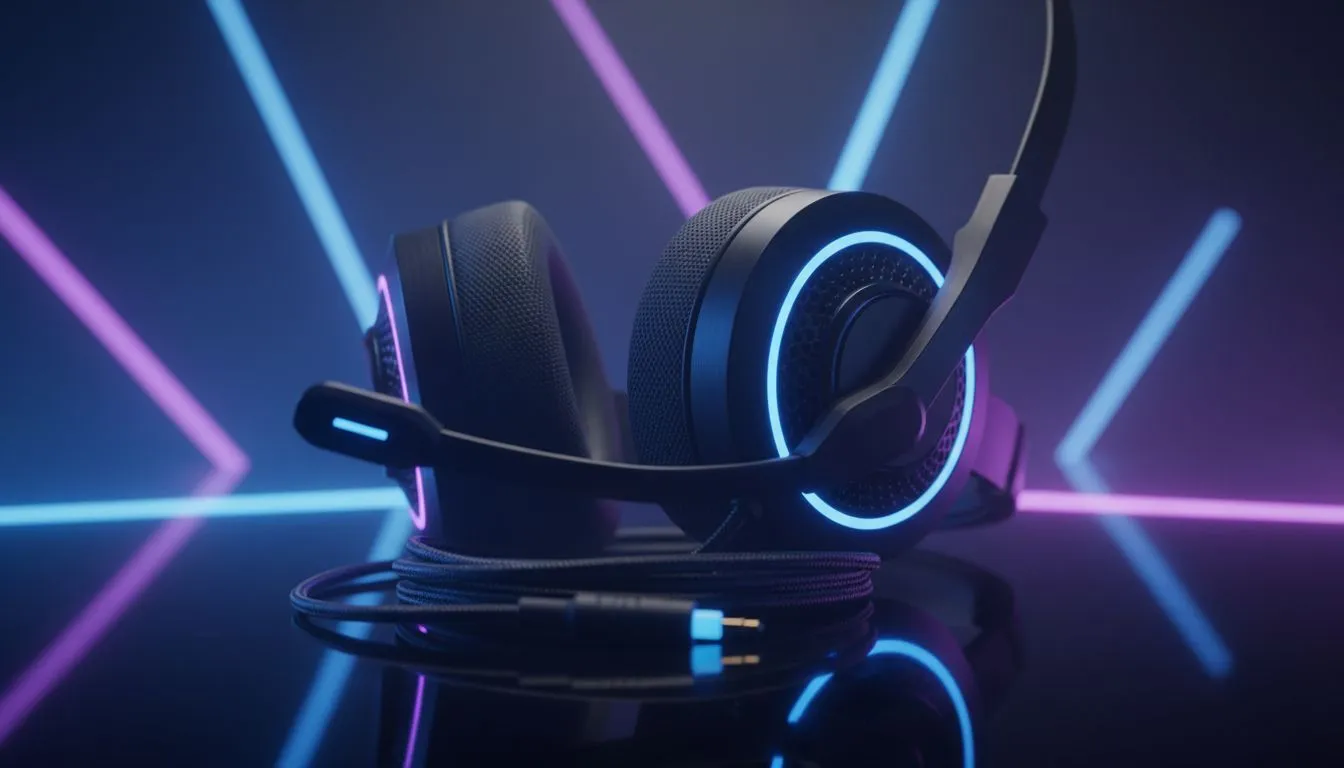
Maintain your wired gaming headset: fast daily habits 🔧
If you game in Jozi, Cape Town or anywhere across Mzansi, a crisp headset can make the night raids feel cinematic. Keep dust, sweat and cable strain from ruining that clarity. These quick habits protect audio fidelity and save you from replacing gear too soon. Think of this as short, repeatable maintenance — five minutes before or after sessions.
Maintain your wired gaming headset: cleaning, pads and foam care ✨
Start with the easy wins. Remove ear pads gently and wipe them with a lint-free cloth slightly dampened with a 70% isopropyl solution. Avoid soaking; let foams air-dry fully before reassembling. For hard plastic and headbands, a cloth with mild detergent reduces grime without harming finishes.
If your headset has detachable cables, unplug them when storing. That simple habit cuts most accidental pulls that sprain connectors. For replacement parts and spare cables, Evetech stocks a wide range in their headphones and headsets section — a handy reference when pads or leads wear out. Check the options here: Razer headphones and headsets. (Evetech lists compatible items and categories.)
Maintain your wired gaming headset: cable care, jacks and fixes ⚡
Cable longevity starts with routing. Avoid tight bends near the plug and use a soft Velcro wrap. When unplugging, grip the connector body — not the cable. If a jack becomes noisy, a quick contact-clean with electronics cleaner often helps. For severe damage, consider buying a replacement or serviced unit rather than skimping on DIY soldering.
If you’re weighing a new purchase, compare similarly featured units before replacing. For a solid wireless option with good connectivity and build quality — if you ever decide to switch — see the Razer Barracuda X Chroma deal on Evetech. It’s a useful comparator for comfort and mic clarity.
Productivity Pro Tip ⚡
On Windows, use the PowerToys FancyZones utility to create custom snap layouts for your windows. It's a lifesaver for managing multiple apps on an ultrawide monitor, letting you organise your timeline, preview window, and asset folders perfectly for video editing.
Maintain your wired gaming headset: storage, warranty and when to upgrade 🎧
Store headsets in a breathable bag away from direct sunlight and extreme heat. Avoid leaving them on carpeted floors where dust collects. If your set has a removable cable or replaceable pads, you can extend usable life by swapping these parts over time. For general headset and component options, Evetech’s headphone and headset components page helps you source parts quickly.
A final note on warranties and servicing: if your headset is under warranty, start with the manufacturer or retailer. Evetech’s product pages include warranty details and specs that help compare models objectively. For quick browsing of brands and replacements, visit the broader headset category on Evetech.
Maintain your wired gaming headset: wrap-up and next steps
Small habits add up. Clean pads, protect cables, store thoughtfully, and replace consumables rather than the whole headset. Want to test replacements or upgrade? Explore compatible parts and complete headset ranges at Evetech to find the best fit for your rig and budget.
Ready to Find Your Perfect Match? The Mac vs Windows debate is complex, but for maximum power, choice, and value in South Africa, Windows is hard to beat. Explore our massive range of laptop specials and find the perfect machine to conquer your world.











