

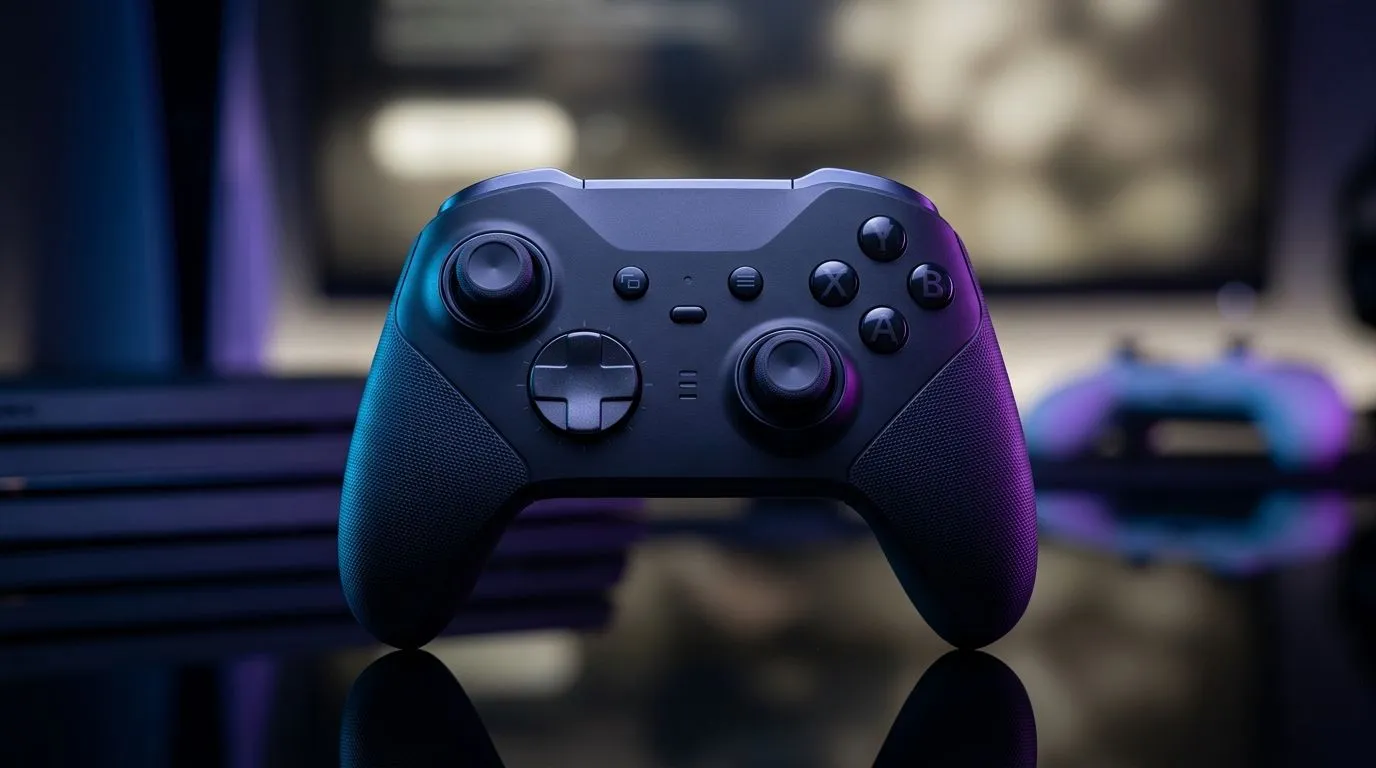
Controller-first living in SA: cut clutter, keep the wins 🚀
If you’re juggling console evenings with late-night phone sessions on the commute, you’ve probably thought: “Why can’t one controller do it all?” The good news… you can. With the right Maximize Controller Rand Value: One Gamepad for Console + Phone, you stop buying duplicates and start spending your budget on games, data, or a better display. Let’s set you up for a smoother setup, fewer headaches, and more consistent inputs across devices.
Maximize Controller Rand Value: One Gamepad for Console + Phone (without compromises) 🎮
The “value” here is not just saving money. It’s about reliability. When a controller connects easily and mapping stays consistent, you play more, and troubleshooting less.
What to look for before you buy 🔧
Check these features before you chase a deal:
- Multi-device support: Ideally the controller can pair with both a console and a phone.
- Wired + wireless options: Some phones prefer wired for stability (and lower latency).
- Good button layout and analogue feel: Controller comfort matters more than spec-sheet marketing.
- Compatibility with your phone ecosystem: iOS and Android have different quirks.
If you’re buying specifically for a pad lifestyle, start with Evetech’s controller buying guide to narrow down options fast and avoid mismatched expectations: browse Evetech’s guide to buying gaming controllers.
A quick deal reality check (ZAR)
Controllers aren’t always “cheap in bulk.” But if one controller replaces two, your effective cost drops. Even small differences matter when you’re spending in ZAR and trying to stretch your gaming budget.
For a tournament-ready feel and a mainstream buy path, you can also compare options like the Razer Wolverine V3 Tournament Edition. Use deals as the trigger, but use compatibility as the deciding factor.
Choose the right brands… at the right time ✨
If you’ve got your eye on Razer controllers specifically, filter your shortlist first so you don’t waste time cross-checking specs. Here’s a focused starting point: Razer gaming controllers at Evetech.
Setup Pro Tip ⚡
"Before you commit your muscle memory, test on both devices for 15 minutes each: confirm pairing, check analogue movement accuracy, and verify button mapping in-game. If your game supports controller remapping, set it once, then screenshot your layout. This prevents the ‘why does jump act like sprint?’ moment when you switch from console to phone."
Connecting console + phone smoothly (the part nobody tells you) ⚡
Here’s the micro-story many of us know… You buy the controller, it pairs beautifully on the console. Then on your phone, inputs drift or buttons feel “off.” Usually the fix is simple:
- Re-pair the controller after any device change (Bluetooth sometimes holds the wrong session).
- Use the same pairing method when possible (wired for phone, wireless for console, for example).
- Update game controller settings inside the game, not just your phone’s general controller settings.
This is also why aiming for one controller, not multiple, is smart. You only need to solve the mapping problem once, then it becomes muscle memory.
Final checklist: get your best rand value first ✨
Before checkout, confirm:
- You can pair with console + phone cleanly.
- The controller supports stable input (wired option helps).
- The price in ZAR makes the “one device replaces two” story true.
- You’ve set button mapping on each game where it matters.
Want to keep exploring controllers that make sense for your lifestyle? Start with Evetech’s selection path and move from “maybe” to “ordered” quickly. When you’re ready, don’t just chase compatibility. Chase consistency… your aim will feel better.
Ready to Find Your Perfect Match? The Mac vs Windows debate is complex, but for maximum power, choice, and value in South Africa, Windows is hard to beat. Explore our massive range of laptop specials and find the perfect machine to conquer your world.











