

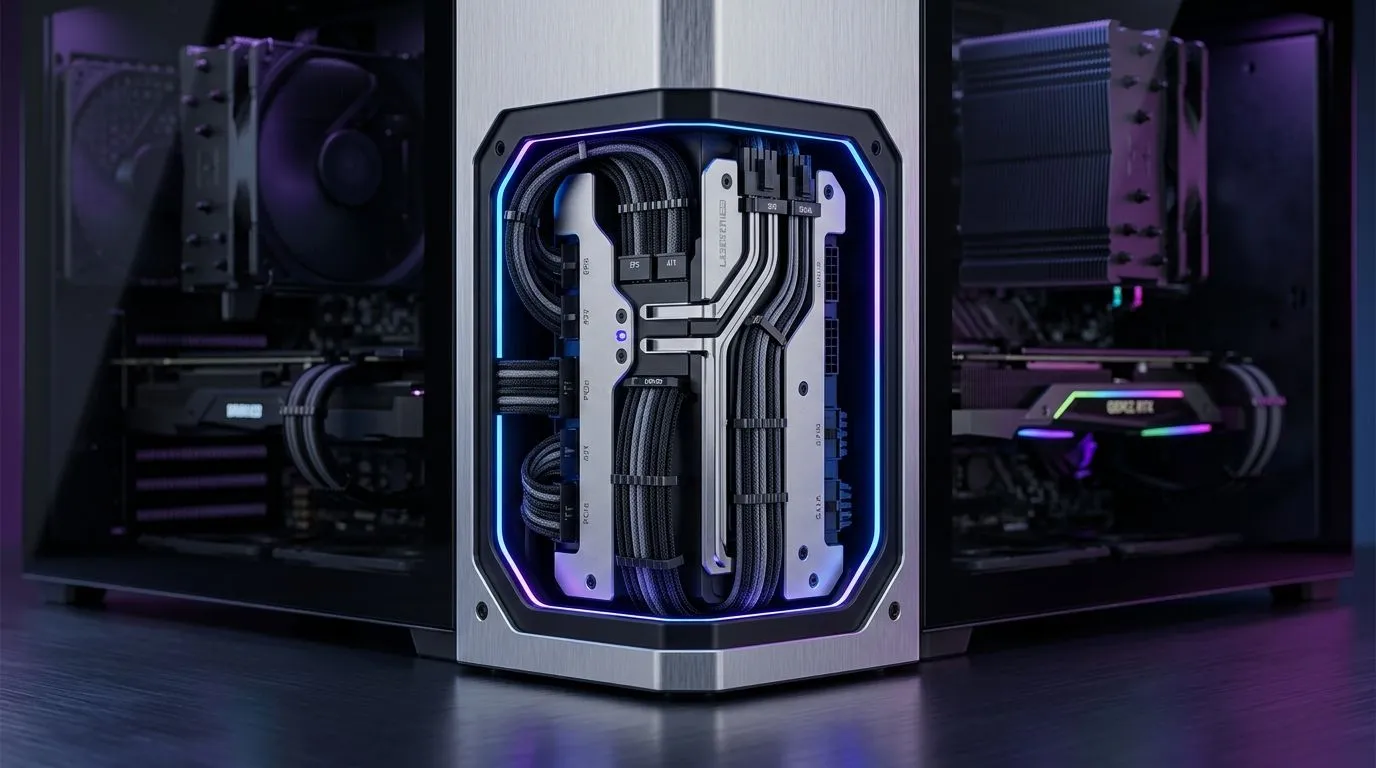
Why Micro-ATX Cable Management Matters for Small PC Builds in South Africa
You’ve got the GPU. You’ve picked the games. Now comes the build… and suddenly your case looks like a plate of spaghetti. 😅 In South Africa, where desk space is often limited and upgrades happen fast, clean Micro-ATX cable management in small PC builds isn’t just about looks. It’s about better airflow, easier troubleshooting, and fewer headaches when you upgrade later.
Small builds also stress the “hidden” problem: cables that weren’t planned early will fight your panel fit, block fan intakes, and make dust maintenance harder.
Micro-ATX Cable Management in Small PC Builds: Plan Before You Touch a Single Cable
Start with a layout mindset. A Micro-ATX motherboard leaves less room around the edges, so you need a cable route that matches the case design, not your guess.
Measure twice, route once 🔧
Before you plug anything in:
- Check where the PSU sits and which side the 24‑pin and EPS cables will exit.
- Dry-fit your GPU and notice how much space you have between the GPU and front fans.
- Decide the “zones”: power up top, data in the middle, airflow at the front and bottom.
If you’re still choosing a case, browse models that are built for tighter spaces:
- If you want a broad selection of compact options, start here: computer cases.
- For a more curated range of small-friendly enclosures, explore Fractal Design PC cases.
- And if you want a gaming-focused look and practical interior space, check Gamdias gaming cases for a variety of layout-friendly builds.
Use the case’s cable paths, not your imagination ✨
Most modern cases include:
- Rubber grommets (for cleaner edges)
- Dedicated channels behind the motherboard tray
- Tie points or hooks
- Pre-cut routes near the PSU shroud
If your case has a “behind-the-tray” area, plan to keep the bulky power cables there. Keep visible runs short and flat.
Quick reality check
When a side panel doesn’t close easily, the cable is usually too thick or too long in the wrong spot. Don’t force it. You’ll risk pinching a cable or stressing connectors.
Productivity Pro Tip ⚡
On Windows, use the PowerToys FancyZones utility to create custom snap layouts for your build notes, fan curves, and product pages. It keeps you from alt-tabbing every five seconds while you manage BIOS settings and cable checks on a compact desk setup.
Micro-ATX Cable Management in Small PC Builds: Power, Fans, and RGB Without the Chaos ⚙️
The fastest wins come from sequencing.
1) Connect power paths first
- Plug in the 24‑pin and EPS/CPU power.
- Route them to the tray area immediately.
- Leave just enough slack to avoid tension when you mount the graphics card.
2) Fan cables: group by direction
If your case has front intake fans and rear exhaust, route intake and exhaust wires separately. It reduces the “wire tumble” effect when you tighten screws.
3) RGB and front panel headers last
RGB strips, ARGB hubs, and front panel leads are where builds get messy.
- Keep RGB control cables near the back where you can tuck them.
- Label connectors as you go. A simple piece of masking tape beats guessing later.
If you’re trying to keep costs realistic in ZAR, you can even filter gaming cases by budget. For example, see Gamdias gaming cases up to R1500 to match a tight build plan with a tight budget.
Micro-ATX Cable Management in Small PC Builds: Test Airflow and Don’t Skip the Side-Panel Check 🚀
Once everything is connected:
- Do a “side-panel clearance test” before cable ties go on permanently.
- Power on briefly and check fan spin direction (front intakes should pull in, rear should exhaust).
- Listen for cable contact or fan wobble. If anything rubs, fix it now, not after dust builds up.
A clean build also makes future upgrades easier. Replacing a GPU, adding storage, or swapping fans becomes a 10-minute job instead of an hour-long puzzle.
Ready to Find Your Perfect Match? The Mac vs Windows debate is complex, but for maximum power, choice, and value in South Africa, Windows is hard to beat. Explore our massive range of laptop specials and find the perfect machine to conquer your world.











