

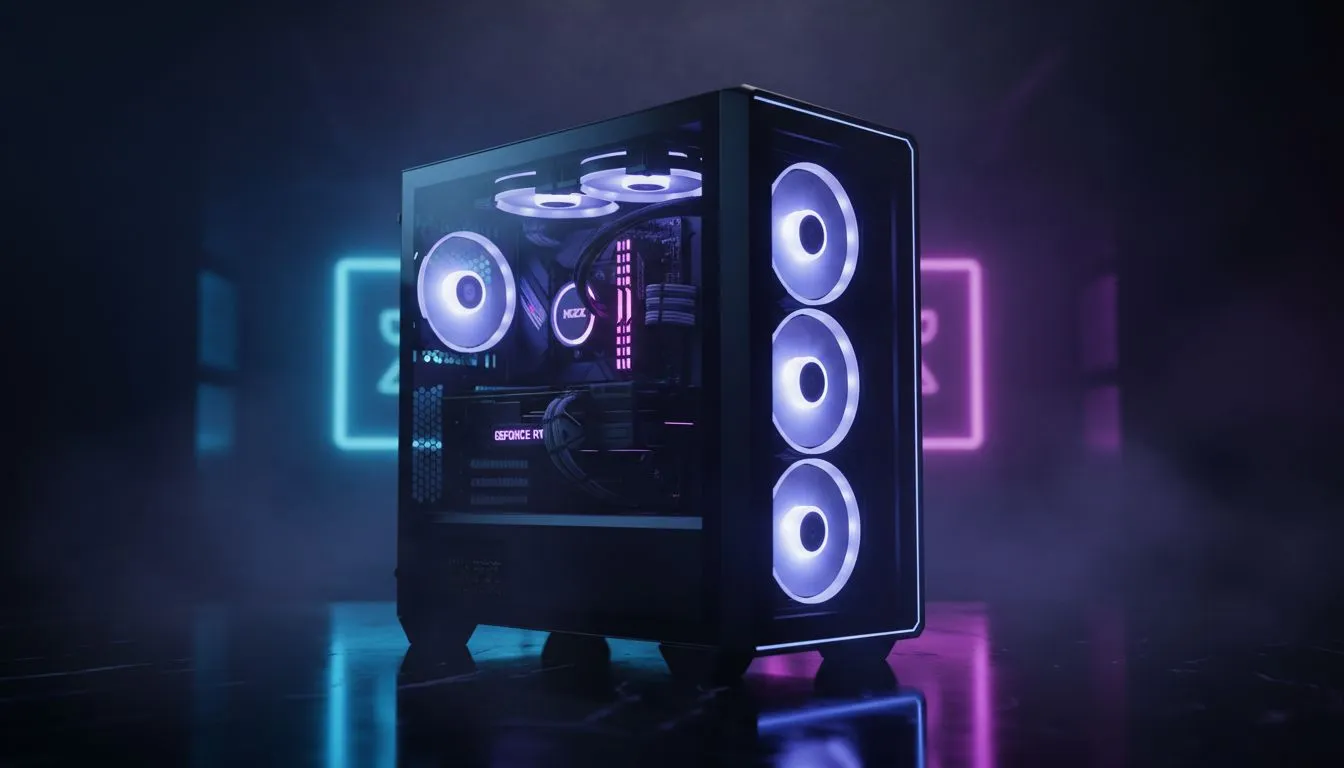
Mid-tower airflow essentials for hot-climate builds 🔧⚡
South African gamers and tech buyers know one thing well: local summers can turn a cosy rig into a sauna. This quick guide shows simple, practical mid-tower airflow setups that keep temps down and FPS steady. Expect clear fan layouts, intake vs exhaust rules, and real parts you can pick up in SA. Read on for pro tips and parts links.
Why airflow matters in South African heat
A mid-tower is compact, but with the right layout it can outperform larger cases in hot weather. Poor airflow traps heat; good airflow moves cool air across your GPU and CPU, then pushes hot air out. For case options and pricing, browse Evetech's PC cases to compare sizes and airflow features (many start around R500) — see the full selection here: https://www.evetech.co.za/components/computer-cases-70.
Fan count and placement — the practical rule
Balance beats brute force. Aim for front intake and top or rear exhaust. Typical starting point:
- 2x front intake (120 or 140 mm)
- 1x rear exhaust (120 mm)
- Optional top exhaust(s) if your GPU runs hot
If your GPU exhausts upwards, add a top exhaust to pull that heat out fast. For premium, airflow-forward mid-tower designs check Fractal Design ranges here: https://www.evetech.co.za/PC-Components/fractal-design-pc-cases-346.
Pick the right fans and curves
Use PWM fans controlled by your motherboard for quieter, adaptive cooling. Set fan curves to ramp earlier — not at 70°C. In hot climates, start increasing fan speed at 45–50°C to stop cores spiking.
Airflow Pro Tip 🔥
In hot climates set your fan curve to be proactive. Increase intake slightly earlier than exhaust to maintain positive pressure. That reduces dust and keeps surface temps lower.
Cable management, filters and dust — tiny wins that matter
Cable clutter blocks airflow. Route cables behind the tray and zip-tie where possible. Positive pressure plus front dust filters yields cleaner internals. If you’re after cases with good filter setups and neat cable routes, compare Gamdias options here: https://www.evetech.co.za/PC-Components/gamdias-gaming-cases-293.
For budget builds under R1,500, there are solid airflow-focused Gamdias cases listed here: https://www.evetech.co.za/PC-Components/gamdias-gaming-cases-293?max-price=1500.
Cooling combinations: AIO vs air coolers
AIOs can drop CPU temps quickly, but they need radiator clearance and good case airflow. High-performance air coolers are simpler and often better in dusty, warm conditions because they have fewer failure points. Base your choice on case clearance and whether you prioritise lower noise or raw temps. For case compatibility and measurements, consult the Evetech case pages above before buying.
Small story — Cape Town gamer test
I built a Ryzen 5600X rig in a mid-tower last summer. Swapping a restrictive front panel for a mesh panel and adding two 140 mm intakes lowered GPU temps by 6°C under load. The rig felt quieter, and dust reduced after I switched to positive pressure. Small changes, big comfort.
Final setup checklist before you buy
- Choose a mesh-front mid-tower for best passive intake.
- Start with 2 front intakes + 1 rear exhaust. Add top exhaust if needed.
- Use PWM fans and set a proactive fan curve.
- Manage cables and use dust filters for longevity.
- Check clearance for coolers and AIO rads on Evetech case pages.
Ready to Find Your Perfect Match? The Mac vs Windows debate is complex, but for maximum power, choice, and value in South Africa, Windows is hard to beat. Explore our massive range of laptop specials and find the perfect machine to conquer your world.











