Building a PC in South Africa often means balancing performance with a tight budget. You want that premium glow without spending thousands on a high-end motherboard upgrade. This is where a Mini ARGB LED Controller saves the day. It offers a simple way to manage your lighting setup. Let’s look at how to set up and use in your PC build this affordable little device. 🔧
Why Use a Mini ARGB LED Controller?
Many older or budget-friendly motherboards lack the specific 3-pin 5V headers required for addressable RGB. If you plug an ARGB fan into a standard 12V RGB header, you risk a permanent "smoke test" failure. When browsing for high-performance CPU coolers, you might notice many come with these 3-pin cables.
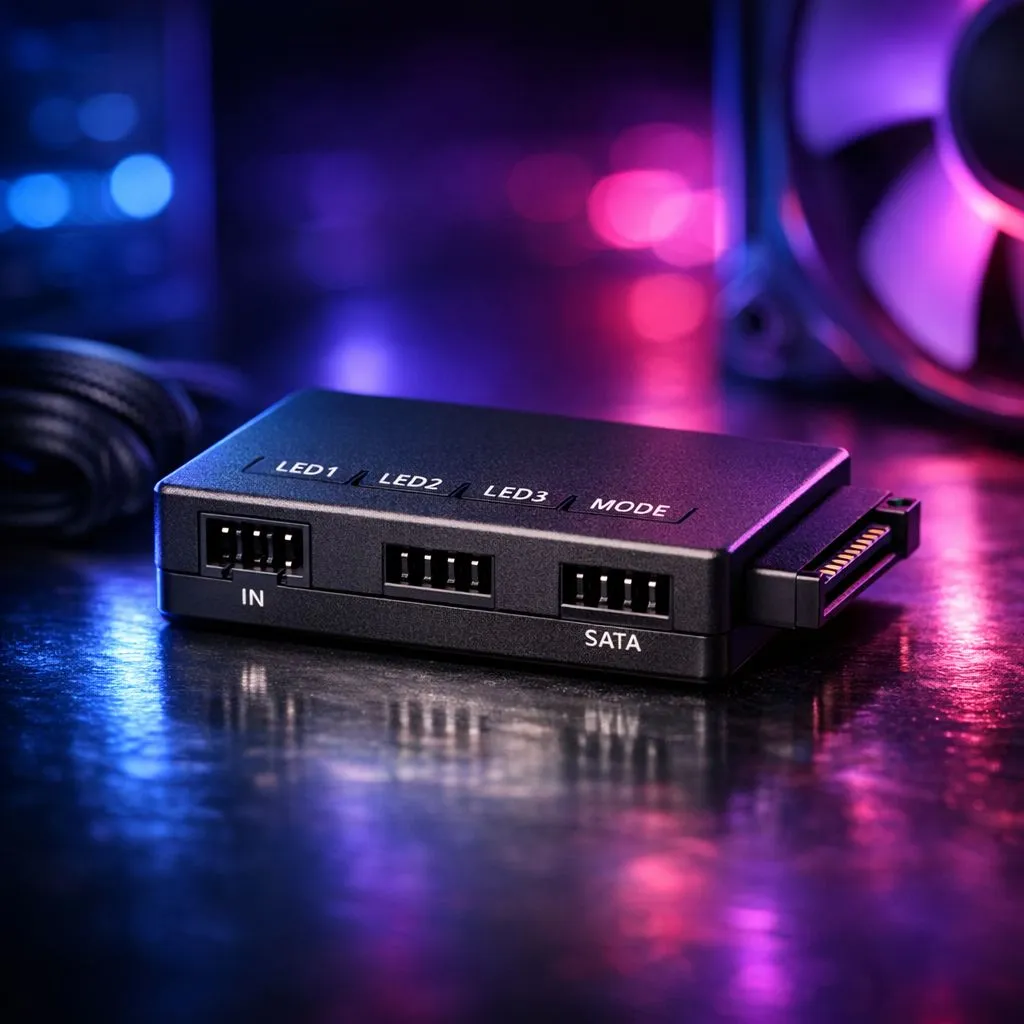
A mini controller acts as a bridge. It takes power directly from your Power Supply Unit (PSU) via a SATA connector. This ensures your lights get consistent power without taxing the motherboard circuits. It is a practical solution for adding flair to any rig without needing complex software suites.
How to Set Up and Use in Your PC Build: Step by Step
Installation is straightforward. Most Liquid Cooler (AIO) options include a controller in the box, but you can also buy them separately for a few hundred ZAR.
First, connect the SATA power cable from your PSU to the controller input. Next, plug your ARGB fans or strips into the output side. Even premium CORSAIR liquid coolers benefit from external control if you prefer hardware buttons over software like iCUE. ⚡
Mounting and Cable Management
These controllers are tiny... often smaller than a matchbox. Use double-sided tape or the built-in magnets to secure it behind the motherboard tray. This keeps your main chamber looking clean while allowing easy access to the buttons if you leave the side panel off.
Pro Cable Management Tip ⚡
Use small velcro ties instead of plastic zip ties when securing your ARGB controller cables. ARGB wires are often thinner and more fragile than power cables. Velcro allows you to adjust your layout later without the risk of accidentally snipping a wire during a rebuild.
Optimising Your Lighting Effects
Once connected, using the Mini ARGB LED Controller is as simple as pressing a button. Most models feature three buttons: Mode, Speed, and Colour. Brands like Deepcool liquid cooling solutions offer presets that range from static colours to complex "rainbow" cycles. 🌈
For those with massive 360mm Radiator models, managing three or more fans through a single controller ensures all LEDs are perfectly synced. It eliminates the "mismatched" look that happens when fans are plugged into different motherboard headers.
Compatibility and Final Checks
Before you finish your PC build, double-check the voltage. ARGB is always 5V. If you have a compact case with 240mm Radiator units, space is at a premium. A mini controller is much easier to hide than a bulky USB-powered hub. 🚀
Always ensure the pins are aligned correctly. The 3-pin connector usually has a "missing" pin in the middle to prevent incorrect insertion. If it feels like you are forcing it... stop and check the orientation. Proper installation ensures your build looks professional and stays safe.
Ready to Find Your Perfect Match? The Mini ARGB LED Controller is a small part of a great build, but for maximum power, choice, and value in South Africa, Evetech is hard to beat. Explore our massive range of CPU Coolers and find the perfect hardware to make your PC shine.