

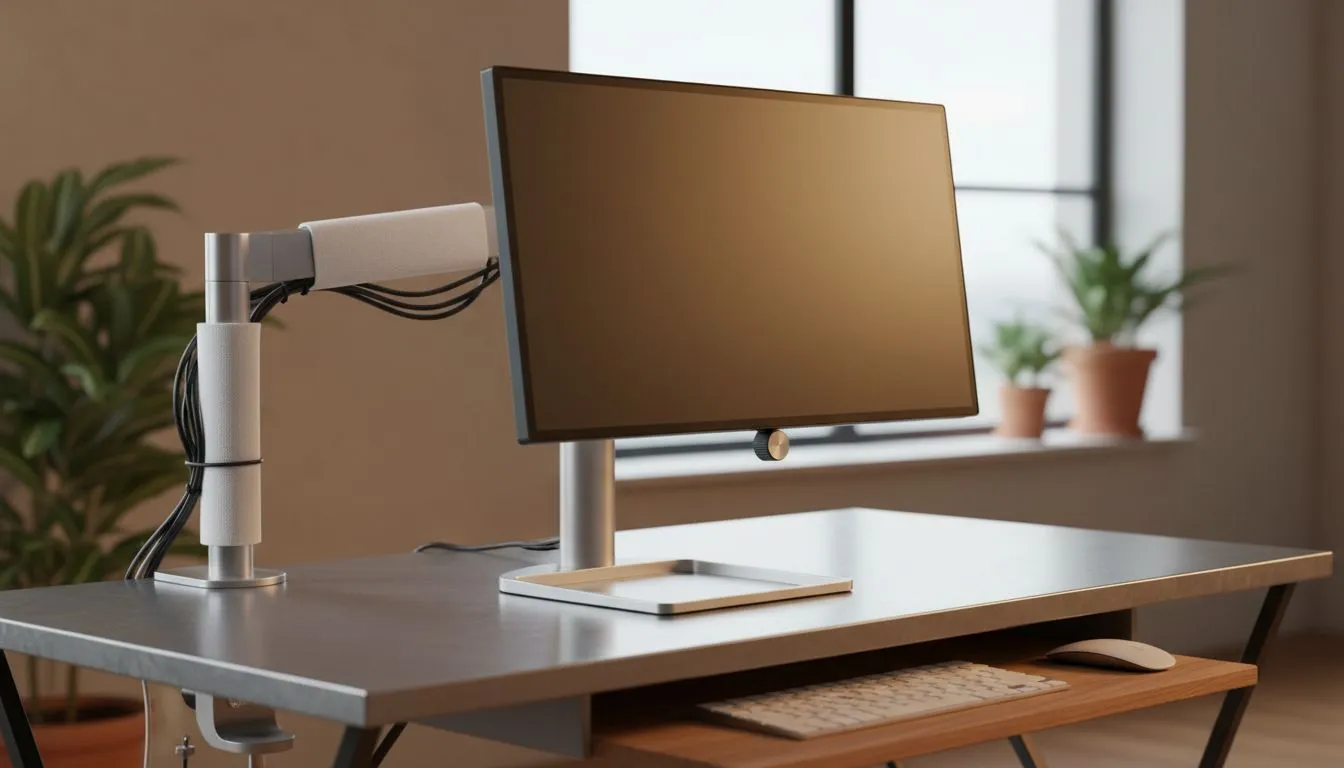
Master Your Mobile Monitor Setup for Better Ergonomics
Working from a local coffee shop or a home office in Jozi? A proper mobile monitor setup is the ultimate productivity hack. But a bad layout leads to neck pain. We will help you master ergonomics, height, and cable management for a pro-grade WFH space... without the clutter. Let's dive into how you can optimise your portable workstation today. 🔧
Optimising Ergonomics and Screen Height
The biggest mistake with a mobile monitor setup is screen height. Most users leave their portable display flat on the desk. This forces your neck to tilt downwards. Over time, this causes "tech neck" and fatigue. You should ideally position the top of your screen at eye level.
Portable stands or even a stack of books can help. If you prefer a traditional desktop feel, many flat monitors now feature slim profiles for easier transport. For the best visual clarity during long hours, choose IPS panels. They offer superior colour accuracy and wide viewing angles... essential when you cannot perfectly align your seat.
Power Management Pro Tip ⚡
Use a single USB-C cable for both video and power delivery. If your laptop supports it, you can power your mobile monitor directly from your device. This eliminates the need for extra wall plugs, making your "cable-free" WFH dream a reality in any South African cafe.
Achieving a Cable-Free WFH Aesthetic
Clutter kills focus. A clean mobile monitor setup: ergonomics, height & cable-free WFH layout relies on smart connectivity. Modern PC monitors often include USB-C hubs to reduce "cable spaghetti."
When choosing a screen for work and play, ensure it supports Adaptive Sync. This technology prevents screen tearing during video calls or light gaming. It keeps your visuals smooth without needing bulky external hardware. 🚀
Gaming and Performance on the Move
Who says WFH means no play? Many South African pros use their mobile setup for after-hours gaming. If you use an AMD setup, look for displays with FreeSync (AMD) to keep frames fluid.
For those rocking Team Green, monitors with G-Sync (NVIDIA) provide the same premium experience. While portable screens are usually small, some gamers prefer the immersion of curved monitors for their main home station. ✨
Ready to Level Up Your Mobile Workspace? Finding the right balance between portability and performance is easy with the right gear. Whether you need a secondary screen for spreadsheets or a high-refresh panel for gaming, we have you covered. Explore our massive range of monitor specials and find the perfect display to boost your productivity in South Africa.











