

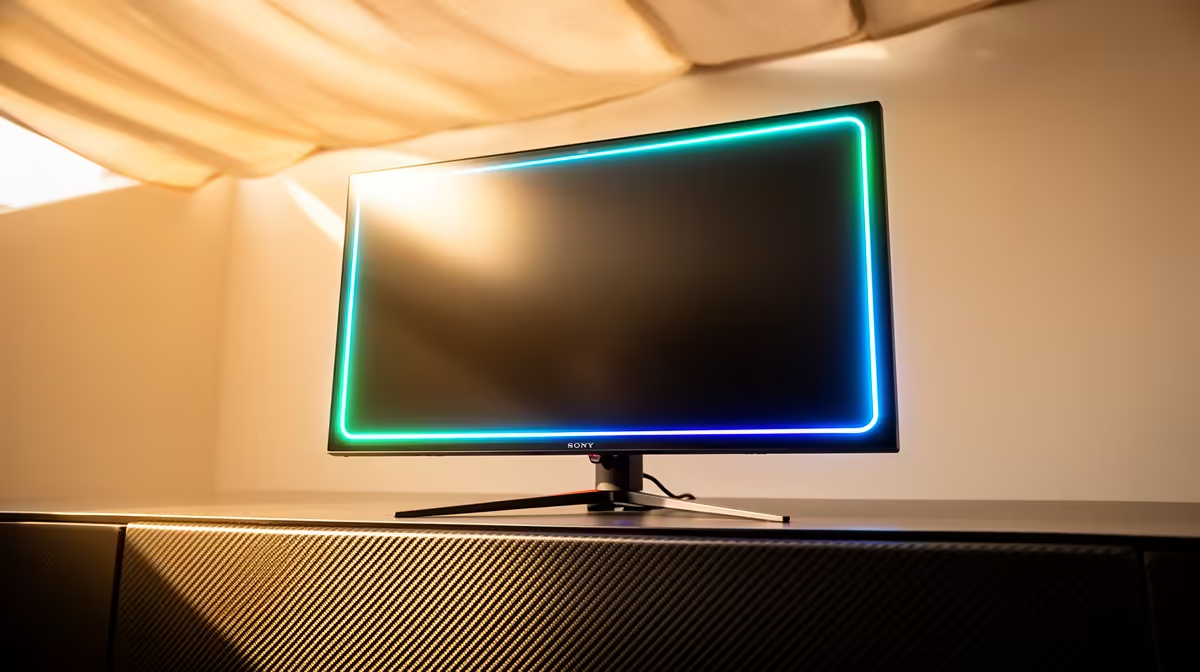
That summer heatwave hits, and suddenly your gaming room feels like a sauna. Your PC fans are screaming, but have you considered your monitor? That high-refresh-rate beast pushing 144Hz or more is also generating serious heat, especially in our South African climate. Effective monitor heat management isn't just a "nice-to-have"... it's crucial for performance, colour accuracy, and the lifespan of your screen. Let's dive into keeping your display cool. 🧊
Why High Refresh Rate Monitors Generate Heat
Ever wondered why your new 240Hz screen feels warmer than your old 60Hz office panel? It's simple physics. A higher refresh rate means the monitor's internal processor is working harder to draw more frames every second. More work equals more electricity, and more electricity equals more heat.
Couple this with high brightness settings, HDR content, and the sheer processing power needed for crisp resolutions, and you have a recipe for a warm panel. For South African gamers battling 30°C+ ambient temperatures, managing this extra monitor heat is essential for a stable and long-lasting setup.
Practical Monitor Heat Management Tips for SA Gamers
Keeping your monitor cool doesn't require complex solutions. Often, a few simple adjustments can make a massive difference. Think of it as optimising your environment for peak performance.
It's All About Airflow 🌬️
The most effective way to manage heat is to let it escape. Your monitor has vents, usually at the top and back, designed to dissipate heat through natural convection.
- Give It Space: Don't push your monitor flush against a wall. Leave at least 10-15cm of open space behind it to allow air to circulate freely.
- Avoid Clutter: Piling books, speakers, or other items around the monitor's base and back can trap hot air. Keep the area clear.
- Room Ventilation: A stuffy room makes everything run hotter. Even cracking a window or using a small fan to move air around your desk can significantly lower the operating temperature of all your components, including the screen. Many of all gaming monitors are designed with this in mind, featuring smarter vent placement.
Tweak Your Settings for a Cooler Run
Your monitor’s settings are a powerful tool for temperature control. While you bought that screen for its performance, you don't always need everything cranked to 100%.
- Brightness: This is the biggest culprit. Running at 100% brightness generates significant heat. Try dialling it back to a comfortable 70-80%. Your eyes and your monitor will thank you.
- HDR for Content Only: While HDR looks stunning in games and movies, leaving it on for your desktop can make the screen unnecessarily bright and hot. Set Windows to only enable HDR for supported apps and games.
- Power Saving: Most PC monitors have eco or power-saving modes. These often limit peak brightness and can be a great way to reduce heat during general use.
Check Your Temps (Carefully!) 🔧
For the truly dedicated tweaker, you can get a rough idea of your monitor's heat by carefully feeling the top and back vents after a long gaming session. For a more scientific approach, an inexpensive infrared thermometer pointed at the back casing can give you an actual temperature reading. Anything consistently above 50-60°C on the chassis might be a sign to improve airflow.
Does Heat Affect Performance and Lifespan?
Yes, absolutely. Excessive, prolonged heat is the enemy of electronics. For monitors, it can lead to several issues:
- Image Retention or Burn-in: Heat can accelerate the degradation of pixels, especially on OLED panels, leading to ghost images.
- Colour Shift: Overheating components can cause colours to become less accurate over time.
- Reduced Lifespan: Just like a CPU, the components in your monitor will last longer if they are kept within their optimal temperature range. This is particularly true for premium 4K and 5K monitors where pixel density is high. Even adding a handy portable monitor to your setup is a consideration, as they typically run cooler due to their smaller size and lower power draw.
Considering how some immersive curved monitors have a larger surface area, ensuring they have adequate ventilation is even more important.
Choosing a Cool-Running Monitor ✨
When you're ready to upgrade, monitor heat management should be a factor in your decision. Look for reviews that mention thermal performance or how hot the display gets under load. Newer models often feature more efficient power supplies and better passive cooling designs. A well-designed monitor will manage its own temperature better, giving you one less thing to worry about during those intense summer gaming sessions.
Checking out Evetech's best monitor deals is a great place to start looking for a modern, efficient display that balances epic performance with smart thermal design.
Ready for a Cooler, Crisper View? Proper monitor heat management extends your display's life and keeps gameplay smooth. If your old screen is running hotter than a Durban summer, it might be time for an upgrade. Explore Evetech's massive range of PC monitor deals and find the perfect cool-running display for your setup.











