

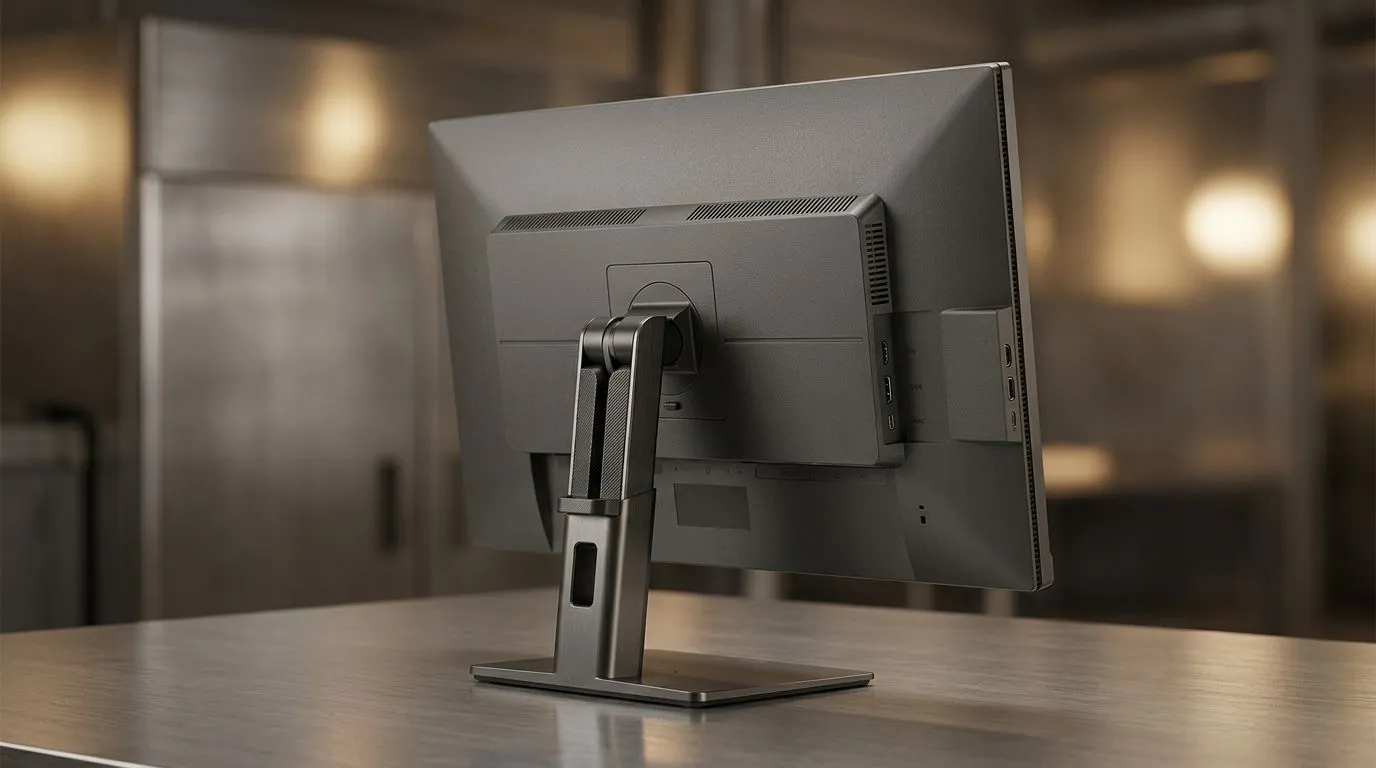
Monitor Mount Placement Guide for Better Ergonomics
If your neck feels tight after a long Valorant session, your monitor position may be the real culprit. A screen that sits too high, too low, or too far back can quietly turn a solid setup into an uncomfortable one. The good news? Fixing it is usually simple... and often free. A few small adjustments can improve posture, reduce strain, and make your desk feel cleaner too 🔧
For South African gamers, creators, and office warriors, good ergonomics matters because long hours happen. Whether you are grinding ranked matches, editing clips, or working through a load-shedding window, your screen placement should support you, not fight you.
Monitor Mount Placement Guide for Desk Comfort
The most comfortable setup usually starts with the top of your monitor close to eye level. That helps you keep a neutral neck position. Your eyes should naturally land a little below the top third of the screen. If you are tilting your head up or down for long periods, the mount is probably off.
Distance matters as well. A common guide is to place the screen about an arm’s length away, then adjust based on your size and monitor size. If text feels too small, scale it in Windows instead of dragging the display closer. That keeps posture cleaner and reduces eye fatigue.
If you use a dual-monitor setup, keep the primary screen dead centre. The secondary display should sit close enough that you do not twist your shoulders all day. Small twist, long day... and your back notices.
Monitor Mount Placement Guide for Better Ergonomics at Home
Not every desk is built the same. In South Africa, a lot of setups mix work, gaming, and school in one space. That makes flexible placement important. A stable desk with enough depth helps more than people realise. If your desk is too shallow, the screen ends up too close and your posture suffers.
If you are shopping for a sturdier base, browse a proper gaming desk built for cable-managed setups. A desk with better surface space gives your mount more breathing room, especially if you use a larger display or a boom arm.
Choosing a desk that supports good positioning
A good desk should let the monitor sit comfortably without forcing the keyboard too far forward. If you have to hunch to reach the mouse, the whole setup is working against you. The right desk makes mount placement easier from day one.
For those who want a more premium look and feel, an AutoFull gaming desk option can be worth a look. If your taste leans more towards clean lines and a sleek finish, an Arozzi gaming desk selection may suit your setup. If you want something practical and budget-conscious, check the Nitro gaming desk range.
Monitor Mount Placement Guide for Gaming and Work
A display used for both work and play needs a compromise that favours comfort. Competitive gamers often sit a little closer than office users, but the screen should still stay within a relaxed head position. If your shoulders are raised, the monitor is too high. If you are peering over your glasses, it is too low.
For ultrawide screens, centre the main action area directly in front of you. Do not let the stand or mount force the display off-axis. That is where neck tension starts quietly building up.
Posture Tip ⚡
Keep your elbows near 90 degrees and align your eyes with the top third of the monitor. If your chair is correct but your neck still aches, adjust the screen before blaming the chair. Small changes often fix the problem fast.
Monitor Mount Placement Guide for a Cleaner Setup
Better placement is not only about comfort. It also makes the desk look neater. A properly mounted monitor frees up space for your keyboard, headset stand, and water bottle. It also helps with cable routing, which is always useful when the power goes out and everything gets unplugged.
If you stream, study, or work remotely, a cleaner layout can help you focus. Fewer distractions. Less clutter. Better flow. That is the kind of upgrade you feel every day.
Monitor Mount Placement Guide Final Check Before You Buy
Before buying a mount or adjusting your current one, ask three simple questions:
Is the screen at eye level?
If not, lower or raise it until your neck stays relaxed.
Is the distance comfortable?
You should read clearly without leaning forward.
Does the desk support the full setup?
A better desk can make the whole placement process easier.
Once these basics are right, you will feel the difference quickly. Less strain. Better posture. Longer, more comfortable sessions. That is a proper quality-of-life upgrade.
Ready to Find Your Perfect Match? The Mac vs Windows debate is complex, but for maximum power, choice, and value in South Africa, Windows is hard to beat. Explore our massive range of laptop specials and find the perfect machine to conquer your world.











