

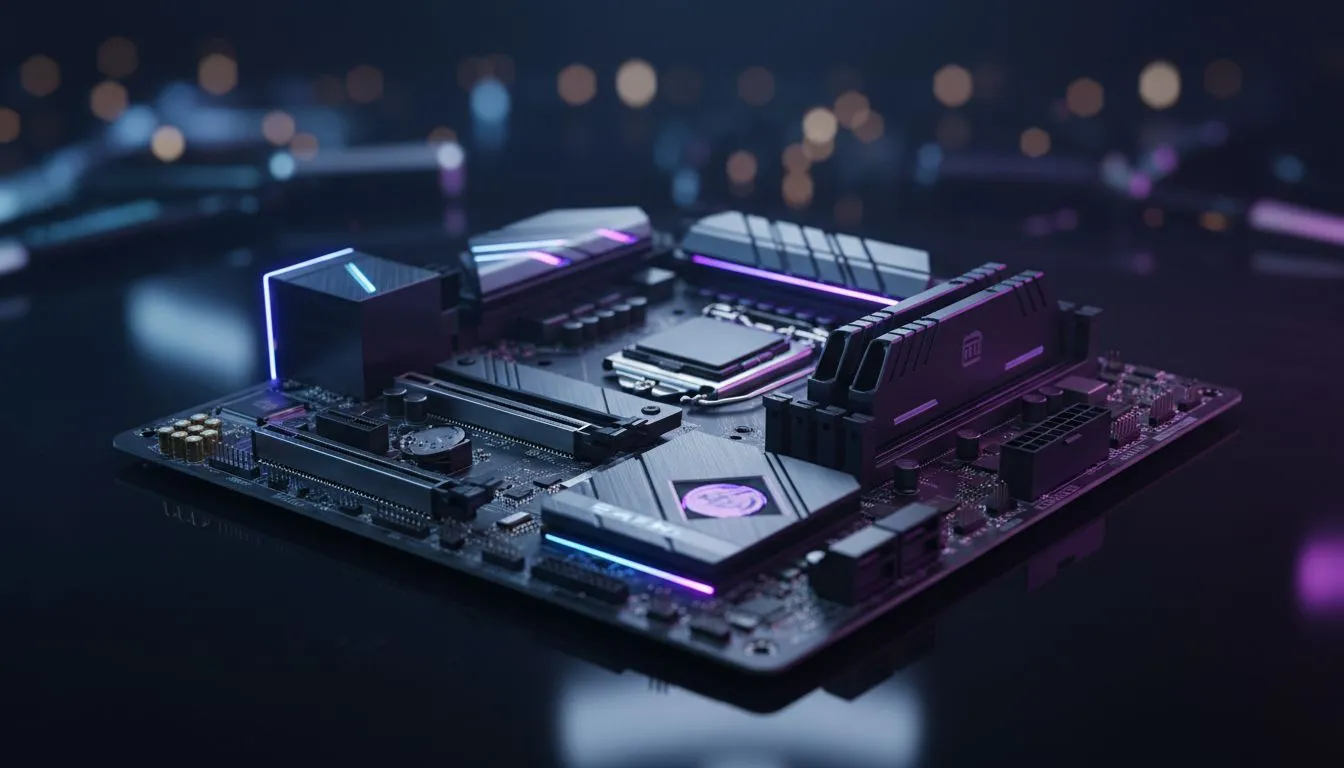
Picking the right motherboard form factor is the most important decision you will make before tightening a single screw. It dictates how many RAM slots you get, how many GPUs you can fit, and most importantly, which chassis will sit on your desk. Whether you are building a compact sleeper or a massive RGB powerhouse, understanding these dimensions is the key to a stress-free assembly in South Africa's growing DIY scene. 🔧
Understanding Motherboard Form Factors: Micro-ATX to E-ATX Explained
The term form factor simply refers to the physical dimensions and layout of your motherboard. It is not just about the size... it determines where the mounting holes sit and how much connectivity you can squeeze onto the PCB. If you choose a board that is too big for your housing, you will be left with a very expensive paperweight. Finding the right housing for your board is easy when you browse our full range of computer cases.
The Compact King: Micro-ATX (mATX)
Micro-ATX is arguably the most popular choice for South African gamers looking for value. Measuring 244 x 244 mm, these boards are square and fit perfectly into mini-tower or mid-tower chassis. You usually get four RAM slots and enough PCIe lanes for a beefy GPU and an NVMe expansion card.
Building on a budget? You can find high-quality gaming cases under R1500 that still support Micro-ATX and ATX layouts comfortably. These boards offer the best "bang for your buck" because they skip the niche features of larger boards while keeping the essential power delivery components high-quality.
The Gold Standard: ATX
Standard ATX is what most people picture when they think of a gaming PC. At 305 x 244 mm, it is taller than the Micro-ATX variant. This extra height allows for more expansion slots. It is the ideal choice if you plan on adding capture cards, dedicated sound cards, or multiple high-speed storage drives.
If you want flair without the massive price tag, gamdias gaming cases provide excellent RGB options for standard builds. An ATX board gives your components more room to breathe... which is vital for maintaining lower temperatures during those hot December gaming sessions in Gauteng or Durban. ⚡
Build Lab Pro Tip ⚡
Always check your case's CPU cooler clearance height and GPU length before buying. A common mistake is picking a massive triple-fan graphics card that hits the front intake fans of a smaller Micro-ATX case. Use a measuring tape or check the digital spec sheet to save yourself a return trip!
The Enthusiast Powerhouse: E-ATX
Extended ATX (E-ATX) is the heavy hitter of the PC world. These boards are wider than standard ATX, often requiring specific chassis that can accommodate the extra width. They are designed for professional workstations or extreme gaming rigs that use flagship processors with high power draws.
For those leaning towards a premium, airflow-focused aesthetic, fractal design pc cases offer the space needed for larger boards. E-ATX boards often feature extra "armour" for cooling and additional power phases to ensure your overclock remains stable. 🚀
Which Size Should You Choose?
Your choice should depend on two things: your budget and your desk space.
- Choose Micro-ATX if you want to save money for a better GPU and prefer a smaller footprint.
- Choose ATX if you want a standard build with plenty of room for future upgrades and better cable management.
- Choose E-ATX only if you are building a top-tier workstation and have a case large enough to host it.
Matching your motherboard to the right enclosure is a science. When you get the Motherboard Form Factors: Micro-ATX to E-ATX Explained right, the rest of your build falls into place like clockwork. ✨
Ready to Find Your Perfect Match? Selecting the right motherboard is just the start of your journey. To ensure your components stay cool and look incredible, you need the right chassis. Explore our massive range of computer cases and find the perfect home for your next upgrade.











