

Audit Your Current Power Setup
We’ve all seen it... a "cable drawer" that looks like a bowl of electronic spaghetti. In South Africa, where we constantly cycle devices during loadshedding slots, a messy setup is more than an eyesore. It’s a productivity killer. To organise chargers and adapters into a clean, reliable charging station, you need a strategy. Let’s turn that chaotic mess into a streamlined power hub for your gear. ⚡
A clean, reliable charging station starts with a thorough audit. Lay out every cable you own on a flat surface. If a cable is frayed or takes hours to charge your phone, it belongs in the recycling bin. Standardising your cables to USB-C where possible is a great first step. This reduces the sheer variety of adapters you need to keep on your desk.
Choose Quality Multi-Port Adapters
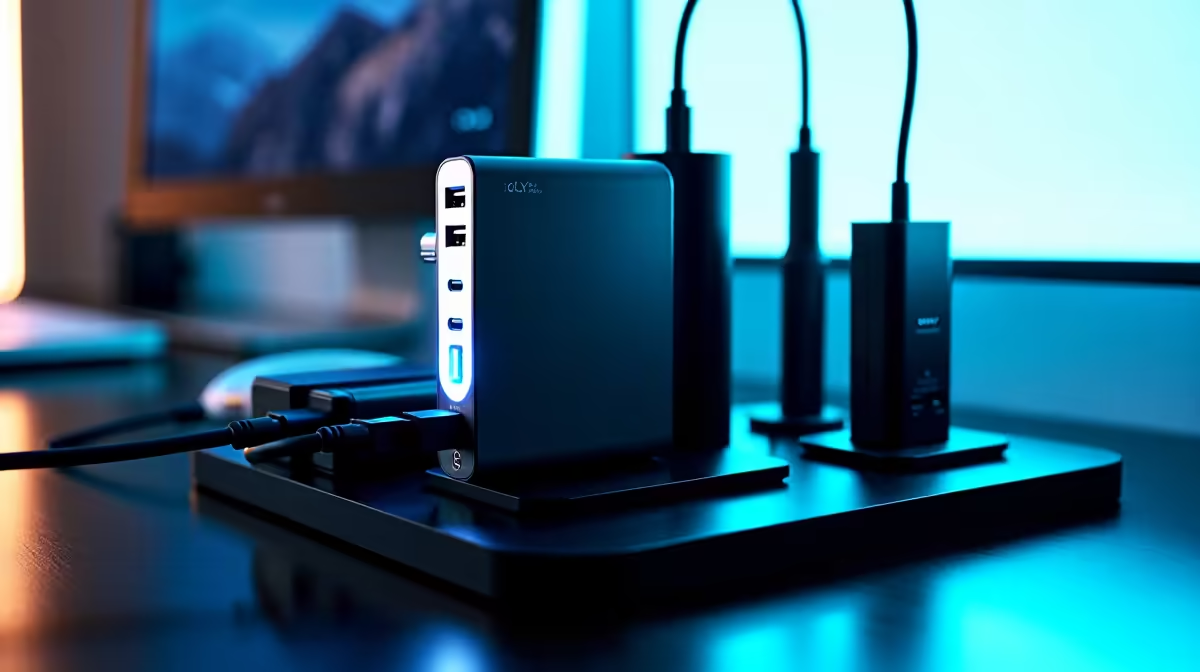
Using a single multi-port hub is far more efficient than using five individual wall plugs. High-quality Promate chargers are excellent for this purpose. They offer multiple high-speed outputs while taking up only one wall socket. This keeps your desk area tidy and reduces the risk of overheating from crowded power strips... a common issue in smaller home offices. 🔧
Organisation Pro Tip ⚡
Use small velcro ties instead of plastic zip ties to group your cables. They are reusable and don't bite into the cable shielding. Label each end with a small piece of masking tape. This ensures you never accidentally unplug your router when you meant to move your lamp.
Manage Cables on a Budget
You don't need to spend a fortune to get your workspace under control. Even if you are looking for chargers under R500, you can still achieve a professional look. Use simple adhesive cable clips to route wires along the back edge of your desk. This prevents them from falling behind the furniture every time you disconnect your laptop. It’s a simple fix that saves hours of daily frustration.
Future-Proof Your Charging Hub
For those with power-hungry gaming laptops or multiple tablets, look for high-wattage options. You can find robust chargers under R1000 that deliver enough juice for several devices simultaneously. A clean station isn't just about aesthetics... it's about ensuring your tech gets the stable voltage it needs to last longer. Investing in a reliable hub today prevents the "cable chaos" of tomorrow. 🚀
Ready to Find Your Perfect Match? A tidy desk leads to a tidy mind, and the right power solution makes all the difference. Explore our massive range of chargers and adapters and find the perfect hub to power your digital life.











