

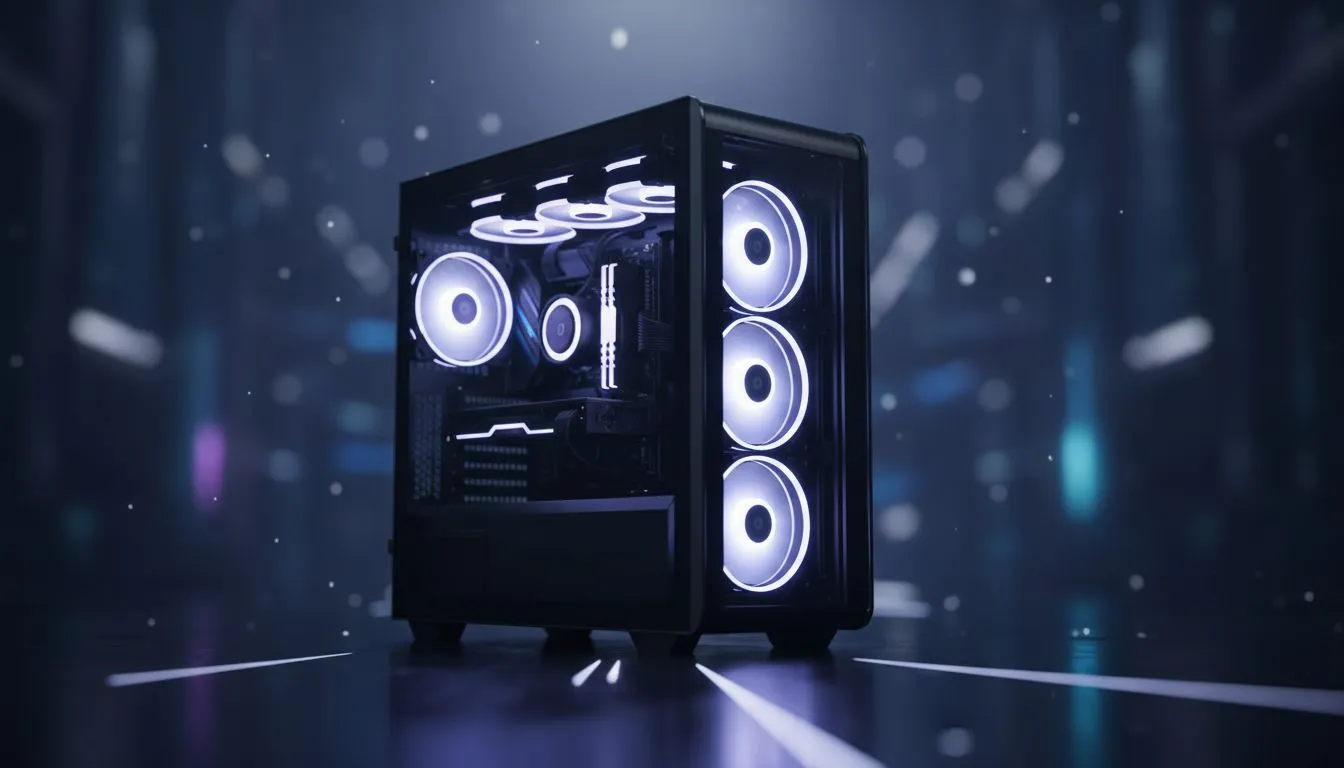
Finding the Right Fit for Your Pano II Air
Building a sleek gaming rig in South Africa should not be a guessing game. If you have your eye on the stunning Gamdias Pano II Air, you need to know exactly what fits inside before you hit that checkout button. This Pano II Air motherboard size guide breaks down the dimensions and compatibility secrets to ensure your next Build Lab project looks professional... without any nasty surprises.
Choosing the Right Board for Your Pano II Air
When picking components from our wide selection of computer cases, size is everything. The Pano II Air is specifically designed as a Micro-ATX powerhouse. While it looks spacious due to its wrap-around tempered glass, its internal layout is optimised for smaller footprints. This means you can comfortably fit Micro-ATX (M-ATX) or Mini-ITX motherboards. ✨
Why Micro-ATX is the Sweet Spot
Most South African gamers opt for M-ATX because it offers the best balance between price and features. If you are browsing Gamdias gaming cases, you will notice the Pano II Air stands out for its "back-connect" support. This allows you to hide cables behind the motherboard tray for a truly wireless look. This feature is compatible with the latest "project stealth" style boards.
Cable Management Pro Tip ⚡
When using a back-connect motherboard in the Pano II Air, ensure your power supply cables have enough length. The dual-chamber design provides plenty of room, but routing the 24-pin connector around the back requires a bit of extra slack to keep things tidy and stress-free.
Comparing Your Options
If you find that your current ATX board is too large, you might need to look at larger alternatives like Fractal Design PC cases. However, for those sticking to a budget under R1500, checking out our affordable Gamdias gaming cases is a smart move. The Pano II Air specifically caters to those who want a panoramic view of their hardware without the massive footprint of a full tower. 🚀
Maximising Airflow and Aesthetics 🔧
Because the Pano II Air uses a dual-chamber design, your motherboard size affects how you manage airflow. A Mini-ITX board leaves more room for side-mounted fans or custom liquid cooling loops. This Pano II Air motherboard size guide recommends sticking to M-ATX to fill the space perfectly... giving you that "full" look that makes your RGB lighting pop.
Ready to Build Your Dream PC? Finding the right motherboard for your Pano II Air is just the start of your journey. Check out our latest deals on Gamdias cases and start your next Build Lab project with the best components in South Africa.











