

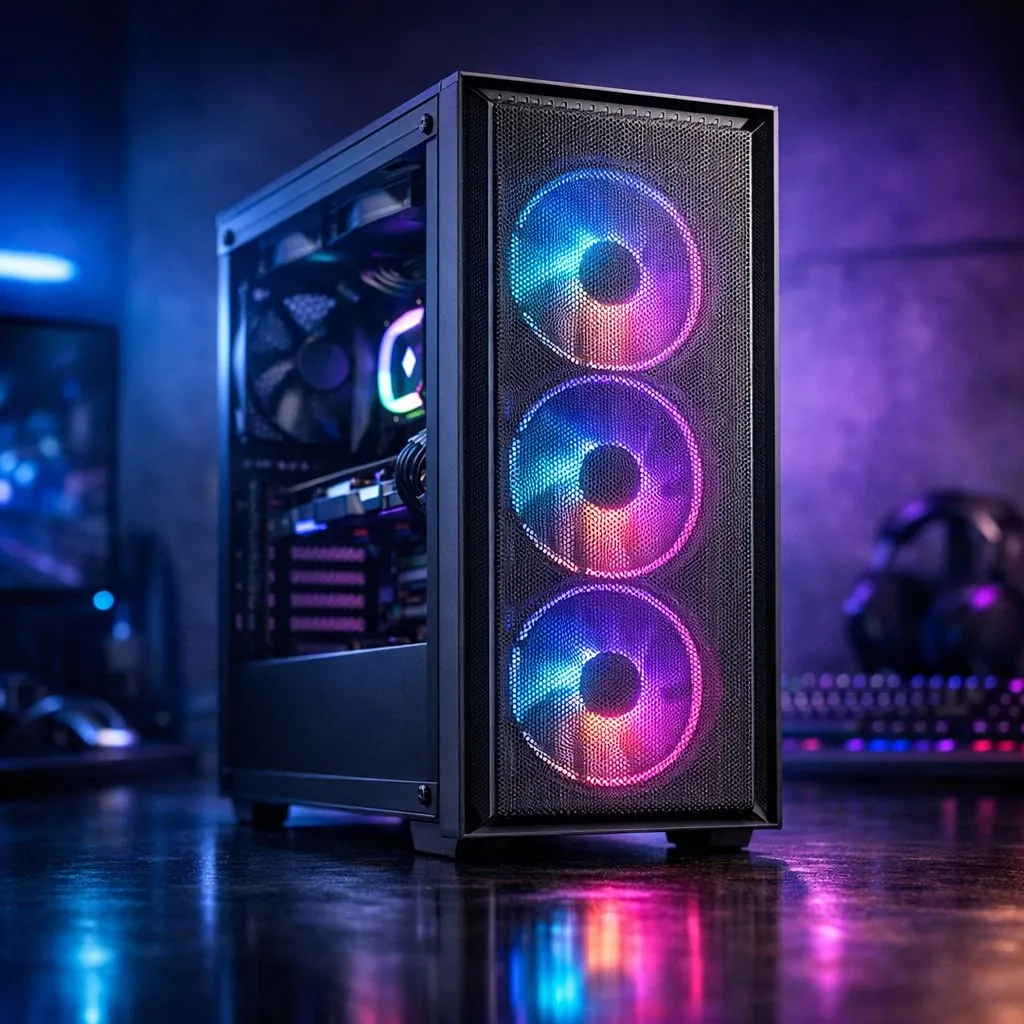
Building your first PC in South Africa? It’s an exciting journey! But amidst the buzz of choosing a CPU and GPU, there's a silent performance killer many overlook: heat. Getting your PC case airflow right from the start is crucial, especially during our hot summers. It’s the difference between a cool, quiet machine that smashes benchmarks and a noisy, thermal-throttling rig that struggles to keep up. Let's get it right. 🔧
Understanding PC Case Airflow: More Than Just Fans
At its core, great PC case airflow is about a simple, continuous cycle: drawing cool, fresh air in and expelling hot air out. Think of it as your computer’s respiratory system. When your components, like the processor and graphics card, work hard, they generate a lot of heat. Without a clear path for that heat to escape, it builds up inside the case, forcing your components to slow down (thermal throttle) to protect themselves.
Proper airflow doesn't just maximise your performance; it also extends the lifespan of your hardware. A well-ventilated system is a happy, healthy system. The good news is that achieving this is straightforward once you understand the principles, and it starts with choosing from the wide variety of computer cases designed with cooling in mind.
The Basics of Proper Airflow in Your PC Case
To master airflow, you only need to grasp a few key concepts. It’s not about stuffing your case with as many fans as possible; it’s about making them work together intelligently.
Positive vs. Negative Pressure
This sounds technical, but it’s easy. It’s all about the balance between your intake fans (pulling air in) and exhaust fans (pushing air out).
- Positive Pressure: More air is being pushed into the case than is being pulled out. This is fantastic for our dusty South African environment, as air is forced out through unfiltered gaps, preventing dust from settling inside.
- Negative Pressure: More air is being pulled out of the case. This can offer slightly better cooling but acts like a vacuum, sucking dust in through every crack and crevice.
For most first-time builders in SA, aiming for slightly positive or neutral pressure is the best strategy. ✨
The Natural Path of Air 💨
Heat rises. Your airflow setup should work with physics, not against it. The most effective and common configuration is:
- Intake: Fans at the front and/or bottom of the case pull cool air in.
- Exhaust: Fans at the back and/or top of the case push hot air out.
This creates a smooth channel of air moving across your hottest components (CPU and GPU) and exiting efficiently. Many premium brands build their chassis around this principle, with Fractal Design PC cases being a prime example of minimalist design meeting maximum airflow.
Cable Management is Airflow Management ⚡
cables aren't just for looks! A messy bundle of wires right in the middle of your case can create a massive air dam, blocking cool air from reaching your components. Take 20 extra minutes to route your cables behind the motherboard tray. Most modern cases, including many affordable [Gamdias gaming cases](https: www.evetech.co.za PC-Components gamdias-gaming-cases-293), have built-in channels and tie-down points to make this easy.
Setting Up Your PC Case Airflow for Success
Choosing the right case is half the battle. Look for a chassis with a mesh front panel, as this allows for far less restricted airflow compared to a solid glass or plastic front. While solid fronts can look sleek, they often compromise on cooling potential.
You don't need to break the bank to get excellent thermal performance. Many builders are surprised to find that you can get fantastic Gamdias gaming cases under R1500 that come with pre-installed fans and mesh fronts, giving you a brilliant head start on your build. Getting your PC case airflow sorted is one of the most satisfying and impactful steps in building a PC that will serve you well for years to come.
Ready to Build a Cooler, Faster PC? Mastering PC case airflow is the first step to a powerful and reliable rig. Don't let overheating throttle your performance. Explore our massive range of computer cases and find the perfect chassis to keep your components frosty.











