

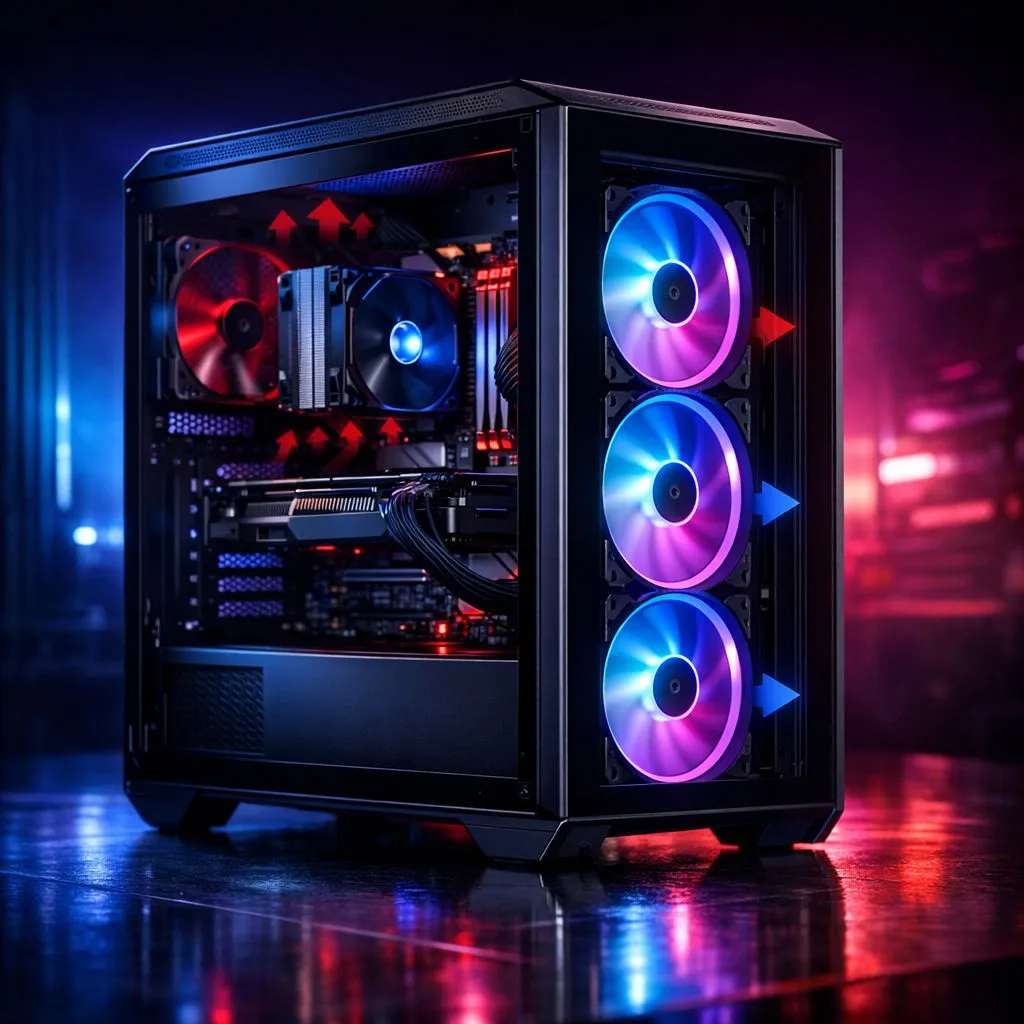
Master Your Thermals: PC Case Airflow: Intake, Exhaust & Negative Pressure Explained
South African summers are brutal on gaming hardware. If your PC sounds like a jet engine during a session of Apex Legends, your cooling setup likely needs a rethink. Understanding PC Case Airflow: Intake, Exhaust & Negative Pressure Explained is the first step toward a quieter, cooler, and longer-lasting rig. Let's look at how to optimise your setup for the best thermal performance.
The Fundamentals of Intake and Exhaust
Airflow is a simple concept... cool air must come in, and hot air must go out. Intake fans are usually placed at the front or bottom of the chassis. They pull in fresh, ambient air to cool your GPU and CPU. Most builders start with standard 120mm case fans because they fit almost every chassis available in South Africa.
Exhaust fans are typically positioned at the rear or top. Their job is to eject the hot air rising off your components. If you have the space, upgrading to 140mm case fans can move more air at lower speeds. This results in a much quieter experience during heavy workloads.
Understanding Pressure: Positive vs Negative
Pressure balance determines how dust enters your system. Positive pressure happens when your intake volume exceeds your exhaust volume. This forces air out of every small gap in the case... preventing dust from seeping in through un-filtered cracks. Many enthusiasts choose CORSAIR fans for this because of their precise PWM control.
The Dust Filter Secret ⚡
Always ensure your intake fans are behind a dust filter. If you have positive pressure, the only way air (and dust) enters is through these filtered intakes. This keeps your internal components clean and maintains high thermal efficiency for much longer between deep cleans.
Negative pressure occurs when more air is being pulled out than pushed in. While this can sometimes lower GPU temperatures slightly, it turns your PC into a vacuum cleaner. Dust will find its way into every USB port and seam. For a balanced and cost-effective approach, Deepcool fans offer excellent static pressure and airflow ratings for South African builders on a budget.
Aesthetics and Performance Balance
Choosing the right look is just as important as the physics. If you want your rig to stand out during a midnight LAN, RGB case fans provide both cooling and a customisable light show. You can sync these colours with your motherboard for a unified look.
However, not everyone wants a glowing light box under their desk. For professional workstations or stealth builds, fans with no lighting are the way to go. They focus purely on performance and reliability without the extra cable management. No matter your preference, browsing the full range of case fans will help you find the right balance of CFM (Cubic Feet per Minute) and noise levels.
Ready to Chill Your Rig? Don't let high temperatures throttle your performance or shorten your hardware's lifespan. Whether you need high-static pressure or silent operation, we have the cooling solutions for you. Explore our massive range of case fans and keep your PC running cool even in the heat of battle.











