

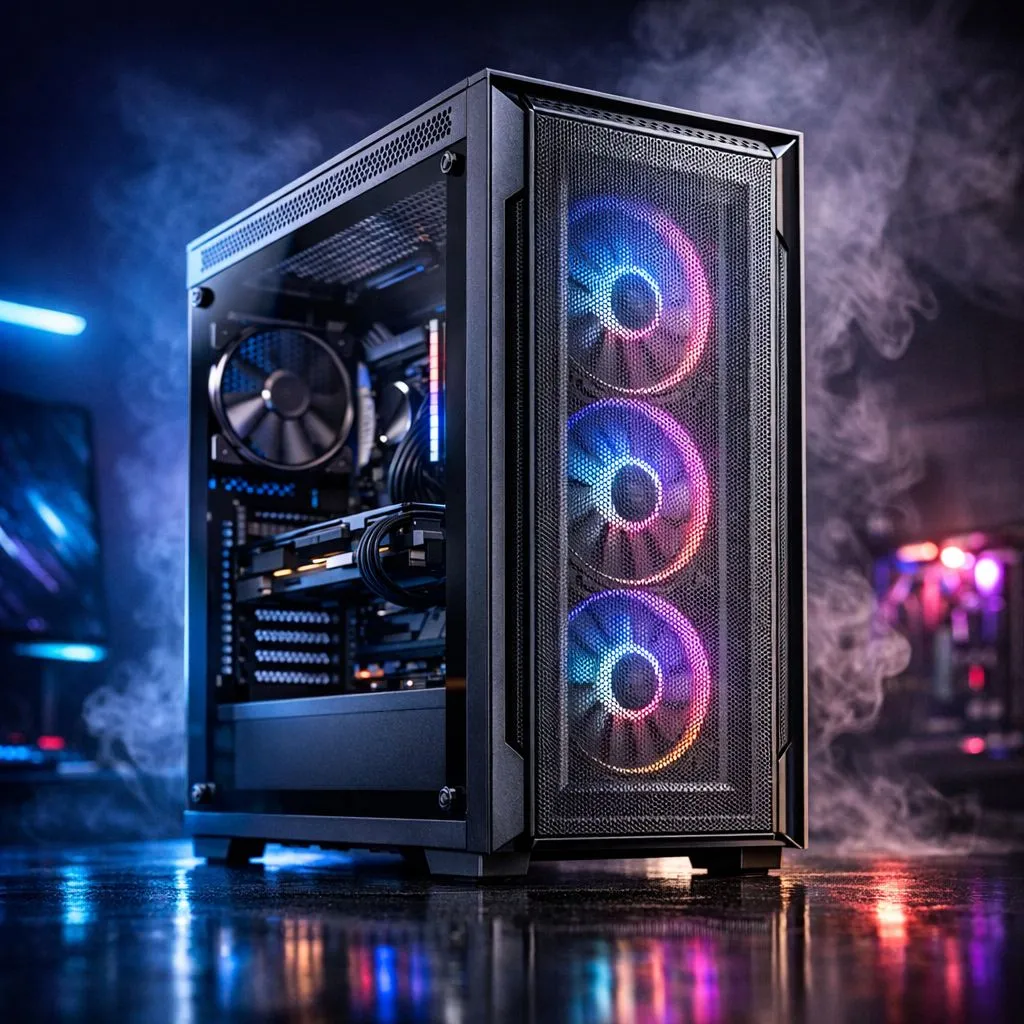
Why PC Case Airflow Matters for Your Gaming Rig
It is a scorching afternoon in Gauteng... your fans are spinning at max RPM... and your frame rates are starting to dip. If your PC feels like a space heater, you are likely battling thermal throttling. Understanding PC Case Airflow: How Ventilation Affects CPU and GPU Temps is essential for any South African gamer. High ambient temperatures mean your hardware has to work harder just to stay within safe operating limits. 🔧
The Impact of Ventilation on Internal Components
When cool air enters your chassis, it picks up heat from the heatsinks on your processor and graphics card. If that air cannot escape quickly, it lingers... creating a heat soak effect. This is why choosing the right computer cases is the most important decision for your build's longevity. A case with a restrictive front panel forces your fans to work harder, increasing noise and reducing efficiency.
For those who prioritise a balance between silence and high-performance cooling, fractal design pc cases are a top-tier choice. Their engineered layouts ensure that air moves in a direct path over your hottest components. This reduces the "dead zones" where hot air often gets trapped behind the GPU shroud.
Optimising Your Setup on a Budget
You do not need to break the bank to get decent thermals. There are many gamdias gaming cases under R1500 that feature mesh front panels and multiple fan mounts. These entry-level options often outperform much more expensive "showcase" cases that prioritise glass over airflow. ⚡
If you are looking for something with a bit more room for customisation, the full range of gamdias gaming cases offers excellent versatility. Whether you are mounting a 360mm AIO or just want extra 140mm intake fans, these chassis provide the breathing room your hardware needs.
Airflow Pro Tip ⚡
Always aim for 'Positive Air Pressure' by having more intake fans than exhaust fans. This ensures air is pushed out of every small crack in your case, which significantly reduces dust build-up on your expensive components... a must-have strategy for dusty South African environments.
Final Thoughts on Thermal Management
Effective ventilation is not just about adding more fans. It is about the quality of the path that air takes. By selecting a chassis designed for high airflow, you can drop your GPU temperatures by 5 to 10 degrees Celsius. This headroom allows your hardware to boost higher for longer... giving you the edge in every match. 🚀
Ready to Cool Down Your Build? Don't let high temperatures throttle your performance. Whether you need a high-airflow mesh beast or a sleek silent operator, we have the right chassis for your next upgrade. Explore our massive range of computer cases and keep your CPU and GPU running at their peak.











