

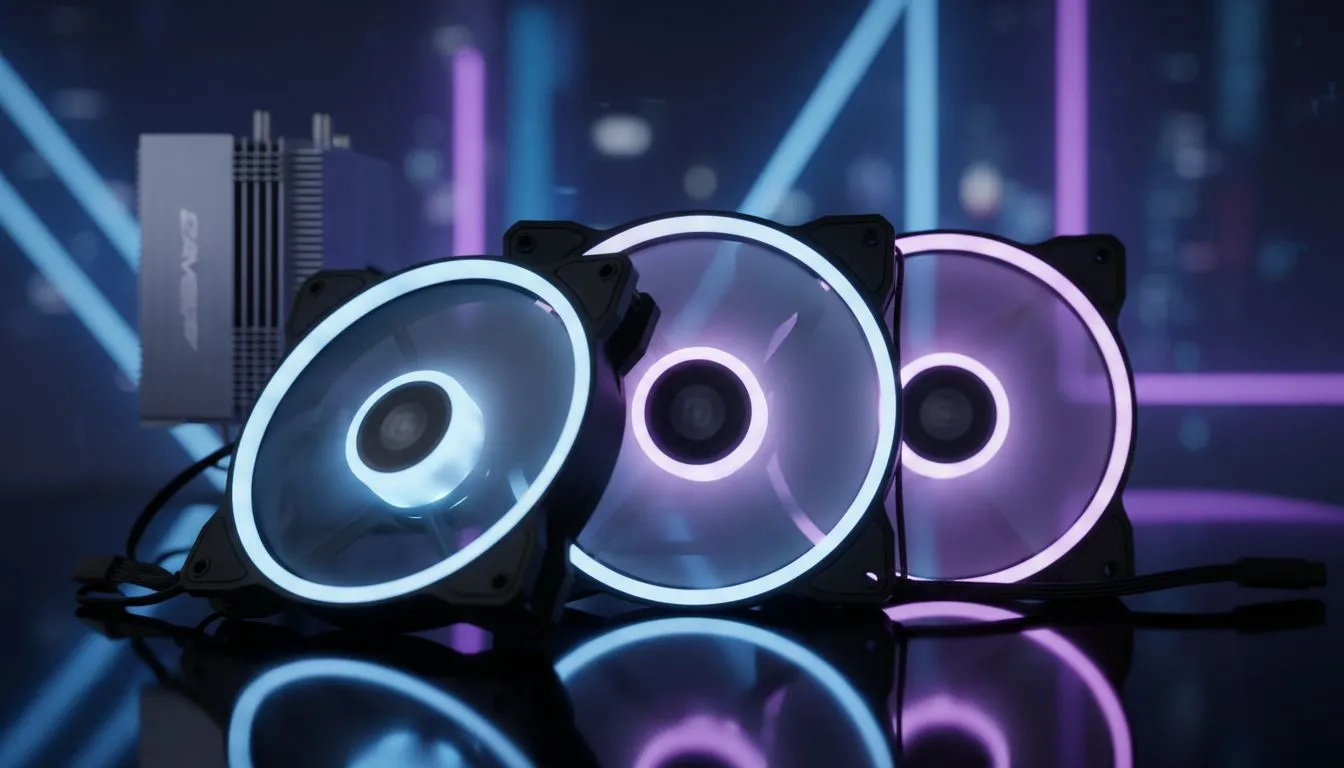
Why good fans still matter for local builds 🔧
South African gamers forget fans until temps spike and FPS drops. This guide covers PC Case Fans: Complete Buyer's Guide for South African Gamers so you pick the right sizes, speeds, and placements for our hot summers and long sessions. Read fast, save temps, and avoid noisy rigs that ruin headphone immersion.
Fan sizes and airflow — pick what fits
Most modern cases support 120mm and 140mm fans; larger fans usually move more air at lower RPMs, so they run quieter for the same cooling effect. Check your case's supported fan sizes before buying — Evetech’s PC case selection lists compatibility per model and helps you match fans to chassis layouts (see Evetech's PC case selection). 🔍
- 120mm: versatile, tons of models.
- 140mm: better static pressure at lower noise in many setups.
- 200mm: great for big front intakes but need the right case.
For a quick compatibility check, browse case options and fan layouts on Evetech's PC case pages to avoid returns: https://www.evetech.co.za/components/computer-cases-70
Fan types, bearings and lifespan
Choose between sleeve, fluid dynamic (FDB), and ball bearings. FDBs tend to be quieter and last longer in typical gaming use. If you value silence during streams, invest in reputable brand fans with good build quality rather than the cheapest option.
Want quiet, high-quality options? Compare Fractal models and their accessory fans — Fractal design cases frequently include tuned fans that are optimised for silence and airflow: https://www.evetech.co.za/PC-Components/fractal-design-pc-cases-346
Placement and airflow strategy
A simple rule: front/bottom for intake, top/rear for exhaust. Balance intake and exhaust to manage positive or neutral pressure; positive pressure reduces dust ingress. For GPUs that run hot, aim for direct front-to-back airflow through the GPU area.
If you run an AIO or large air cooler, place fans to support that component specifically. Alignment matters more than raw CFM in many builds.
Fan control: PWM, voltage control, and hubs
PWM fans let your motherboard or a fan controller adjust speeds based on temperature. If your motherboard lacks enough headers, consider a hub or a small fan controller. Many modern motherboards provide multiple 4-pin headers; check your board’s manual before buying.
For budget-focused cases or pre-built bundles, Gamdias offers gaming-oriented cases that include fan mounting flexibility. See the Gamdias case range and plan your fan layout accordingly: https://www.evetech.co.za/PC-Components/gamdias-gaming-cases-293
If you’re shopping on a budget, filter by price to find value builds under R1,500 or layers to upgrade later: https://www.evetech.co.za/PC-Components/gamdias-gaming-cases-293?max-price=1500
Cooling Quick Tip ⚡
Fit larger fans where possible. A single 140mm intake often outperforms two 120mm fans at the same noise level because larger blades move more air at lower RPM. Also, clean dust filters every 4–8 weeks to maintain airflow and component life.
Noise vs performance — how to tune
Noise is about RPM and blade design. If you stream or record, aim for fans with a low noise rating and use a fan curve that keeps speeds down under light loads. Use software like your motherboard utility to set a conservative curve: ramp up only when GPU or CPU hits your chosen threshold.
When comparing options, prioritise well-reviewed fans that balance aerodynamic blades with quality bearings. Evetech's product listings often include user reviews and spec sheets to help decide.
Installation checklist and final build tips 🚀
- Measure mounting holes and clearance for CPU coolers and GPUs.
- Plan cable routing to avoid blocking fans.
- Use rubber mounts or anti-vibration screws to reduce resonance.
- Keep intake filters clean; dust kills performance over time.
For case shopping and final parts matching, Evetech’s case catalogue helps you visualise fan placement and mounting points before purchase: https://www.evetech.co.za/components/computer-cases-70
If you prefer pre-configured aesthetics or specific layouts, check brand-specific ranges and reviews. Fractal and Gamdias pages give practical examples of case designs and included fans: https://www.evetech.co.za/PC-Components/fractal-design-pc-cases-346 and https://www.evetech.co.za/PC-Components/gamdias-gaming-cases-293
Quick buying plan for South African gamers
- Confirm case fan support and clearance.
- Pick PWM fans with FDB for quiet longevity.
- Balance intake/exhaust; prioritise GPU airflow.
- Buy from a trusted local retailer to simplify returns and warranty claims.
Ready to Find Your Perfect Match? The Mac vs Windows debate is complex, but for maximum power, choice, and value in South Africa, Windows is hard to beat. Explore our massive range of laptop specials and find the perfect machine to conquer your world.











