

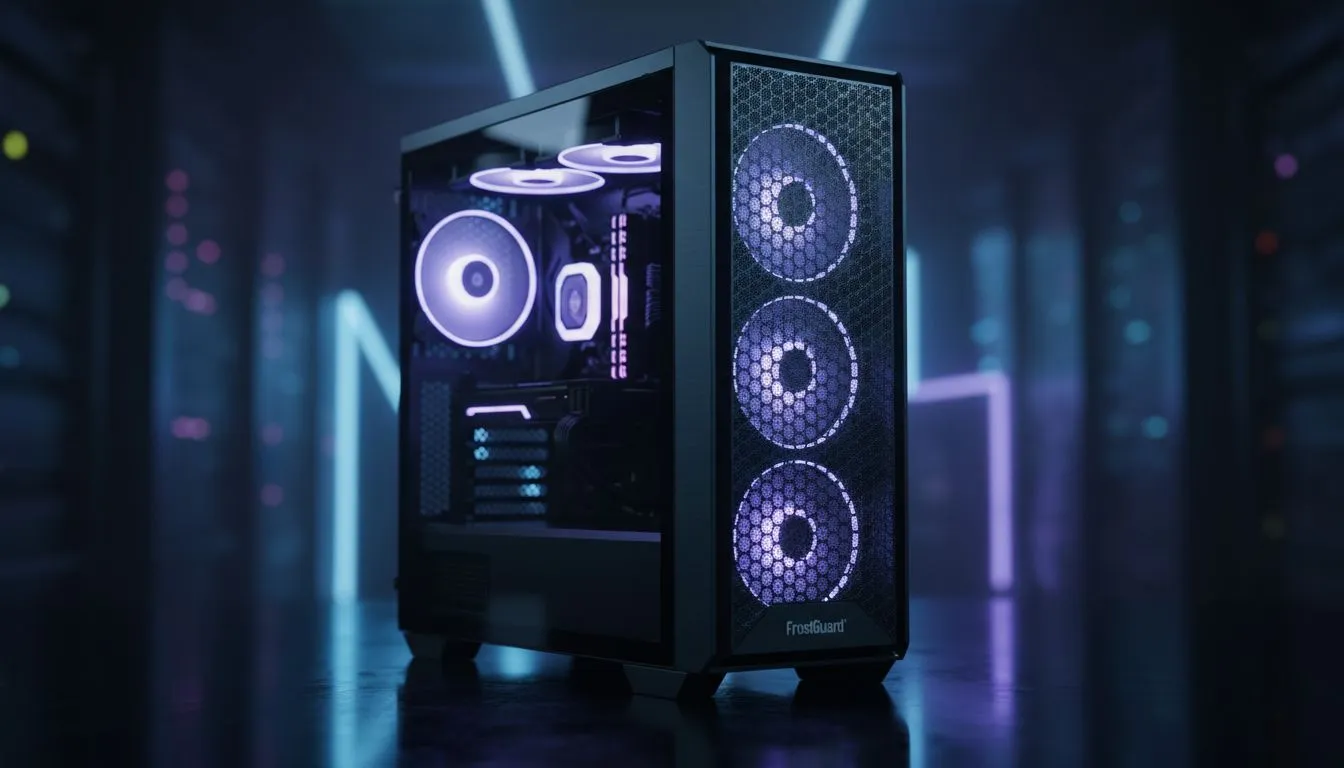
Why Choosing the Right PC Case for Hot Climates Matters
South Africa’s summer heat isn’t just a nuisance — it can seriously impact your PC’s performance and lifespan. A smart PC case for hot climates keeps your components cool, prevents overheating, and extends their usable life 🔧. But with so many options available, finding the right case tailored to local conditions can feel overwhelming. Let’s break down what works best to protect your rig under our African sun.
How a PC Case for Hot Climates Extends Component Lifespan
Keeping your CPU, GPU, and motherboard cool doesn’t just improve frame rates — it drastically reduces wear and tear. High temperatures speed up component degradation and increase the risk of crashes. That’s why a PC case designed for hot climates must prioritise airflow and ventilation.
Look for cases with mesh fronts and multiple fan mounts to optimise air intake. For example, Fractal Design’s PC cases combine sleek looks with efficient cooling layouts. Their emphasis on airflow channels helps dissipate heat faster, ideal for a high-performance build here in South Africa’s warmer areas.
What Features Define a Great Case for Hot Conditions? ⚡
Ventilation and Airflow
A case with ample airflow uses mesh panels or perforated surfaces instead of solid plastic or tempered glass fronts. This allows cooler ambient air to reach your components without restriction.
Fan Compatibility and Placement
Choose a case supporting various fan sizes and locations — front intake, top exhaust, and rear exhaust fans work together like a well-choreographed dance. Good cooling setups push hot air out effectively while pulling cooler air in.
Cable Management and Dust Control
Proper cable management improves airflow by reducing obstructions inside the case. Also, dust filters on intakes reduce dirt build-up that can trap heat over time.
Material and Build Quality
Materials with good thermal conductivity and sturdy frames help dissipate heat while protecting your rig.
Exploring Gamdias gaming cases reveals a range of options balancing these factors, many available below R1500 to suit local budgets without compromising cooling performance.
Evetech’s Top Picks for PC Cases Built for SA Heat
Ready to upgrade but unsure where to start? Evetech stocks various computer cases perfect for hot climates, including premium and budget-friendly options. Browse the full selection of computer cases at Evetech for detailed specs and pricing.
Gamdias’ reputation for cooling-focused gaming cases makes them a great choice if you want stylish designs that don’t sacrifice airflow. See their full range here.
For those seeking a balance between premium features and crowd-pleasing aesthetics, Fractal Design PC cases stand out with award-winning thermal designs trusted worldwide.
Expert Tips to Keep Your PC Cool in SA’s Heatwave 🌞
Pro Tip for Cooler Performance
Set your fan curves to ramp up speed just before your components hit 60°C; it’s a silent way to keep temps down without noise spikes.
- Position your PC away from direct sunlight and enclosed spaces.
- Use high-quality thermal paste on your CPU for better heat transfer.
- Clean dust filters monthly; South African dust can accumulate fast.
- Consider adding extra case fans or upgrading to quiet, high-CFM fans for efficient airflow.
Regularly monitoring your internal temps with free tools helps you catch heat issues before they damage components. It’s a small habit that extends your PC’s life in the long run.
Find Your Ideal PC Case for Hot Climates Don't let the South African heat shorten your PC's lifespan. Discover a range of expertly designed computer cases for optimal cooling and durability—and Shop now at Evetech for performance that leaves lag in the dust.











