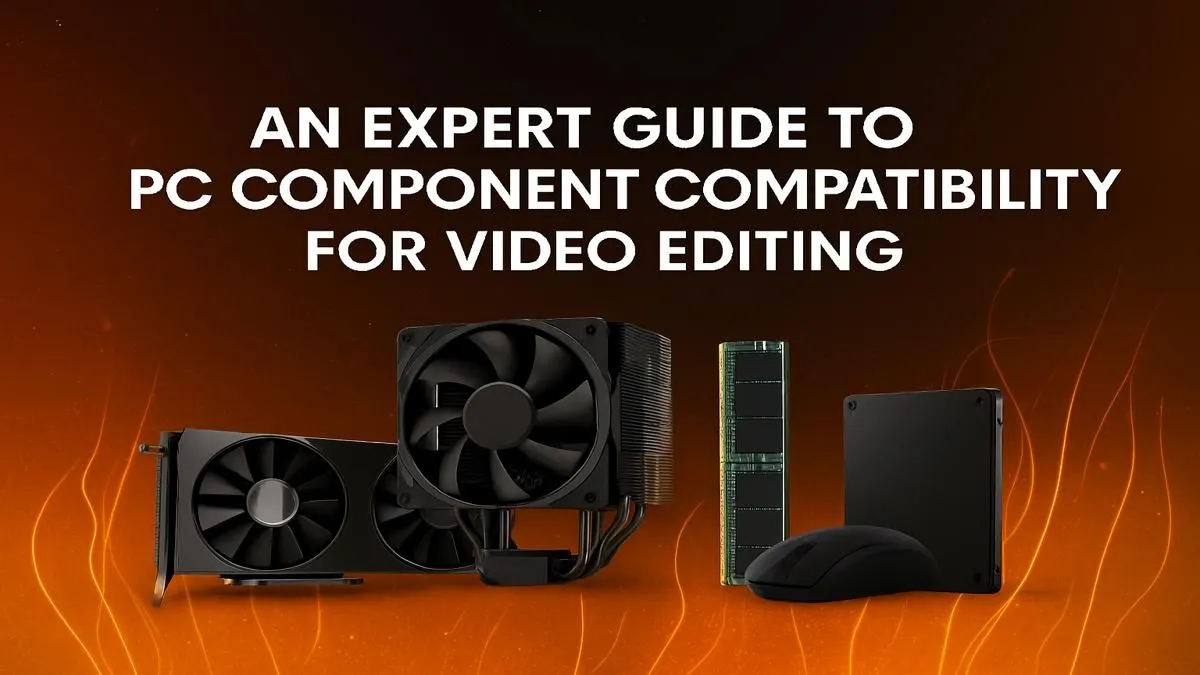
So, your gaming rig is a monster. It crushes frames in Helldivers 2 and never breaks a sweat. But the moment you import 4K footage into DaVinci Resolve or Premiere Pro, it starts to stutter and lag. What gives? The truth is, the hardware balance for gaming and content creation is different. This expert guide dives into the essentials of PC component compatibility for video editing, ensuring your next build or upgrade is a smooth, render-crushing machine. 🚀
The CPU: Your Editing Rig's Brain
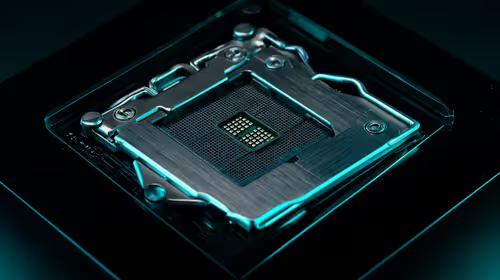
When it comes to PC component compatibility for video editing, the Central Processing Unit (CPU) is king. While high clock speeds are great for gaming, video editing software loves cores... lots of them. More cores mean more power to encode video, render complex effects, and multitask without your system grinding to a halt.
For years, this made AMD Ryzen systems the go-to choice for creators, thanks to their impressive multi-core performance at competitive prices. However, modern Intel-powered PCs have a secret weapon: Quick Sync Video. This integrated graphics technology provides incredible hardware acceleration for encoding and decoding common video codecs like H.264 and HEVC, dramatically speeding up your timeline scrubbing and export times.
The ideal choice depends on your primary software and workflow, but a modern CPU with at least 8 cores is a fantastic starting point for any serious editor.
The GPU: Beyond Just Gaming Power
Your Graphics Processing Unit (GPU) does more than just push pixels in games. In video editing, it's a co-processor that handles GPU-accelerated effects, colour grading, transitions, and, crucially, rendering. The key specs to watch are VRAM (video memory) and processing cores (like NVIDIA's CUDA cores).
More VRAM is essential for handling high-resolution footage. Editing 4K or 6K video? You'll want at least 8GB of VRAM, with 12GB or more being ideal to avoid performance bottlenecks. This is why many NVIDIA GeForce gaming PCs are also fantastic editing machines, as their powerful GPUs and robust driver support (NVIDIA Studio Drivers) are optimised for creative applications. While often praised for their gaming value, many modern AMD Radeon gaming PCs also offer strong performance in programs that leverage OpenCL.
Pro Tip: Unlock Your GPU's Power ⚡
In your editing software (like Premiere Pro or DaVinci Resolve), dive into the settings and ensure GPU acceleration (CUDA for NVIDIA, OpenCL Metal for AMD) is enabled. This simple check can drastically improve playback performance and slash your export times by offloading work from the CPU to the more efficient GPU.
RAM and Storage: The Unsung Heroes of Editing
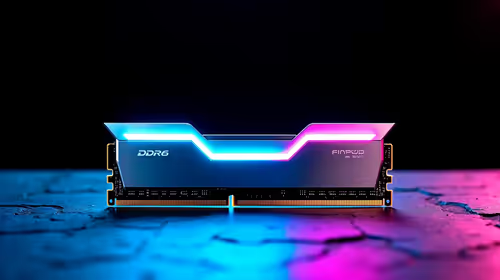
You can have the best CPU and GPU in the world, but if you're short on RAM or using a slow hard drive, your editing experience will be painful. Think of RAM as your PC's short-term memory and workspace.
How Much RAM is Enough?
- 16GB: The absolute minimum for 1080p editing. You might get by, but expect to close other applications.
- 32GB: The sweet spot for most 4K editors. It allows for smooth multitasking and handling of more complex projects. ✨
- 64GB+: Recommended for professionals working with 6K/8K footage, extensive visual effects, or complex After Effects compositions.
Storage Speed is Non-Negotiable
Your storage configuration is a critical part of PC component compatibility for video editing. A single, slow hard drive is a recipe for disaster. For a responsive system, you need a tiered storage solution:
- OS & Applications Drive: A fast NVMe M.2 SSD (250GB - 500GB).
- Project Files & Scratch Disk: A larger, high-speed NVMe M.2 SSD (1TB - 2TB). This is where your active project files, media cache, and previews live. Speed here is paramount for a lag-free timeline.
- Mass Storage/Archive: A large traditional Hard Disk Drive (HDD) or a SATA SSD (4TB+) for storing completed projects and raw footage.
Putting It All Together for Peak Performance
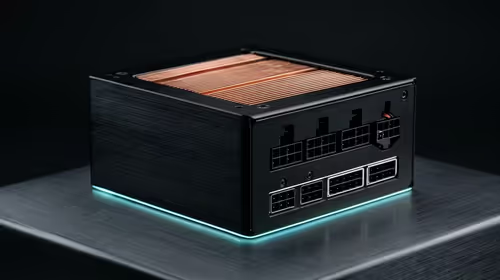
Ensuring all these parts work in harmony is the final piece of the puzzle. A quality motherboard with enough high-speed connectivity (like USB 3.2 Gen 2 and Thunderbolt) and a reliable Power Supply Unit (PSU) are the foundation of a stable editing rig. Getting this balance right is what separates a good PC from a great one.
If you'd rather skip the hassle of matching components yourself, exploring specialised Workstation PCs is a brilliant move. These machines are purpose-built and validated for creative workloads. Similarly, many of today's high-end, expertly configured pre-built PC deals offer an excellent balance of components that excel in both gaming and demanding video editing tasks. 🔧
Ready to Build Your Editing Powerhouse? Nailing PC component compatibility for video editing can feel complex, but the performance payoff is huge. Whether you're customising your dream rig or choosing a reliable pre-built, Evetech has the hardware and expertise to bring your creative vision to life. Explore our range of powerful Workstation PCs and find the perfect machine to conquer your next project.