

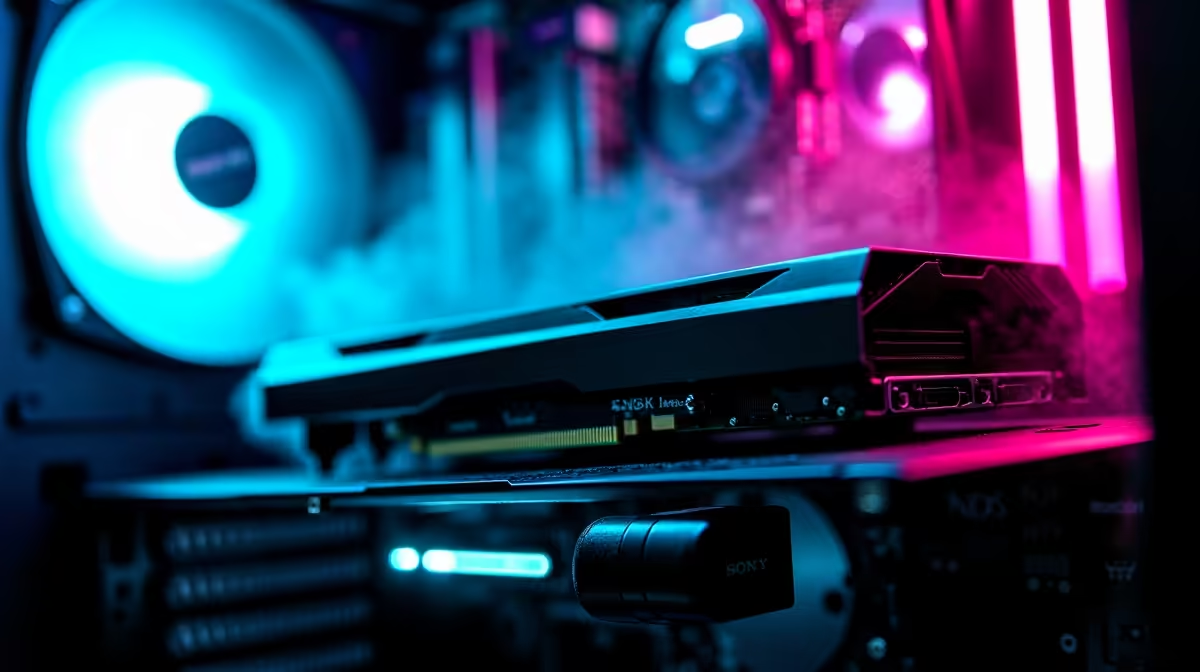
So, you’re ready to build your first gaming PC. Awesome! The idea of piecing together your own rig is a proper thrill—like high-tech Lego for adults. But let's be real, staring at a list of components can feel a bit hectic. What’s a CPU socket? Is 16GB of RAM enough? Don't stress. This PC components guide is your ultimate starting point, designed specifically for South African gamers ready to ascend. Let's get building. 🚀
Your PC Build Blueprint: The Core Components
Think of these first three parts as the non-negotiable foundation of your build. Everything else connects to them, so getting this trio right is crucial for a stable and powerful system. This is where a solid plan for building a gaming PC begins.
The CPU: The Brain of the Operation
The Central Processing Unit (CPU) is the engine of your PC. It handles all the instructions that make your games and applications run. The main choice you'll face is between Intel (like the Core i5 or i7) and AMD (like the Ryzen 5 or 7). For a pure gaming focus, both offer incredible performance. A modern 6-core processor is a fantastic sweet spot for performance without breaking the bank, forming the heart of many excellent budget gaming PCs.
The Motherboard: The Central Nervous System
If the CPU is the brain, the motherboard is the skeleton and nervous system combined. It’s the main circuit board where every single component plugs in. The most important factor here is compatibility. Your motherboard's "socket" must match your chosen CPU (e.g., an AMD AM5 CPU needs an AM5 motherboard). It also determines how many RAM slots, storage drives, and other peripherals you can connect.
RAM: Your PC's Short-Term Memory
Random Access Memory (RAM) is where your PC temporarily stores data it needs to access quickly. For gaming in 2024 and beyond, 16GB is the recommended minimum for a smooth experience. It allows you to run a game, have Discord open, and maybe a browser tab or two without your system slowing down. For those looking at a solid mid-range build, many great PCs under R20,000 come perfectly configured with 16GB of fast RAM.
The Heart of the Action: Choosing Your Graphics Card (GPU)
Alright, let's talk about the fun part! The Graphics Processing Unit (GPU), or graphics card, is the single most important component for gaming performance. It’s what renders the beautiful worlds you explore and delivers those silky-smooth frame rates.
Your choice here—typically between NVIDIA's GeForce RTX series and AMD's Radeon RX series—will depend heavily on your budget and performance goals. Are you aiming for 1080p high-refresh-rate gaming or pushing for 4K glory? A more powerful GPU costs more, but the visual payoff is immense. If you're unsure where to start, looking at the GPUs featured in popular pre-built PC deals can give you a great idea of what's currently offering the best bang for your buck.
Speed & Stability: Storage and Power Supply (PSU)
These components might not be as glamorous as a new GPU, but they are absolutely vital to your PC’s overall speed and reliability. Skimping here is a classic rookie mistake.
Storage: Where Your Games Live
Forget old-school hard drives (HDDs) for your main drive. A Solid State Drive (SSD) is essential. Specifically, an NVMe M.2 SSD, which plugs directly into the motherboard, offers mind-blowing load times. A 1TB NVMe SSD is a perfect starting point for your operating system and a healthy library of games. You can always add a larger, cheaper HDD later for mass storage.
Cable Management 101 🔧
Don't just stuff your cables in! Use the routing channels and tie-down points in your case. Good airflow isn't just for looks; it helps keep your components cool, quiet, and running at peak performance. A few zip ties can make a massive difference to your PC's health and aesthetics.
Power Supply Unit (PSU): The Unsung Hero
The PSU is the heart of your build, supplying clean, stable power to every single component. A cheap, unreliable PSU can put your entire R20,000+ investment at risk. Look for a unit from a reputable brand with an 80+ Bronze efficiency rating or higher. Ensure it has enough wattage for your parts, with a little extra headroom for future upgrades. High-performance builds, like those found in our gaming PCs above R20k, always feature quality power supplies for this very reason. ✨
The Finishing Touches: Assembling Your Rig
Finally, you need a case to house everything and cooling to keep it from overheating. The case is more than just a pretty box; it determines airflow, component clearance, and how easy the build process will be. For cooling, your CPU will come with a stock cooler, which is fine for starting out. However, a dedicated tower air cooler or an All-in-One (AIO) liquid cooler can offer better temperatures and quieter operation.
Putting it all together is a rewarding journey. But if following this PC components guide feels a bit daunting, that's perfectly okay. Sometimes the best move is to see how the experts do it. Browsing the best gaming PC deals can provide excellent inspiration or even offer the perfect ready-to-play solution.
Ready to Build Your Dream Rig? This guide is your first step to gaming glory. Whether you're ready to assemble it yourself part-by-part or want to configure a masterpiece with our experts, the power is in your hands. Use our Custom PC Builder and start creating the perfect machine for your budget and games.











