

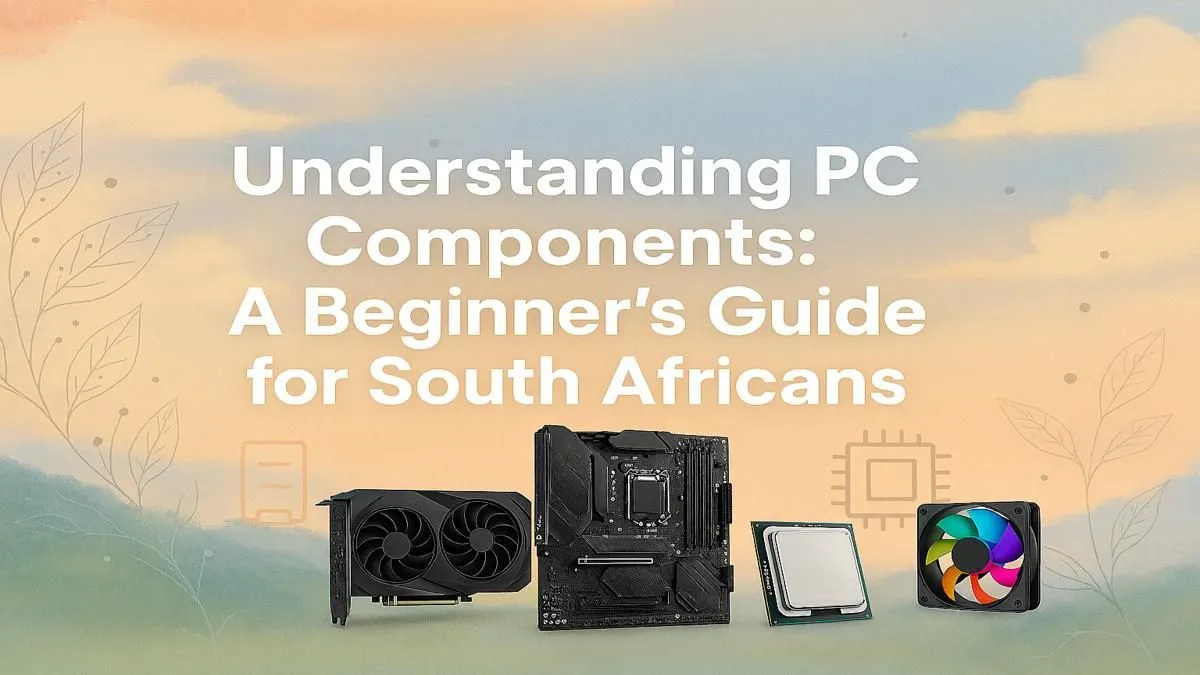
So, you’re ready to build your first PC. Awesome! The dream of assembling a custom rig, perfectly tailored to your games and budget, is a rite of passage. But let's be real… staring at a list of components can feel like decoding a secret language. What’s a CPU socket? Is 16GB of RAM enough? This PC components guide for South Africa is here to cut through the noise and get you started on your first build with confidence. 🔧
The Core Four: Your PC's Engine Room
Every great gaming PC starts with four key parts that do the heavy lifting. Getting this combination right is the most important step in your journey. Think of it as choosing the engine, transmission, and tyres for a race car.
The CPU (The Brain) 🧠
The Central Processing Unit (CPU) is your PC's brain. It handles instructions, calculations, and tells every other part what to do. For gaming, higher clock speeds (measured in GHz) and a good number of cores (6 or more is a great start) are key.
- Team Blue (Intel): Often a favourite for pure gaming performance at the top end.
- Team Red (AMD): Known for excellent multi-core performance, making them great for gaming and streaming or content creation.
The choice is yours, but for a high-end experience that crushes modern titles at high frame rates, you'll be looking at components found in powerful rigs over R20,000.
The GPU (The Visual Powerhouse)
The Graphics Processing Unit (GPU), or graphics card, is what renders the beautiful worlds you see on screen. This is the single most important component for gaming performance. More power here means higher resolutions, better visual quality, and smoother frame rates.
- NVIDIA (GeForce RTX): Famous for features like Ray Tracing and DLSS, which uses AI to boost performance.
- AMD (Radeon RX): Offers seriously competitive performance, often at a compelling price point.
You don't need the absolute best to have a fantastic experience. Many of the most popular cards provide incredible 1080p and 1440p performance, forming the heart of many excellent gaming PCs under R20,000.
Pro Tip: Avoid the Bottleneck! ⚡
Your CPU and GPU need to be a balanced team. Pairing a top-of-the-line RTX 4090 with an entry-level Core i3 CPU is a waste of money. The slow CPU will "bottleneck" the powerful GPU, holding it back from its full potential. Aim for components in a similar performance tier for the best results.
Memory & Storage: The Supporting Cast
While the CPU and GPU get the spotlight, they can't function without fast memory and storage. These components ensure your games load quickly and run without frustrating stutters.
RAM (Short-Term Memory)
Random Access Memory (RAM) is where your PC temporarily stores data it needs right now, like your open game, Discord, and web browser. For modern gaming, 16GB is the sweet spot. 32GB is becoming more common for future-proofing and heavy multitasking, but 16GB will serve you well.
Storage (Your Game Library)
This is where your operating system, games, and files live permanently.
- Solid State Drive (SSD): Essential for your operating system and favourite games. They are incredibly fast, meaning minimal loading screens. An NVMe M.2 SSD is the current gold standard.
- Hard Disk Drive (HDD): Slower, but offers much more storage for the price. Great for storing older games, videos, and photos.
A smart budget strategy is to pair a fast 500GB or 1TB NVMe SSD with a larger 2TB HDD, a common setup in our range of budget gaming PCs.
The Foundation: Motherboard & Power Supply
These parts aren't as glamorous, but they are the foundation that holds your entire build together. Skimping here can lead to instability and headaches down the line. ✨
The Motherboard (The Central Hub)
The motherboard connects everything. The most important factor is choosing one with the correct "socket" for your chosen CPU (e.g., AM5 for modern AMD, LGA 1700 for modern Intel). It also determines how many RAM slots, storage drives, and other features you can have.
The PSU (The Heart) ❤️
The Power Supply Unit (PSU) delivers electricity to every single component. Don't cheap out on it! A poor-quality PSU can be inefficient or even damage your expensive parts. Look for a unit with an "80 Plus Bronze" rating or higher from a reputable brand, and ensure it has enough wattage for your parts (a 650W-750W unit is a safe bet for most mid-range builds).
Seeing how these carefully selected parts work in harmony is what makes a great PC. You can see examples of perfectly balanced systems if you check out our best gaming PC deals.
Ready to Start Your PC Journey? This PC components guide for South Africa gives you the map, but the journey is yours. If you'd rather skip the assembly and dive straight into the action with a professionally built, warrantied machine, we've got your back. Explore our wide range of pre-built PC deals and find the perfect rig to conquer your world.











