


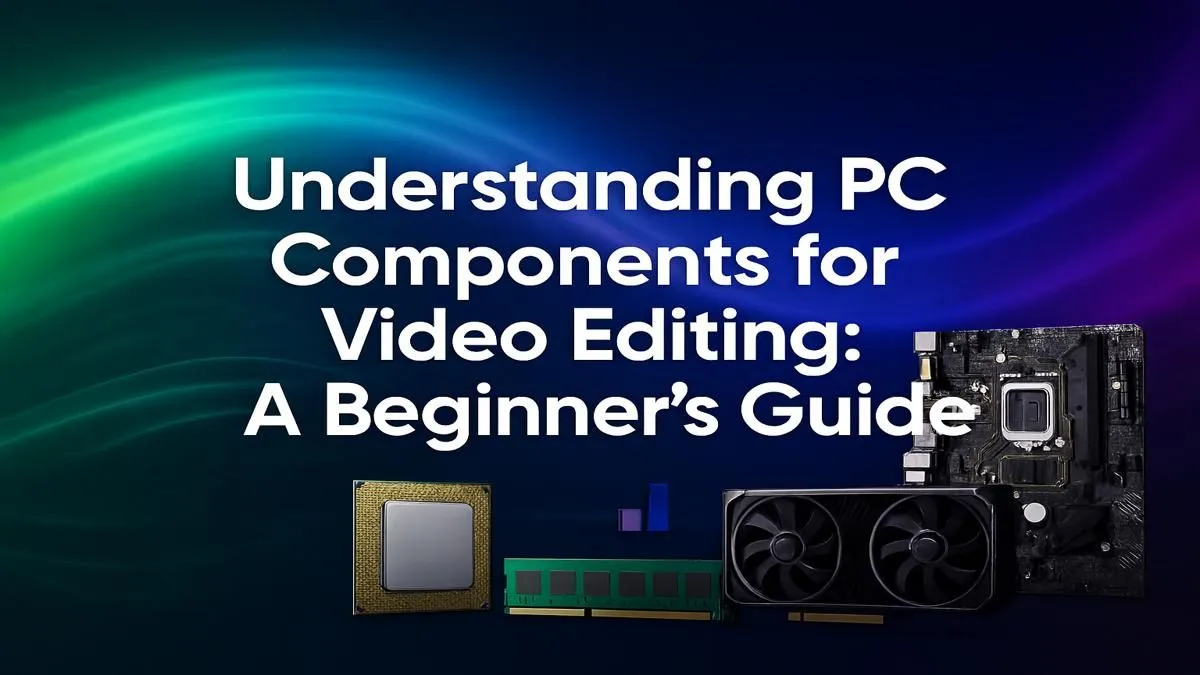
Staring at a progress bar, waiting for your video to render... we've all been there. But what if you could scrub through 4K footage smoothly and export in minutes, not hours? This beginner's guide breaks down the essential PC components for video editing, helping you build or buy a machine in South Africa that keeps up with your vision.
The CPU: Your Editing PC's Brain 🧠
The Central Processing Unit (CPU) is the engine of your editing rig. It handles tasks like decoding video files, processing effects, and, crucially, encoding your final export. When choosing a CPU, two specs matter most:
- Core Count: More cores mean better multitasking. A CPU with many cores can work on multiple tasks simultaneously, which is a massive help when rendering complex timelines with lots of effects.
- Clock Speed (GHz): This measures how fast a single core can operate. A higher clock speed helps with smooth playback and general responsiveness within your editing software.
For video editing, finding a balance is key. Both Intel and AMD offer fantastic options. Intel's Core i7 and i9 series are renowned for their strong single-core performance, which is great for a snappy editing experience. You can browse a wide variety of builds in our Intel PC deals. On the other hand, AMD's Ryzen 7 and Ryzen 9 processors often pack more cores for the price, making them absolute powerhouses for rendering and exporting. Check out our latest AMD Ryzen PC deals to see their multi-core muscle in action.
The GPU: The Visual Accelerator 🚀
While the CPU does the heavy lifting, the Graphics Processing Unit (GPU), or graphics card, is your visual powerhouse. It accelerates tasks that are graphically intensive, such as:
- Real-time Playback: A good GPU allows you to preview your 4K or even 8K footage smoothly without dropping frames.
- GPU-Accelerated Effects: Many modern video effects, transitions, and colour grading tools rely on the GPU to render in real-time.
- Faster Exports: Technologies like NVIDIA's NVENC and AMD's VCN use the GPU to dramatically speed up the final video encoding process.
When looking at GPUs, VRAM (video memory) is important. Aim for at least 8GB of VRAM for 4K editing. Both NVIDIA GeForce gaming PCs with their powerful CUDA cores and the latest AMD Radeon gaming PCs offer excellent performance for creators.
RAM and Storage: The Speed Enablers
Often overlooked, RAM and storage are critical PC components for video editing that directly impact your workflow's smoothness.
How Much RAM Do You Need?
RAM (Random Access Memory) is your computer's short-term memory. It holds the files and applications you're currently working on. For video editing, more is better.
- 16GB: The absolute minimum for 1080p editing.
- 32GB: The sweet spot for most 4K editors, allowing for smooth multitasking with other apps like After Effects or Photoshop open.
- 64GB+: Recommended for professionals working with 6K/8K footage or complex motion graphics.
Scratch Disk Pro Tip ⚡
For a noticeable performance boost in apps like Adobe Premiere Pro, set up a dedicated 'scratch disk'. This should be your fastest drive (ideally a separate NVMe SSD) where the software writes its temporary files. This stops your main drives from getting bogged down, leading to smoother playback and faster renders.
The Best Storage for Video Editing
Your storage setup determines how quickly you can load your OS, launch apps, and access your video files. A tiered approach is best:
- NVMe SSD (Fastest): For your operating system, editing software, and active project files.
- SATA SSD (Faster): A great, larger drive for your footage library and completed projects.
- HDD (Large Capacity): Ideal for long-term archival of old projects and source footage due to its low cost per gigabyte.
Putting It All Together: Smart Choices for Beginners
Understanding the individual PC components for video editing is the first step. The next is ensuring they all work together harmoniously. Motherboard compatibility, power supply (PSU) wattage, and proper cooling are all vital for a stable and reliable machine.
For those who want to jump straight into creating without the hassle of building, a professionally assembled system is a fantastic choice. You can find amazing value in our range of pre-built PC deals, all stress-tested and ready to go. And for those tackling professional client work or complex 8K timelines, stepping up to dedicated Workstation PCs provides certified stability and maximum power for the most demanding projects.
Ready to Stop Waiting & Start Creating? A powerful PC is the ultimate creative tool. Stop letting lag dictate your workflow. Build your dream video editing PC today and find the perfect machine to bring your projects to life.










