

The familiar hum of load shedding ends, and the power clicks back on. You dive back into your 4K gaming session, but ten minutes later, your PC sounds like it’s preparing for takeoff from OR Tambo. Your frames start to stutter. That, my friend, is thermal throttling. With our climate, mastering PC cooling in South Africa isn’t just a luxury… it’s essential for protecting your high-end rig and keeping your performance frosty.
Why Your Gaming Rig Needs Better Cooling in SA
Pushing pixels to a glorious high-resolution 4K monitor requires immense power from your GPU and CPU. This power generates a serious amount of heat. In a cooler climate, a stock fan might just scrape by. But here in South Africa, high ambient temperatures during summer can turn your PC case into a little oven.
When components like your processor or graphics card get too hot, they automatically slow down to protect themselves. This is thermal throttling, and it’s the number one enemy of smooth, high-frame-rate gaming. An effective PC cooling strategy isn't just about preventing shutdowns; it's about unlocking the full performance you paid for. Dust is another local challenge, quickly clogging filters and suffocating your hardware.
Choosing Your Cooling Solution: Air vs. Liquid
When it comes to upgrading your PC cooling, the main debate is between traditional air coolers and modern All-in-One (AIO) liquid coolers. Both are excellent, but they serve different needs and budgets.
Air Cooling: The Reliable Workhorse 🔧
An air cooler uses a heatsink with metal fins to draw heat away from the CPU, which is then dispersed by a fan.
- Pros: Highly reliable, often more affordable, and simple to install. Modern high-end air coolers from brands like Noctua or be quiet! can even rival some liquid coolers.
- Cons: They can be bulky, potentially causing clearance issues with tall RAM modules or narrow cases. Their performance might top out if you're planning an extreme overclock.
For most gamers, a quality air cooler provides a fantastic balance of performance and value, leaving more of your budget for the fun stuff… like checking out the best PC monitor deals to complete your setup.
Liquid Cooling (AIOs): The Performance King ❄️
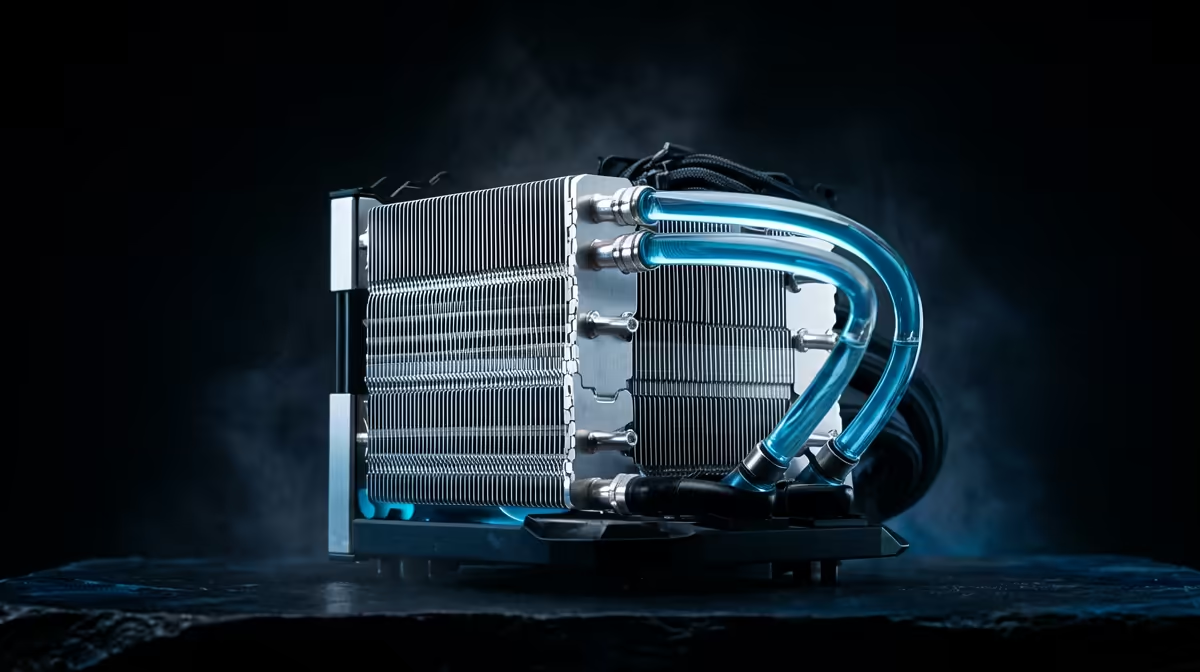
An All-in-One (AIO) cooler circulates liquid through a closed loop. The liquid absorbs heat from the CPU block, travels to a radiator, and is cooled by fans before returning.
- Pros: Generally offers superior cooling performance, making it ideal for high-TDP processors and aggressive overclocking. AIOs also create a cleaner, more modern look inside your case and operate very quietly under load.
- Cons: They are more expensive and have more potential points of failure (though modern AIOs are incredibly reliable).
An AIO cooler looks amazing in a glass-panel case, especially when paired with the immersive glow of one of our curved gaming monitors.
Quick Airflow Check 💨
Not sure if your case has good airflow? A simple trick is to hold a piece of tissue near your intake and exhaust fans. You should see a clear pull towards the intake fans and a strong push away from the exhaust fans. If the flow feels weak, it might be time to clean your dust filters or rethink your fan layout!
Beyond the CPU: A Holistic Approach to PC Cooling
Great PC cooling in South Africa is about more than just the CPU cooler. It’s about managing airflow throughout the entire system to protect all your precious hardware.
Think of your PC case as a wind tunnel. You need a clear path for cool air to enter, pass over your hot components (GPU, motherboard, RAM), and exit. This means investing in good case fans and arranging them for optimal pressure. Proper cable management isn't just for looks; it removes obstructions and dramatically improves airflow.
A well-ventilated system ensures every part, from your motherboard to the graphics card driving your display, runs at its best. It's a foundational part of any quality build, whether you're looking at PC monitors for your main rig or just need a simple second screen. Protecting your investment means keeping everything cool. This applies to your entire collection of gaming monitors and the PCs that power them. Even smaller setups using portable monitors benefit from having a well-ventilated laptop or PC driving them. ✨
Ready to Beat the Heat? Don't let thermal throttling ruin your 4K experience. The right cooling solution is the difference between smooth gameplay and a stuttering mess. Explore our massive range of PC cooling components and find the perfect hardware to keep your rig frosty, no matter the weather.











