


Article (MDX)
That summer heatwave hits, the braai is sizzling, and so is your gaming rig. Thermal throttling kicks in mid-match... sound familiar? Effective PC cooling in South Africa isn't just a luxury; it's a necessity for keeping your framerates high and your components healthy. When ambient temperatures climb, your PC's cooling system has to work overtime. Let's explore how to keep your machine frosty when the weather is anything but. ❄️
Why PC Cooling in South Africa is a Unique Challenge
Unlike in cooler climates, our PCs start with a higher baseline temperature. An office in Johannesburg in January is a world away from one in London. This means your CPU and GPU coolers have less thermal headroom to work with from the get-go. Dust from our dry winters can also clog fans and heatsinks faster, reducing efficiency. This makes choosing the right PC cooling solution crucial for any serious South African gamer or creator.
The Great Debate: Air vs. Liquid Cooling
When it comes to cooling your CPU, you have two main choices: traditional air coolers or All-In-One (AIO) liquid coolers.
Air Coolers: The Reliable Workhorse
An air cooler uses a metal heatsink and a fan to draw heat away from the CPU. They are simple, reliable, and often more affordable. For most builds, a quality air cooler provides excellent performance and is a staple in many fantastic budget gaming PCs, proving that you don't need to break the bank for solid cooling.
Liquid Coolers: Peak Performance & Aesthetics
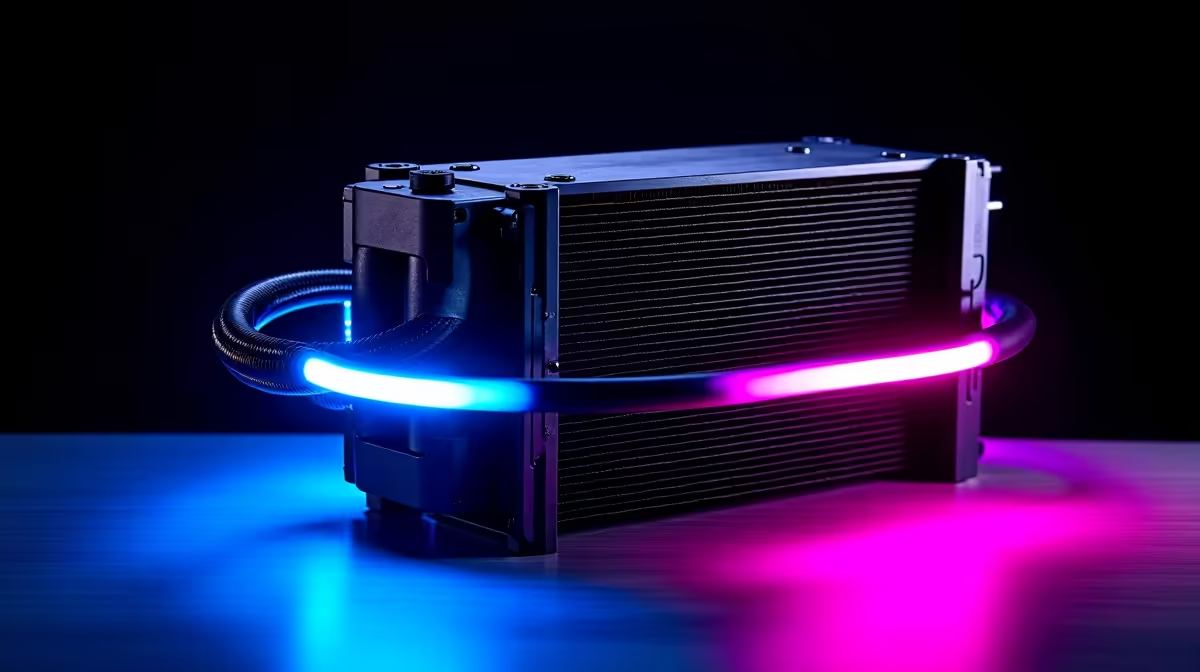
AIO liquid coolers use a pump, radiator, and liquid coolant to transfer heat more efficiently, especially from high-performance CPUs. They often allow for higher overclocking and can run quieter under load. You'll typically find these advanced PC cooling solutions in premium PCs over R20k where squeezing out every drop of performance is the goal.
Beyond the CPU: Mastering Case Airflow
Your CPU cooler can't do its job if it's just recycling hot air. Proper case airflow is the foundation of good PC cooling in South Africa. The goal is simple: get cool air in, get hot air out. Most modern cases are designed with this in mind, making it easier than ever to find a chassis that performs well in our climate across all of our best gaming PC deals.
Airflow Pro Tip 🔧
For optimal airflow, aim for 'positive pressure'. This means having slightly more intake fans (pulling cool air in) than exhaust fans (pushing hot air out). This helps push hot air out of every unfiltered crack and crevice in the case, which also minimises dust buildup inside your rig!
Simple Tricks for a Cooler PC
Before you spend a cent, there are a few things you can do to improve your PC's temperatures. Regular maintenance is key, even for great-value PCs under R20k.
- Clean Your Filters: Dust is the enemy of performance. Clean your case's dust filters every month or two.
- Cable Management: Tidy cables don't just look good; they improve airflow by removing obstructions.
- Give it Space: Ensure your PC has at least a few centimetres of breathing room on all sides, especially the back and top where hot air is exhausted.
If you've tried all this and your PC still sounds like a jet engine, it might be time for an upgrade. Sometimes, an older case or a stock cooler just can't handle the heat. A modern, well-designed system makes managing temperatures much easier. Exploring professionally assembled pre-built PC deals can give you a massive cooling advantage right out of the box. ✨
Ready to Beat the Heat? Don't let thermal throttling ruin your gaming experience. A well-cooled PC is a happy PC. Explore our massive range of gaming PC deals and find the perfect rig engineered to stay frosty, even in the South African heat.









