

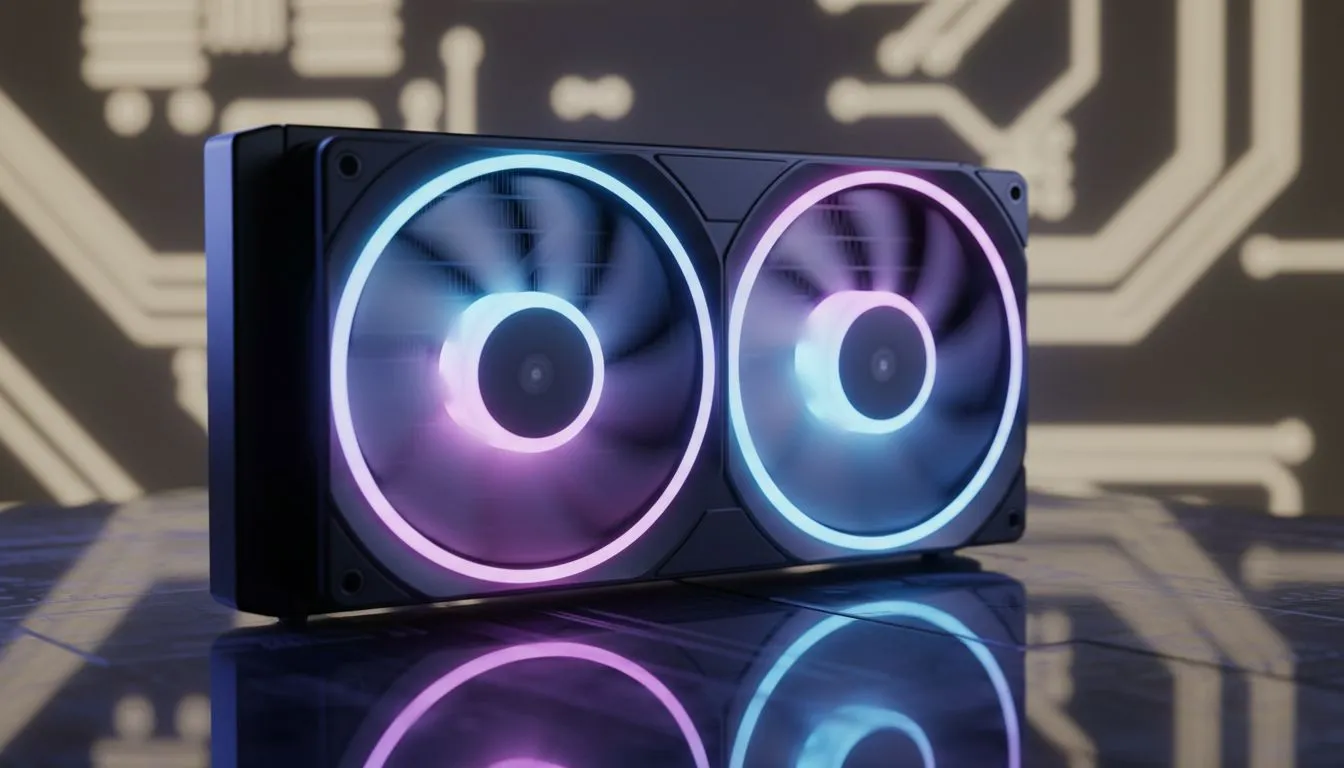
PC cooling for warm climates: why it matters in SA 🔧
Is your rig melting under a Joburg summer or pushing thermal limits during a Cape Town evening raid? PC cooling in warm climates is your best defence against throttling, noisy fans, and shortened component life. This quick guide gives practical upgrades you can do this weekend — focused on airflow, fan choices, and smart placement for South African homes. ⚡
PC cooling for warm climates: airflow fundamentals
Before buying parts, understand airflow. Positive vs negative pressure, intake vs exhaust — small changes here drop temps and noise. Start by clearing cable clutter and moving intake fans away from dusty floors. For straightforward fan upgrades, browse Evetech's full case fan selection to compare sizes and airflow specs.
When you pick brands, choose proven models with good bearings and PWM control. If you prefer branded kits, check the dedicated Corsair fans page for reliable PWM options, or the DeepCool fans collection if you want value-focused choices.
PC cooling for warm climates: practical upgrades that work
- Item
- Add a top or front intake and balance with an exhaust. If you like bling, pick RGB case fans for controlled lighting and good performance. If silent operation is your priority, consider silent, non-RGB fans.
- Consider a fan hub or a motherboard with multiple PWM headers. Fan control lets you keep idle noise low during browsing and ramp only under load.
Small investment, real payoff: a well-balanced fan setup can lower component temps and stabilise boost clocks without touching voltages.
Cooling Quick Win 🚀
If you only have budget for one change, swap your case's single noisy exhaust for a quality 140mm PWM fan at the rear. You'll see lower CPU temps and less noise while keeping power draw steady.
PC cooling for warm climates: placement, monitoring and maintenance
Place your PC off the floor if possible and away from direct sunlight. Use software monitoring (HWMonitor, or your motherboard's utility) to log temps and fan RPM. If you spot persistent high idle temps, check for dust build-up and reseat CPU cooler thermal paste. For part specifics and picks, Evetech's case fan pages list models and specs to match your case and budget.
A short micro-story: I swapped two cheap 120mm intakes for a single 140mm front fan on a mid-tower; idle noise dropped, and in-game thermals fell by a comfortable margin. Your mileage will vary, but the principle stands... bigger, slower, well-placed fans usually beat noisy high-RPM minis.
PC cooling for warm climates: final checklist before checkout
- Confirm case supports 140mm mounts or multiple 120mm fans.
- Use PWM control for quieter operation.
- Balance intake and exhaust to reduce dust.
- Maintain filters and clear cable airflow paths.
Ready to Find Your Perfect Match? The Mac vs Windows debate is complex, but for maximum power, choice, and value in South Africa, Windows is hard to beat. Explore our massive range of laptop specials and find the perfect machine to conquer your world.











