

Silence the Scream: PC Cooling Without Noise: 9 Quiet Upgrades
Ever felt like your PC is preparing for takeoff from Lanseria while you are just trying to enjoy a quiet session of Elden Ring? That constant jet-engine drone isn't just annoying... it is a sign your thermal management needs a rethink. Achieving high-performance PC cooling without noise: 9 quiet upgrades can transform your gaming den from a noisy workshop into a focused sanctuary. 🔧
1. Upsize Your Fans for Lower RPMs
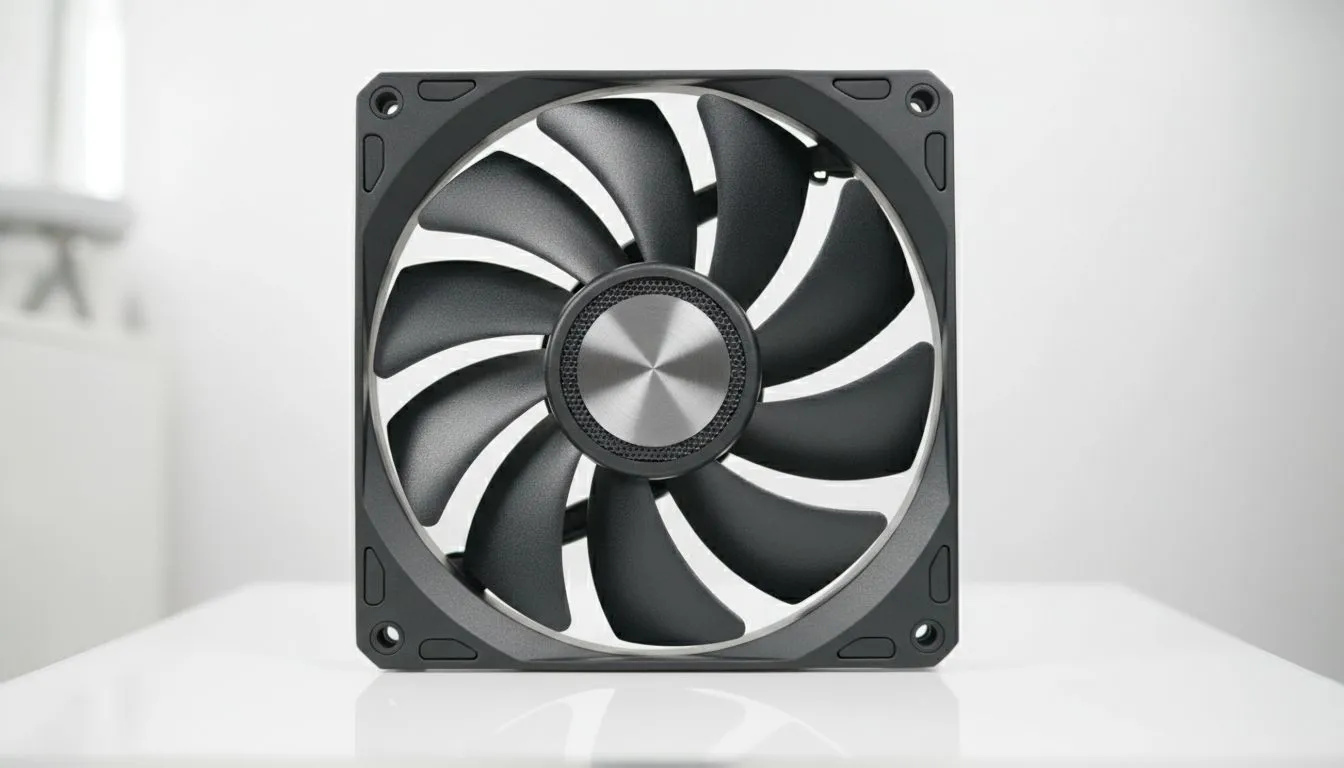
The most basic rule of acoustics is that larger blades move more air at slower speeds. Swapping out cramped blowers for 140mm case fans allows you to maintain the same airflow while significantly dropping the decibel level. If your case only supports the standard size, investing in high-quality 120mm case fans with fluid dynamic bearings will still offer a massive acoustic improvement over stock options.
2. Invest in Premium Bearing Technology
Not all motors are created equal. When you look at premium brands like CORSAIR, you are paying for advanced bearing technology that eliminates the mechanical clicking and grinding found in cheaper units. These fans use magnetic levitation or advanced hydraulics to ensure that the only thing you hear is the faint movement of air... not the hardware itself.
3. Optimise Your Fan Curves
Before spending a single Rand, check your BIOS or software controllers. Many South African gamers leave their fans on "Standard" or "Turbo" profiles. By setting a custom curve, you can keep your fans at 30% speed during light tasks like browsing or Netflix, only ramping up when the GPU temperature actually demands it.
Airflow Pro Tip ⚡
Always aim for 'Positive Pressure' in your chassis. This means having slightly more intake air than exhaust air. It prevents dust from being sucked in through every small gap in your case, which keeps your heatsinks cleaner for longer and ensures your fans don't have to work twice as hard to push air through a wall of South African dust.
4. Choose Between Stealth and Style
Does lighting affect noise? Not directly, but the choice often dictates the fan design. You can find incredibly quiet RGB fans that look stunning without sounding like a vacuum cleaner. However, if you are building a professional workstation or a stealth rig, opting for fans with no lighting often allows for more aerodynamic blade shapes that prioritise silence above all else. ⚡
5. Balance Performance and Value
You don't need to break the bank to get a quiet build. Manufacturers like Deepcool have mastered the art of providing high-static pressure fans that remain whisper-quiet under load. This is especially important for South African gamers who might be dealing with higher ambient temperatures during our summer months.
6. Use Anti-Vibration Mounts
Sometimes the noise isn't the fan itself... it is the vibration passing into your metal case. Using rubber grommets or silicone "pulls" instead of traditional metal screws can dampen these micro-vibrations. It is a R50 fix that can make a R2000 difference in perceived noise levels.
7. Strategic Fan Placement
More fans do not always mean better cooling. Poorly placed fans can create turbulence, which actually increases noise. Focus on a clear "front-to-back" or "bottom-to-top" path. If you are looking to refresh your entire setup, browsing the full range of case fans will give you the right tools to create a streamlined wind tunnel. 🚀
8. Clean Your Dust Filters Regularly
A clogged filter forces your fans to spin faster to pull in the same amount of air. In South Africa, dust is a constant battle. A five-minute clean every month can drop your fan speeds by several hundred RPM, instantly lowering the noise floor of your room.
9. Switch to PWM Control
Ensure your upgrades use 4-pin PWM (Pulse Width Modulation) connectors. Unlike 3-pin fans that rely on voltage changes, PWM allows for much finer control over speed. This prevents the "pulsing" noise often heard when fans constantly jump between different speeds.
Ready to Find Your Perfect Match? Silence is golden, but performance is king. Whether you need stealthy black fans or a vibrant light show that stays whisper-quiet, we have the hardware to cool your rig properly. Explore our massive range of case fans and find the perfect components to silence your PC today.











