

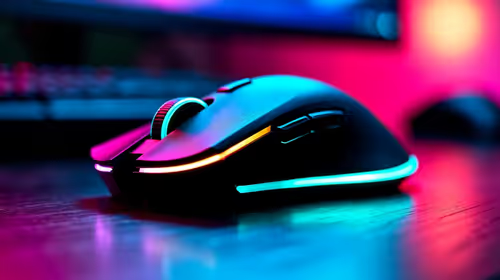
Best wireless gaming mouse Under R2000 in South Africa 2026
Top wireless gaming mouse Under R2000 picks evaluated on performance, value & SA availability with current Rand pricing from Evetech.
Read morepc liquid cooling setup: A step-by-step guide for first-time custom PC builders—choose AIO or custom loop, mount radiators, install pump and reservoir, fill and bleed loops, and avoid common mistakes. 🛠️💧
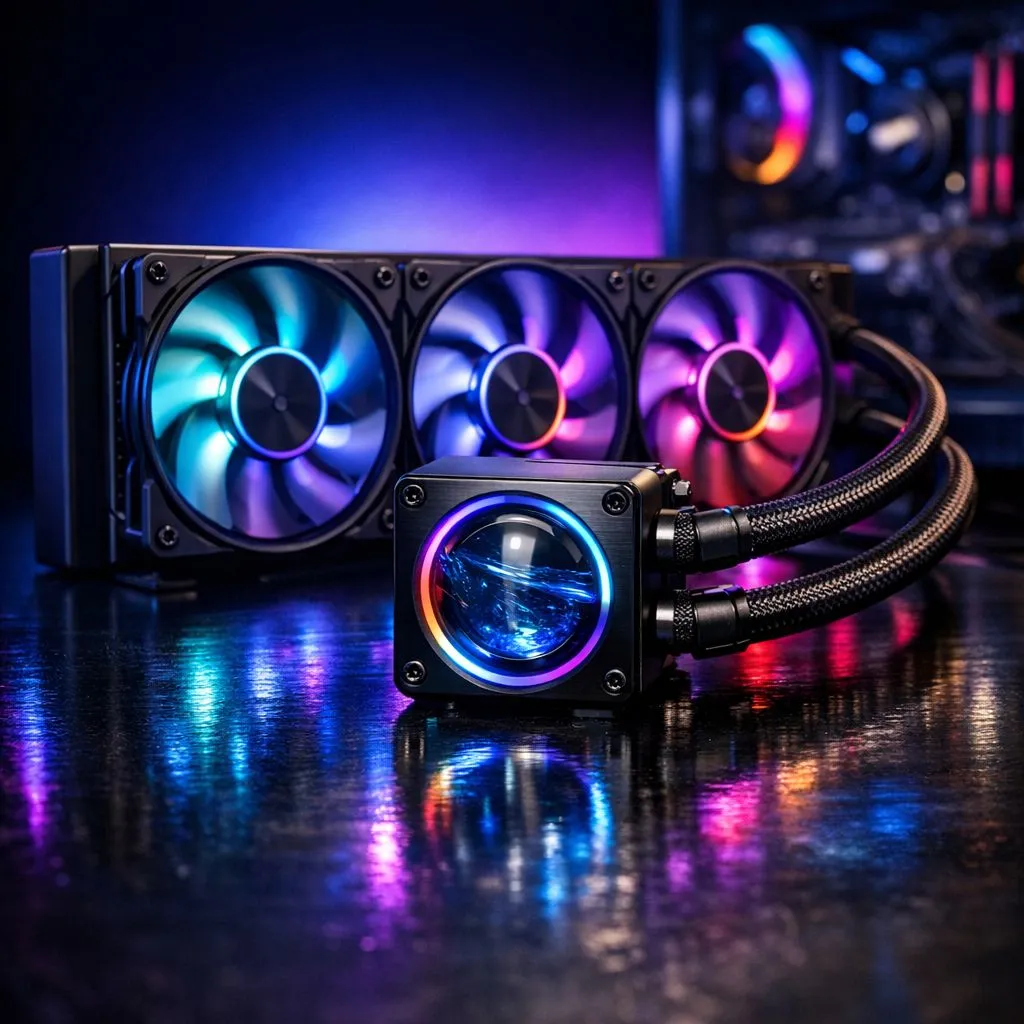
South African gamers and first-time PC builders know one thing: keeping your rig cool is key to top performance. If you’re putting together your first custom PC, a liquid cooling setup can make all the difference. It’s quieter, sleeker, and more efficient than traditional air coolers—perfect for those intense gaming sessions and long work hours. But how do you start? Let’s dive into everything you need to know about PC liquid cooling setup for first-time builders. 🔧
Liquid cooling works by circulating coolant through tubes and a radiator to draw heat away from the CPU. Unlike air cooling, which relies on fans blowing air over heatsinks, liquid cooling transfers heat more efficiently. This keeps your components cooler and quieter, even under load. First-timers often lean toward All-In-One (AIO) liquid coolers because they’re easy to install and maintenance-free.
You can explore a variety of efficient options on Evetech’s collection of CPU coolers. Whether you want air or liquid cooling, understanding your options is crucial.
If you want proven performance, leading brands like Corsair and Deepcool make excellent AIO liquid coolers customised for South African gamers. Corsair models are known for reliable cooling and sleek RGB lighting, while Deepcool offers budget-friendly kits that don't compromise on quality.
See the full range of available Corsair liquid coolers or Deepcool liquid coolers to find the perfect fit.
Installing an AIO liquid cooler is straightforward but requires care. Start by mounting the radiator—usually at the front or top of your case. Then attach the pump/block unit over your CPU with thermal paste for maximum heat transfer. Connect the fans and pump cables to the correct headers on your motherboard for an optimal airflow setup.
Don’t rush it—consult your cooler’s manual to avoid common mistakes. Proper installation ensures your system stays cool and stable during marathon gaming or content creation.
Installing your radiator at the top allows hot air to exhaust naturally upwards, improving overall cooling efficiency.
With South African summers pushing ambient temperatures up, keeping your CPU cool matters more than ever. Liquid cooling not only extends your CPU’s lifespan but also offers better overclocking potential. Expect less noise, stable temperatures, and a sleek visual upgrade inside your case.
For first-time builders wanting dependable gear and at great value, Evetech’s liquid cooler selection is a trusted place to start. They stock budget and high-end kits fit for every gaming setup and budget in ZAR.
Upgrade Your Build and Stay Cool Ready to take your custom PC to the next level? Explore the latest liquid cooling solutions and Shop now at Evetech for performance that leaves lag in the dust.
Follow clear steps: pick AIO or custom loop, mount radiator, install pump and reservoir, route tubing, fill and bleed the loop. Learn how to install liquid cooling in PC safely.
AIOs are easier to install and low maintenance. Custom loops give superior cooling and customization but require more skill. For most first-time builders, choose an AIO.
Run the pump at low speed while tilting the case and opening the fill port to release trapped air. Repeat fill and bleed steps until bubbles stop.
Mount radiators where they get best airflow—front intake or top exhaust depending on case. Proper radiator placement for liquid cooling impacts temps most.
Inspect for leaks, top up coolant as needed, flush and replace coolant yearly, and clean blocks. Follow liquid cooling safety tips to protect components.
Yes. Liquid cooling lowers CPU/GPU temps, enabling safer overclocking. For sustained gains, consider a custom loop and monitor temps closely.
Expect roughly $200–$600+ depending on radiators, pump, reservoir, fittings, and coolant. Budget liquid cooling build options can start lower with AIOs.
Top wireless gaming mouse Under R2000 picks evaluated on performance, value & SA availability with current Rand pricing from Evetech.
Read more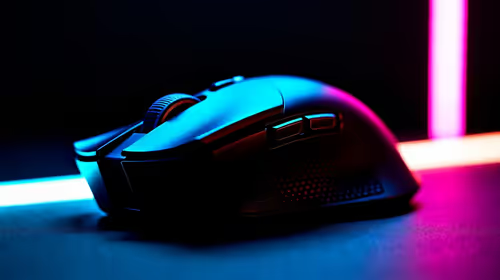
Top Logitech Mouse Under R3000 picks evaluated on performance, value & SA availability with current Rand pricing from Evetech.
Read more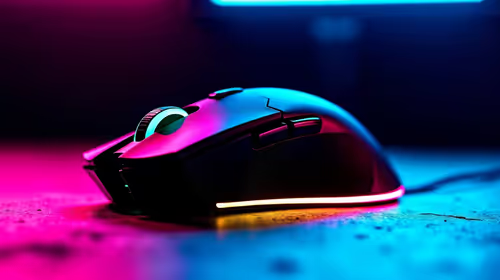
Top Budget Gaming Mouse Under R500 picks evaluated on performance, value & SA availability with current Rand pricing from Evetech.
Read more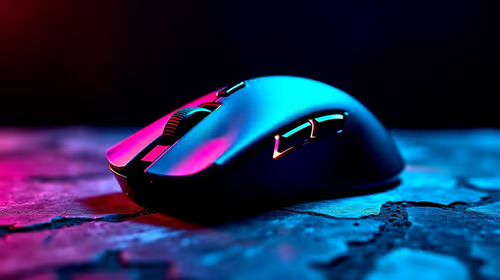
Top Marvo Gaming Mouse Under R500 picks evaluated on performance, value & SA availability with current Rand pricing from Evetech.
Read more
Top Budget wireless gaming mouse Under R300 Gamers picks evaluated on performance, value & SA availability with current Rand pricing from Evetech.
Read more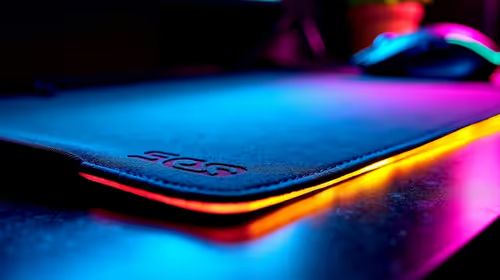
Top mouse pad Under R2000 () picks evaluated on performance, value & SA availability with current Rand pricing from Evetech.
Read more
CS2 Low FPS: Monitor Bottleneck. Real-world benchmark data, FPS numbers & performance analysis. What SA gamers can actually expect.

Is AOC a Good Monitor Brand for Gaming in South Africa Detailed answer with SA data, expert analysis & practical recommendations for local buyers.

What Gaming Monitor Can You Get for R20,000. Full parts list, Rand pricing & expected performance. Build confidently with SA-available components.

What Gamers Actually Bought: November Report. Real purchase data from SA retailers revealing what local buyers are actually choosing and why.

Can the RX 7700 XT Handle 1440p 144Hz Gaming. Performance testing verdict with real data & practical recommendations for SA buyers.

Top Laptop with Core i7 + RX 7700S: Picks picks evaluated on performance, value & SA availability with current Rand pricing from Evetech.

RX 7700 XT Black Myth Wukong 2 FPS: Performance. Real-world benchmark data, FPS numbers & performance analysis. What SA gamers can actually expect.

RTX 6080 Gran Turismo 7 PC Performance: FPS Test. Real-world benchmark data, FPS numbers & performance analysis. What SA gamers can actually expect.

MacBook Pro 16-Inch M5 Max: Complete Specs,. Everything you need to know with SA pricing, step-by-step instructions & expert recommendations.

Travelling With a MacBook: Travellers. Everything you need to know with SA pricing, step-by-step instructions & expert recommendations.

Back-to-School Parent Guide: Laptops. Everything you need to know with SA pricing, step-by-step instructions & expert recommendations.

MacBook Air 13-Inch M5: Complete Specs, Features. Everything you need to know with SA pricing, step-by-step instructions & expert recommendations.