

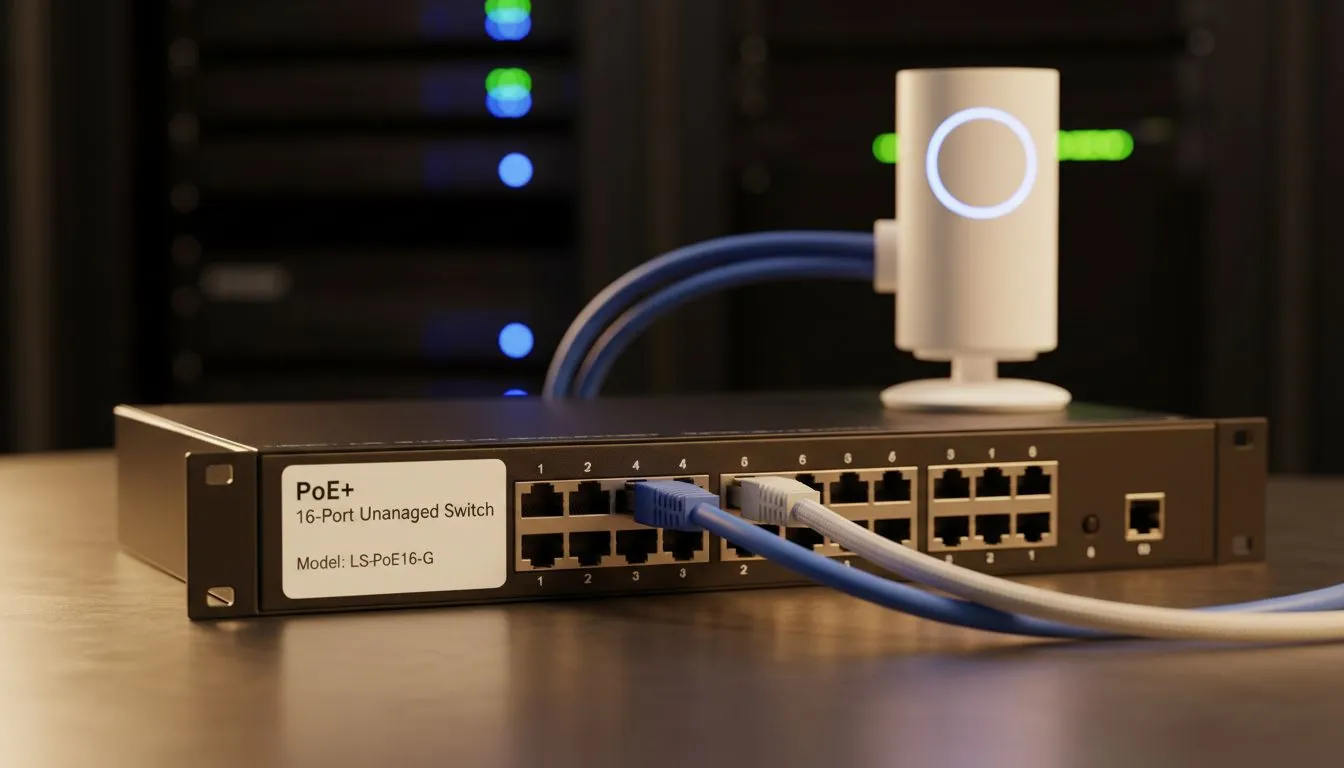
PoE WiFi Loadshedding: Keep Your Network Online
The dreaded click of the substation... then silence. For many South Africans, this is the signal that work and gaming have come to a grinding halt. But it doesn't have to be this way. With a smart PoE WiFi Loadshedding strategy, you can keep your network online through the darkest hours. It is about working smarter with your power to ensure your digital life never skips a beat. ⚡
Powering Your Connection During Blackouts
Loadshedding is a reality we all face. When the grid goes down, your standard wall plug becomes useless. This is where Power over Ethernet (PoE) shines. By using a single cable to carry both data and electricity, you can centralise your power backup. Instead of having multiple UPS units scattered around the house, you can power your high-performance wireless routers from a single, reliable source.
This setup simplifies your cable management. It also ensures that your core internet gateway stays active. Most entry-level routers in South Africa require very little wattage... usually between 9W and 12W. A small DC UPS can keep these devices running for hours.
Essential Hardware for a Loadshedding-Proof Home
To build a resilient network, you need the right components. If you live in a larger home, a single router might not reach every room. You can use reliable wireless range extenders to push that signal further. When these are PoE-compatible, you can mount them in optimal positions without worrying about nearby power outlets.
Many local gamers find that voltage spikes during load restoration can damage sensitive gear. Using PoE injectors often adds a small layer of protection. It separates your expensive networking equipment from the direct AC wall socket.
Staying Connected on Every Device
It is not just about the router. Your PC needs a way to talk to the network. If you are moving your setup to a room with better natural light during a power cut, you might lose your Ethernet connection. Having high-quality USB or PCIe wireless adapters ensures your desktop stays connected to the backup WiFi signal.
Modern adapters support WiFi 6, which is much better at handling multiple devices. This is crucial when the whole family is suddenly fighting for bandwidth on the backup power system.
Power Management Pro Tip ⚡
Always check the voltage requirements of your router before buying a PoE injector. Most South African ISPs provide routers that run on 9V or 12V. Using a 48V passive PoE injector on a 12V device will likely damage the internal circuitry. Always match the voltage to avoid a costly and frustrating mistake.
Optimising Your Setup for Maximum Runtime
To truly master the PoE WiFi Loadshedding challenge, you should look at your entire ecosystem. Investing in comprehensive wireless networking gear allows you to monitor power draw. Some advanced switches even let you schedule power cycles.
You can save battery life by turning off non-essential access points during Stage 6. This ensures your primary work or gaming connection lasts as long as possible. A typical setup costing around R1,500 can often provide up to four hours of uptime... enough to get you through the longest scheduled outages. 🔧
Ready to Stay Online During Stage 6? Loadshedding shouldn't stop your grind or your productivity. For the best prices on networking gear in South Africa, we have you covered. Explore our massive range of wireless networking specials and keep your home connected no matter what Eskom decides.
- wireless-networking-136.aspx ✅











