

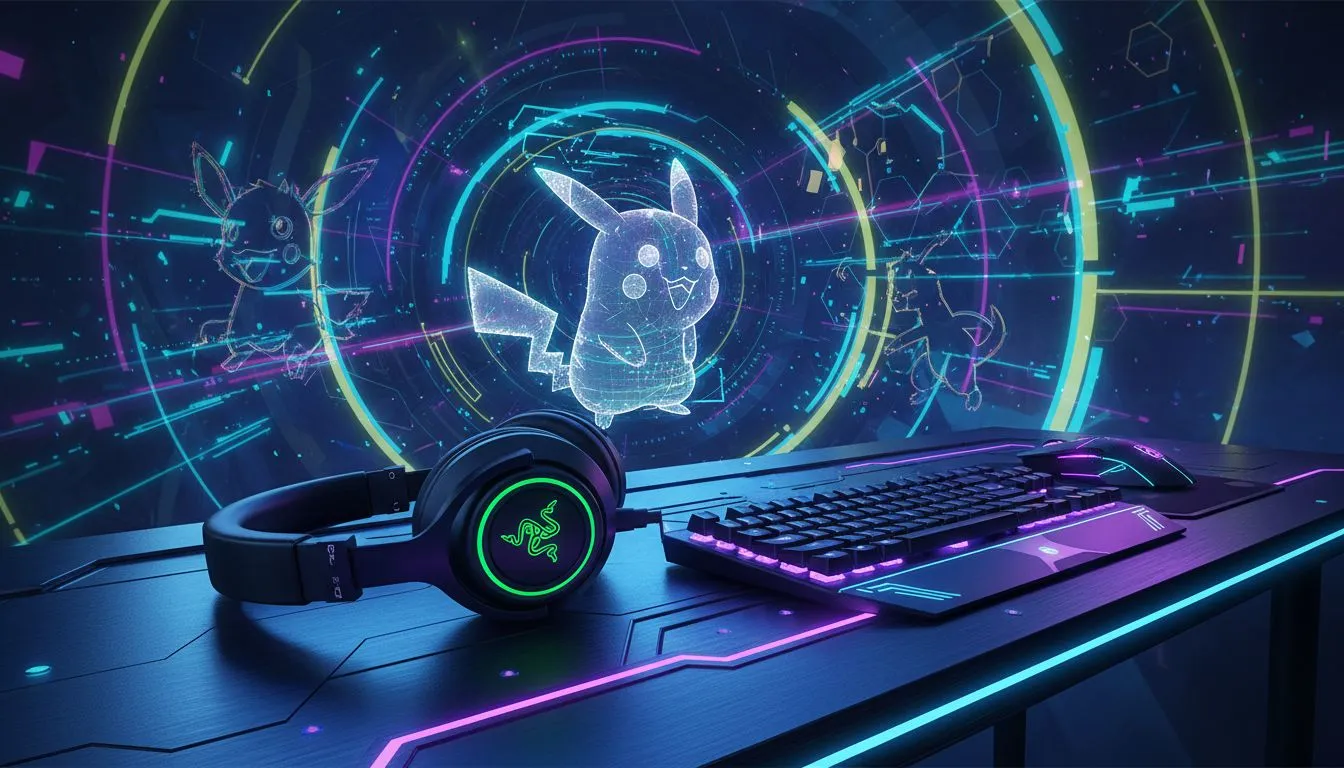
Ready to trade your boring desk for a battle station that screams "I wanna be the very best"? For South African gamers who grew up with Pokémon, that dream is closer than you think. Building a Pokémon-themed gaming setup with Razer gear isn't just about nostalgia; it's about creating a vibrant, personalized space that powers up your gameplay. Let's dive into how you can combine slick Razer tech with classic Pokémon vibes. ✨
Choosing Your Starter: The Core Colour Palette
Every great journey starts with a choice. For your Pokémon-themed gaming setup, that choice is your starter's colour scheme. Are you Team Pikachu, with bold yellows and electric reds? Or maybe a cool Charizard setup with fiery oranges and deep blues? Razer's Chroma RGB is your secret weapon here, allowing you to perfectly match any theme.
- Pikachu: Bright yellows, with red and black accents.
- Charizard: Fiery oranges and reds, with a cool blue flame effect.
- Bulbasaur: Lush greens and teals.
- Squirtle: Various shades of blue with brown or orange highlights.
Think of your desk as your canvas. Once you have a theme, picking the right gear becomes a whole lot easier.
The Heart of Your Setup: Catching the Right Peripherals
Your mouse and keyboard are your main connection to the digital world, so they need to be on point. While official Razer Pokémon editions can be rare collector's items, you can create an incredible Pokémon-themed gaming setup with their standard high-performance gear. The key is customisation.
A responsive sensor and comfortable grip are non-negotiable for any trainer aiming for the top. Your journey begins with finding a high-performance gaming mouse that feels like an extension of your hand. While Razer is a fantastic choice for its aesthetics and performance, it's always wise to see what the competition offers, with many gamers finding their perfect match among top-tier Logitech Gaming Mice.
Pairing your chosen mouse with a Razer Huntsman or BlackWidow keyboard allows you to sync your colour scheme perfectly using the Razer Synapse software. It’s this level of detail that transforms a simple desk into a true Pokémon battle station. 🎮
Pro RGB Tip ⚡
Use Razer Synapse's Chroma Studio to create custom lighting profiles. For a Pikachu theme, try a yellow base with the 'Wave' effect in red flowing across the keys. For a Pokéball theme, set the left third of your keyboard to red, the right third to white, and a few central keys to black. It's a small touch that makes a huge difference!
Beyond the Gear: Bringing Pallet Town to Your Desk
A truly immersive setup goes beyond just the main peripherals. Don't forget the finishing touches that tie your whole Pokémon-themed gaming setup together. A large desk mat with your favourite Pokémon, some well-placed figurines, and smart cable management can elevate your space from good to legendary.
Even if your main rig is kitted out, you might need peripherals for a second PC or a laptop. A reliable HP Mouse can be a great, no-fuss option for productivity tasks. For those on a tighter budget, a colourful Marvo Gaming Mouse can still fit a vibrant theme without breaking the bank. Ultimately, for competitive gaming, you'll want to ensure your primary mouse has the right specs. Most pro players find that mice in the 4000 – 12000 DPI range offer the perfect balance of speed and precision.
Building your dream setup is a journey, not a race. Start with the core components and add new elements over time. Before you know it, you'll have a space that's uniquely yours.
Ready to Build Your Legendary Setup? A custom battle station is the ultimate expression of your gaming passion. From the first click to the final victory, the right gear makes all the difference. Explore our massive range of gaming mice and find the perfect partner for your journey.











