


Artificial intelligence is no longer just a buzzword floating in the cloud. It's a powerful tool you can run right here, right now, on your own machine. For South African creators, developers, and data scientists, this means freedom. Imagine training a model from a coffee shop in Stellenbosch or rendering a complex scene from a remote work hub in Durban. This guide will show you how to build a portable AI workstation in South Africa that delivers desktop-level power, anywhere.
Why Build a Portable AI Workstation?
The biggest advantage? Control. When you run AI models locally, you aren't paying per-hour cloud computing fees in Dollars, you own your data, and you're not at the mercy of slow internet connections. A compact, portable AI workstation offers the perfect blend of performance and mobility.
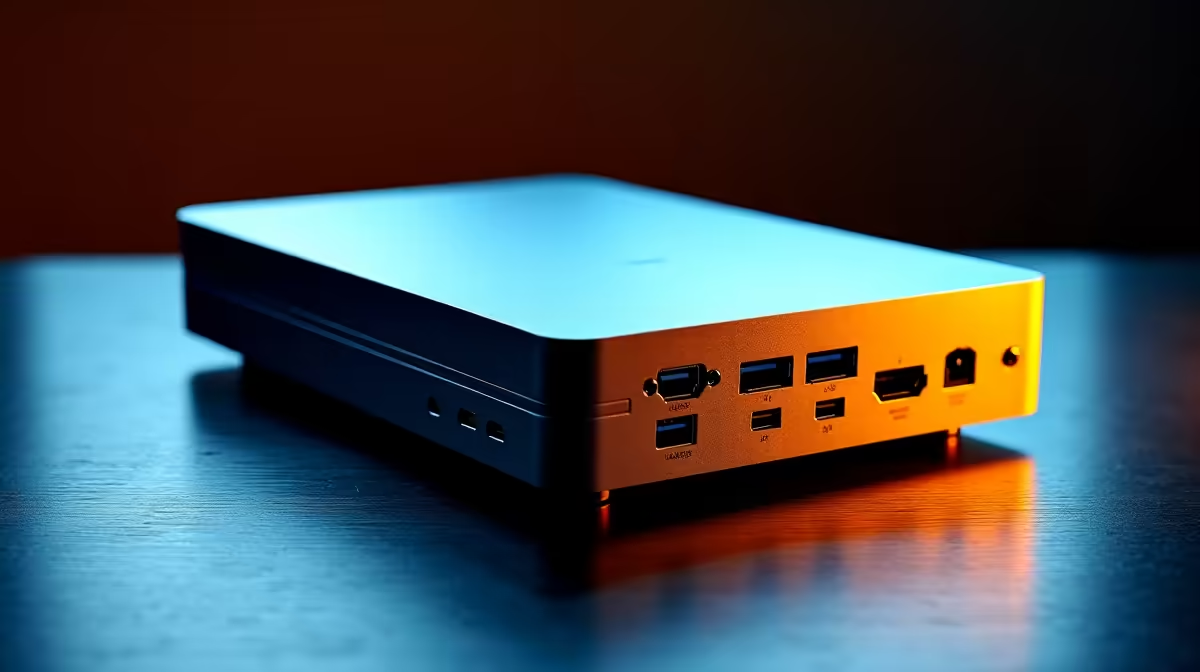
It's not about building a laptop; it's about crafting a small form factor (SFF) PC. These are compact powerhouses you can easily pack up and move between your home, office, or client sites. For intensive tasks like video encoding, 3D rendering, or running local LLMs, having this dedicated machine is a massive productivity boost. 🚀
Core Components for Your AI Build
Building a PC for AI has a different focus than a pure gaming rig. While there's a lot of overlap, your priority shifts heavily towards the GPU and its memory. Let's break down the essentials for your South African build.
The GPU: The Heart of Your AI Machine ⚡
This is where the magic happens. The Graphics Processing Unit (GPU) is responsible for the parallel processing that makes AI workloads fly.
- NVIDIA is King: For most AI applications, NVIDIA's CUDA platform is the industry standard. The number of CUDA cores and, crucially, the amount of Video RAM (VRAM) will determine the size and complexity of the models you can run. A card with at least 12GB of VRAM is a great starting point. Exploring the latest powerful NVIDIA GeForce options is the best way to see what fits your budget.
- AMD is a Strong Contender: Team Red has made huge strides with its ROCm software platform. While the ecosystem is still maturing, high-performance AMD Radeon GPUs often offer incredible performance-per-Rand, making them a fantastic choice for specific workloads and open-source projects.
CPU, Motherboard, and RAM: The Support Crew
While the GPU does the heavy lifting, it can't work alone.
- CPU (Processor): You don't need the absolute top-tier CPU, but a modern processor with 6 to 8 cores (like an AMD Ryzen 5/7 or Intel Core i5/i7) is ideal for preparing data and keeping the whole system responsive.
- Motherboard: For a portable build, you'll need a Mini-ITX motherboard. Look for one with robust power delivery (VRMs) to handle your components, at least one PCIe 5.0 M.2 slot for a fast SSD, and modern connectivity like Wi-Fi 6E.
- RAM (Memory): 32GB of fast DDR5 RAM should be your minimum. AI models and the datasets they use can be memory-hungry, and skimping here will create a bottleneck.
SFF Build Pro Tip 🔧
When building in a small case, airflow is everything. Plan your cable routing before you install any components. Use cable ties to keep everything tidy and out of the path of your fans. A clean build isn't just for looks; it's crucial for keeping your high-performance parts cool and preventing thermal throttling.
Putting It All Together: Case and Power
The final pieces of your portable AI workstation puzzle define its portability and reliability.
The Small Form Factor (SFF) Case
This is what makes your workstation portable. SFF cases come in various sizes, often measured in litres. A case under 20 litres is generally considered easy to transport. Your choice will be a balance between the smallest possible size and having enough room for a powerful GPU and adequate cooling.
Power Supply (PSU)
Don't cut corners here. You'll need an SFX (Small Form Factor) power supply. Ensure it has enough wattage to handle your CPU and GPU under full load (a high-quality 750W-850W unit is a safe bet for most builds) and carries at least an 80+ Gold efficiency rating.
Building a specialised machine like this can seem complex, but the payoff in performance and flexibility is immense. If you prefer a ready-made solution, exploring professionally built workstation PCs can give you a performance-optimised system right out of the box, with full warranty support. ✨
Ready to Build Your AI Powerhouse? A custom-built portable AI workstation gives you the ultimate freedom to create, analyse, and innovate anywhere in South Africa. Take control of your workflow and build a machine perfectly tailored to your needs. Start configuring your dream PC with our Custom PC Builder and unlock your potential today.









