

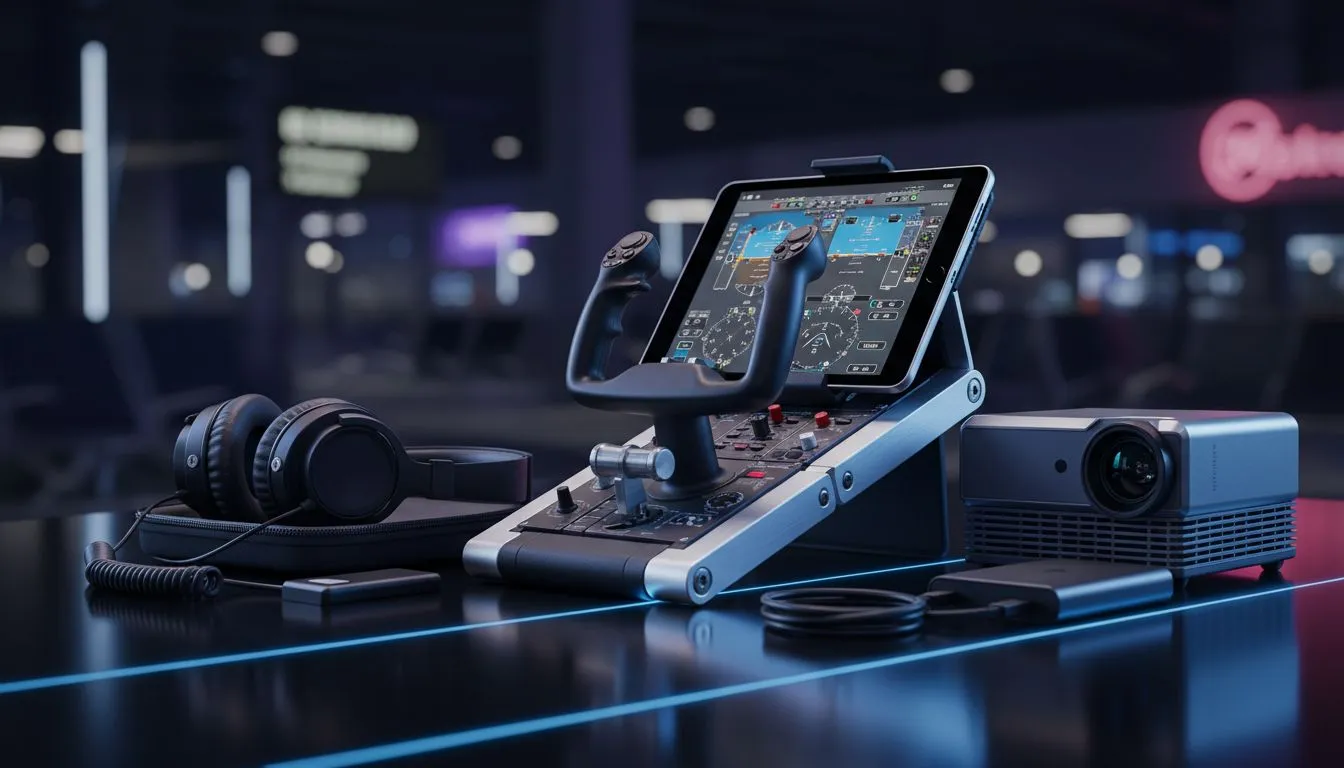
Building Your Portable Flight Sim Setup for Local Skies
Dreaming of navigating a Cessna over the Drakensberg while sitting in a hotel room in Sandton? A Portable Flight Sim Setup used to be a pipe dream... but modern hardware has changed the game. Whether you are a student pilot or a casual flyer, building a travel-friendly cockpit is about smart choices. You need gear that packs light but performs like a heavy-duty rig. ✈️
Choosing the Right Core for Your Mobile Cockpit
The heart of any Portable Flight Sim Setup is the laptop. Flight simulators like MSFS 2020 are notoriously heavy on the processor. You need high clock speeds to handle complex flight physics and AI traffic. For the most reliable performance in the air, these Intel laptops on special provide the per-core grunt required to keep your frame rates stable during a difficult approach.
Efficiency is equally vital when you are away from a wall socket. If you want a machine that balances thermal management with raw power, exploring the latest Ryzen laptop deals is a smart move. These chips stay cooler in tight spaces... which is perfect for long-haul virtual flights. 🚀
Visuals and Graphics on the Go
You cannot fly VFR (Visual Flight Rules) if the ground looks like a pixelated mess. To see the twinkling lights of Cape Town at night, you need a serious GPU. Browsing geforce rtx gaming laptops on special will give you access to DLSS technology. This is a literal lifesaver for mobile pilots... it boosts frame rates without drawing extra power.
Pilot's Portability Pro Tip ⚡
When packing your portable cockpit, invest in a high-quality powered USB hub. Flight peripherals like joysticks and throttle quadrants draw significant power. A dedicated hub prevents your controls from disconnecting during a critical landing flare because the laptop's port got overwhelmed.
Budgeting for Your Virtual Wings
Setting up a mobile cockpit does not have to cost more than a real PPL. If you are just starting your journey, you can buy gaming laptops under R20k that handle modern sims at respectable settings.
For those who want the absolute best value for their ZAR, keep an eye on the best gaming laptop deals at Evetech. Look for 16GB of RAM as a minimum... flight sims are memory hungry and will stutter if they have to swap data to the drive. ✨
Packable Peripherals for the Road
A Portable Flight Sim Setup needs compact controls. Look for a joystick with a built-in twist rudder to save space in your bag. Some pilots prefer a small gamepad for ultra-light travel... though nothing beats the feel of a proper stick when fighting crosswinds at OR Tambo. 🔧
Ready to Earn Your Wings? Building a portable cockpit is the ultimate way to enjoy flight simulation without being tethered to a desk. Explore our massive range of laptop specials and find the perfect machine to take your aviation passion anywhere in South Africa.











