

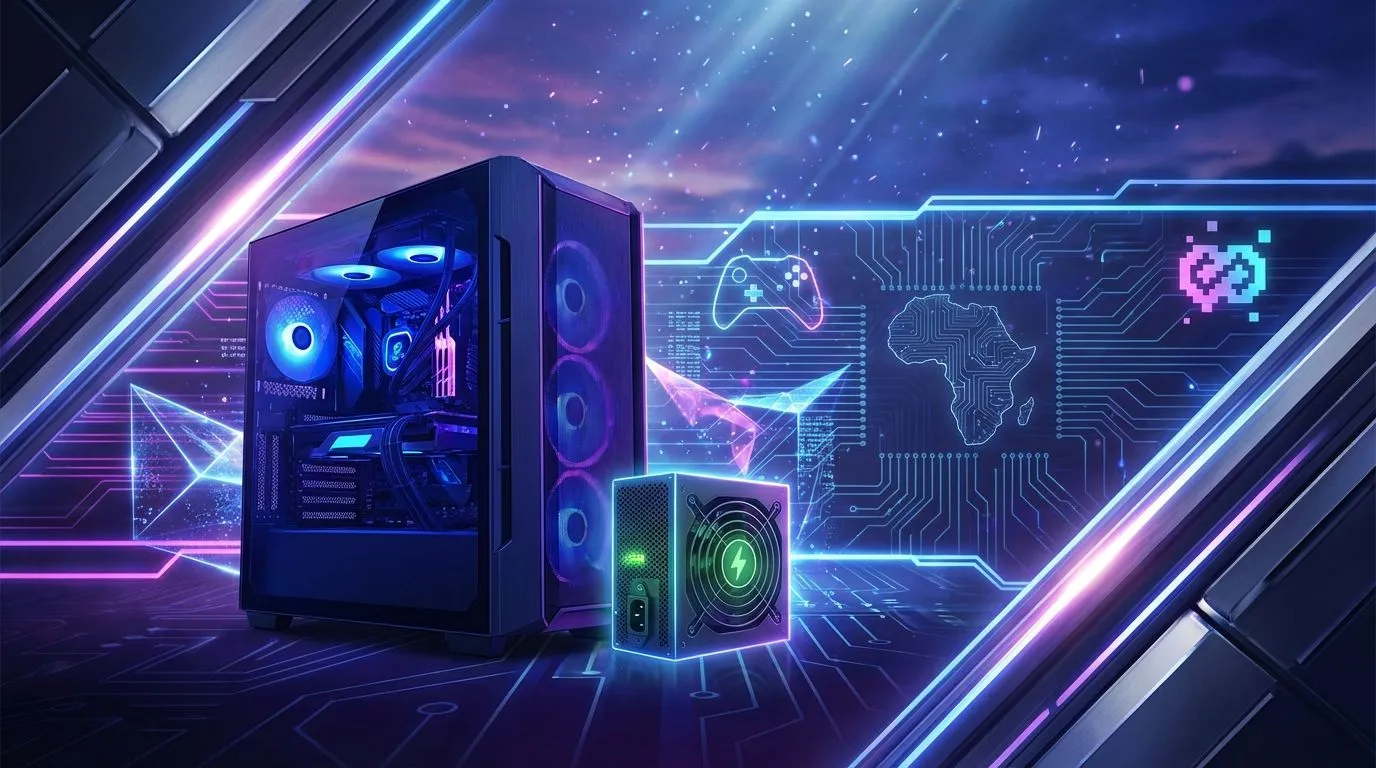
Is your monthly Eskom bill looking more terrifying than a final boss fight? 😥 You're not alone. For South African gamers, the rising cost of electricity is a real-world challenge that can limit your screen time. But what if you could build a rig that delivers epic frame rates without draining your wallet? Crafting a power-efficient gaming PC is not about sacrificing performance; it's about building smarter. Let's get into how you can save some ZAR.
The Heart of Power Efficiency: Your Graphics Card
The single biggest electricity guzzler in your rig is the graphics card. While it's tempting to grab the most powerful GPU on the market, focusing on "performance-per-watt" is the key to a power-efficient gaming PC. This metric tells you how much graphical power you get for every watt of electricity consumed.
Modern GPUs from both NVIDIA and AMD have made huge strides here. For instance, a mid-range card from the latest generation can often outperform a high-end card from a few years ago while using significantly less power. When browsing the latest graphics cards, look at the TDP (Thermal Design Power) value—a lower number generally means lower power draw under load.
Choosing the Right GPU Flavour
Every manufacturer has its own strengths. While some cards are built for raw, untamed power, you can often find efficient models from brands like MSI that feature excellent custom coolers, keeping temperatures and power usage in check. Similarly, AMD's Radeon lineup is highly competitive, often offering fantastic performance-per-watt, especially in their RX 7700 XT and 7800 XT series. Even newer options like Intel's Arc series are bringing fresh competition with a focus on modern features and efficiency.
It's also crucial to pick the right tool for the job. While incredibly powerful for specific tasks, workstation graphics cards are optimised for different workloads and are not the ideal choice for an energy-saving gaming build. Stick to consumer gaming cards for the best results.
Pro Tip: Undervolting for Free Efficiency ⚡
For the more adventurous tweaker, undervolting your GPU is a fantastic way to reduce power consumption and heat. Using software like MSI Afterburner, you can slightly lower the voltage your GPU receives. This often results in the same performance level (or very close to it) for 10-20% less power usage. It's a win-win!
Smart CPU and Component Choices
While the GPU is the main character, the supporting cast matters too. Your CPU, motherboard, and Power Supply Unit (PSU) all contribute to your PC's overall energy footprint.
CPU & Motherboard Synergy
Modern CPUs, like AMD's Ryzen 7000 series or Intel's 13th and 14th Gen processors, often have "non-X" or "non-K" variants. These models typically have a lower TDP of 65W, offering incredible gaming performance without the high power draw of their overclockable counterparts. Pair one of these with a quality B-series motherboard (like a B650 for AMD or B760 for Intel) for a stable, efficient, and cost-effective core for your build. 🔧
The Unsung Hero: Your Power Supply (PSU)
Don't cheap out on your PSU! A high-quality Power Supply Unit is crucial for a power-efficient gaming PC. Look for a PSU with an "80 Plus" rating. This certification indicates its efficiency at converting AC power from your wall into DC power for your components.
- 80 Plus Bronze: Good entry-level efficiency.
- 80 Plus Gold: The sweet spot for most builds, offering excellent efficiency without a massive price jump.
- 80 Plus Platinum/Titanium: The best of the best, but often with a price premium.
A Gold-rated PSU can save a noticeable amount on your electricity bill over a year compared to a non-certified or Bronze unit, as less energy is wasted as heat. 🚀
Building a PC that's mindful of its power consumption is a smart move for any South African gamer. You get to enjoy the games you love, keep your components running cooler, and maybe... just maybe... make that loadshedding schedule a little less painful on your budget.
Ready to Build Smarter, Not Harder? Building a power-efficient gaming PC doesn't mean sacrificing performance. It means making smart choices. Explore our massive range of PC components and start building a rig that dominates games, not your electricity bill.











