

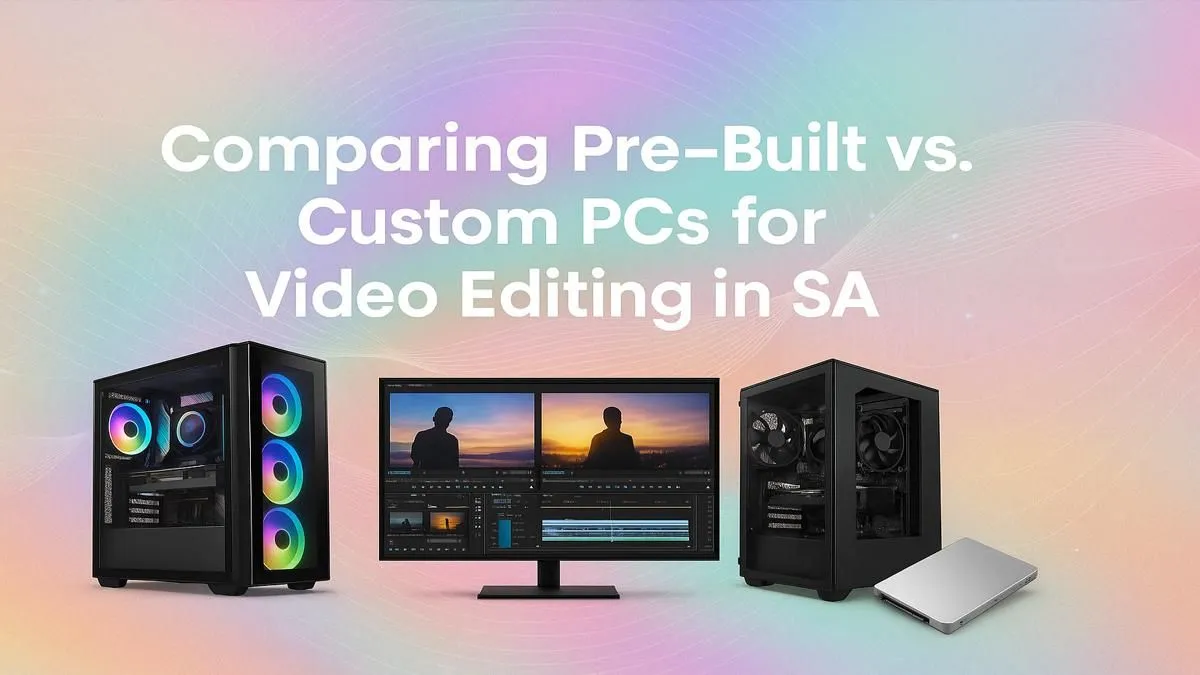
So, you've captured stunning 4K footage... but now your PC is chugging, the timeline is lagging, and render times are stretching into next week. It's a classic South African creator's dilemma. You need more power, but what's the smarter move? The pre-built vs custom PC for video editing debate is real. Do you go for an out-of-the-box solution or dive into a personalised build? Let's break it down for you.
The Case for a Pre-Built PC: Convenience and Reliability
For many editors, time is money. Every hour spent researching components, assembling parts, and troubleshooting drivers is an hour you're not billing. This is where pre-built systems shine. They arrive at your door ready to rock, fully assembled and tested by professionals.
The biggest advantage? A single, comprehensive warranty. If something goes wrong, you have one point of contact... no need to figure out if it's the motherboard or the RAM causing issues. For a busy professional in South Africa, this peace of mind is invaluable. Exploring a range of expertly assembled pre-built PCs is a great starting point if you prioritise getting to work immediately. 🚀
The Power of a Custom-Built PC: Control and Optimisation
If you're a tech enthusiast who loves to tinker, a custom build offers ultimate control. You get to hand-pick every single component to perfectly match your workflow and budget. Are you a Premiere Pro user who benefits from Intel's Quick Sync, or a DaVinci Resolve guru who needs maximum GPU power? A custom PC for video editing lets you build a machine optimised for your exact software.
While it requires more research and effort upfront, building your own can sometimes offer better performance-for-rand value. You decide where to spend big (like on a CPU) and where to save. Plus, the satisfaction of booting up a machine you built yourself is hard to beat. 🔧
Editing Pro Tip ⚡
Create proxy files for your 4K or 8K footage! Most editing software (like Premiere Pro and DaVinci Resolve) can generate low-resolution stand-ins for your media. This allows for super-smooth timeline scrubbing and editing, even on a mid-range PC. You simply switch back to the original high-quality files for the final colour grade and export.
Key Components for Your Video Editing Rig
Whether you choose a pre-built or custom PC for video editing, the core components remain the same. Understanding them helps you make a smarter choice.
The Brains: CPU (Central Processing Unit)
Your CPU handles tasks like playback, encoding, and running the software itself. More cores and higher clock speeds generally mean smoother performance. The choice between Intel and AMD often comes down to specific software optimisations and current pricing. Both platforms offer incredible performance, so it's worth checking out the latest Intel-powered PCs as well as the newest powerful AMD Ryzen systems to see what fits your budget.
The Muscle: GPU (Graphics Processing Unit)
The GPU is crucial for accelerating effects, colour grading, and rendering. Your choice of editing software matters here. Adobe Premiere Pro heavily utilises NVIDIA's CUDA cores, making NVIDIA GeForce PCs a popular choice. DaVinci Resolve, on the other hand, is a beast that scales incredibly well with powerful GPUs from either camp, including high-performance AMD Radeon-based PCs.
For the Pros: What About Workstations?
If you're running a professional studio, dealing with 8K RAW files, or doing complex visual effects, neither a standard pre-built nor a typical custom build might cut it. This is where dedicated Workstation PCs come in. These machines are engineered for maximum stability and performance under relentless, 24/7 workloads, often using specialised components like NVIDIA Quadro GPUs and Intel Xeon or AMD Threadripper CPUs.
The Verdict: Which is Best for You in SA?
Ultimately, the best PC for video editing in South Africa depends on your priorities.
- Choose Pre-Built if: You value your time, want a single warranty, and need a reliable machine that works straight out of the box.
- Choose Custom if: You enjoy the building process, want to control every component, and aim to squeeze every drop of performance out of your budget.
There’s no wrong answer. The goal is to get a machine that lets your creativity flow without technical bottlenecks holding you back. ✨
Ready to Render Faster? Whether you value the plug-and-play convenience of a pre-built machine or the granular control of a custom build, the perfect editing rig is waiting. Explore our range of high-performance Workstation PCs and find the machine that will crush your deadlines.











