

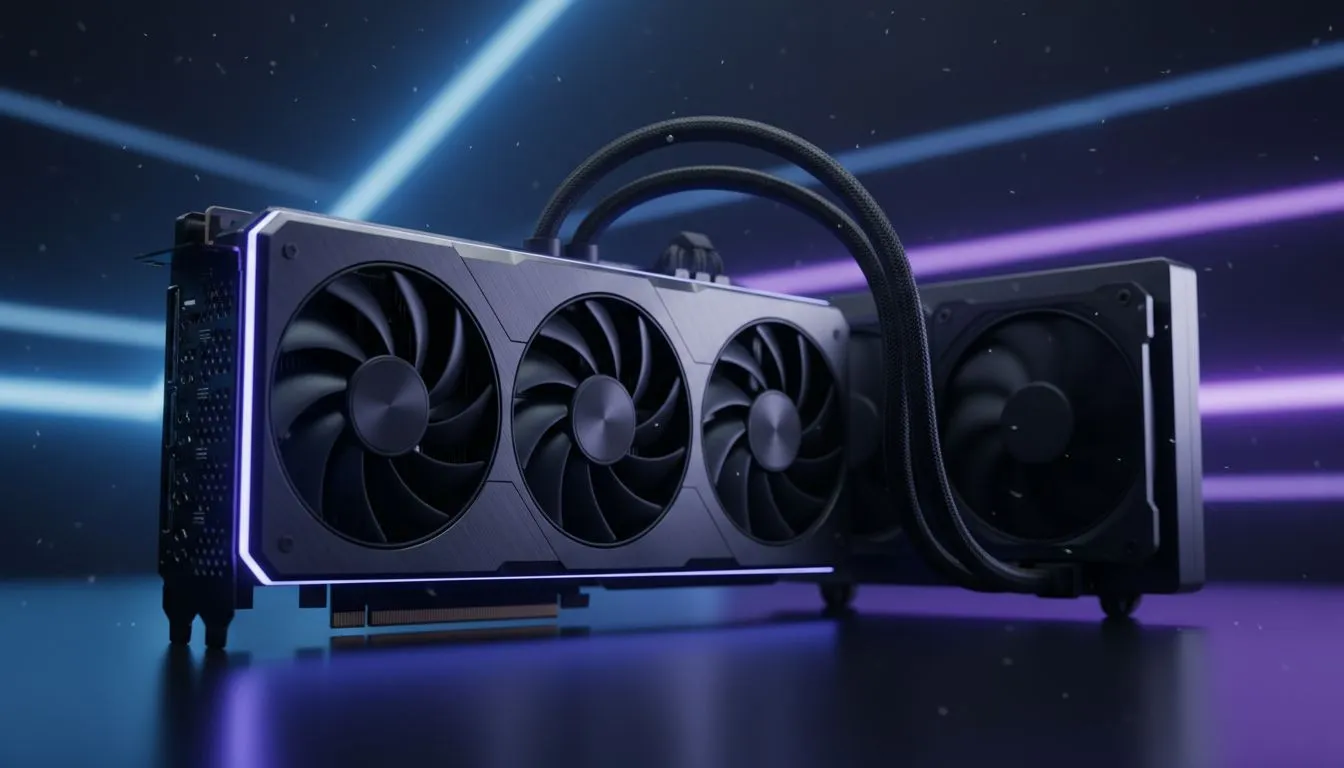
Prepare PC Case for Large GPU: Start Here 🔧🚀
South African gamers: if you’re planning to prepare PC case for large GPU before your next Evetech order, this short guide saves hours of headaches. Measure, clear space, and think airflow first... then buy. Read on for quick checks, cooling tweaks and simple installation steps that work for local builds and tight budgets.
Prepare PC Case for Large GPU: Measure and Fit
Before you buy, measure the usable GPU length from the backplate to the drive cage. Remove any tool‑free trays and check behind the PCI slots for extra room. If you need reference cards to compare sizes, browse Evetech’s graphics cards hub to see common lengths and models.
Anchor your decision on clearance, not marketing names; a "compact" label still varies by maker.
(See popular GeForce options at Evetech for size comparisons: GeForce graphics cards.)
Prepare PC Case for Large GPU: Cooling & Airflow ⚡
Airflow wins more battles than RGB. Aim for unobstructed front-to-back intake and exhaust. Position fans so cool air reaches the GPU fans directly; don’t rely on passive gaps alone. If your case has a solid front panel, add higher-static-pressure intakes to push air through.
Case Cooling Quick Tip ⚡
Cleaning filters monthly and setting a gentle fan curve for GPU and case fans keeps temperatures steady. Use larger 140mm intakes where possible to move more air quietly.
For reference on thermal behaviour by card families, check Evetech’s Radeon listings to compare models when planning cooling needs: Radeon graphics cards.
Prepare PC Case for Large GPU: Cable & Power Considerations
Big GPUs often need multiple 8‑pin connectors or 12VHPWR adapters. Confirm your PSU has the right rails and connectors. If you have a modular PSU, route cables behind the motherboard tray to keep airflow clean. Keep cable bundles away from intake fans.
Browse Evetech’s general graphics cards hub to match connector types and power requirements before checkout: graphics cards hub.
Prepare PC Case for Large GPU: Picking Brands & Support
Some manufacturers offer shorter "single‑fan" or "compact" variants. MSI often produces differing PCB lengths for the same GPU chip; if size matters, check their specific models. Use Evetech’s MSI filter to see which cards are narrower or come with reinforced backplates that help with sag and mounting: MSI cards.
Prepare PC Case for Large GPU: Installation Tips
Mount the GPU with the case on a flat surface and avoid flexing the board. Use an extra USB cable strap or a simple support bracket if the card is long and heavy. Install the longest PCIe power cable first, then tidy the rest. Run a stress test and monitor temps for an hour to confirm stable cooling.
Final Checklist Before You Buy
- Confirm GPU length against measured clearance.
- Verify PSU connectors and wattage.
- Plan fan layout: intake, GPU intake, exhaust.
- Keep cables tidy; consider vertical mount only if airflow won’t suffer.
Ready to Find Your Perfect Match? The Mac vs Windows debate is complex, but for maximum power, choice, and value in South Africa, Windows is hard to beat. Explore our massive range of laptop specials and find the perfect machine to conquer your world.











