

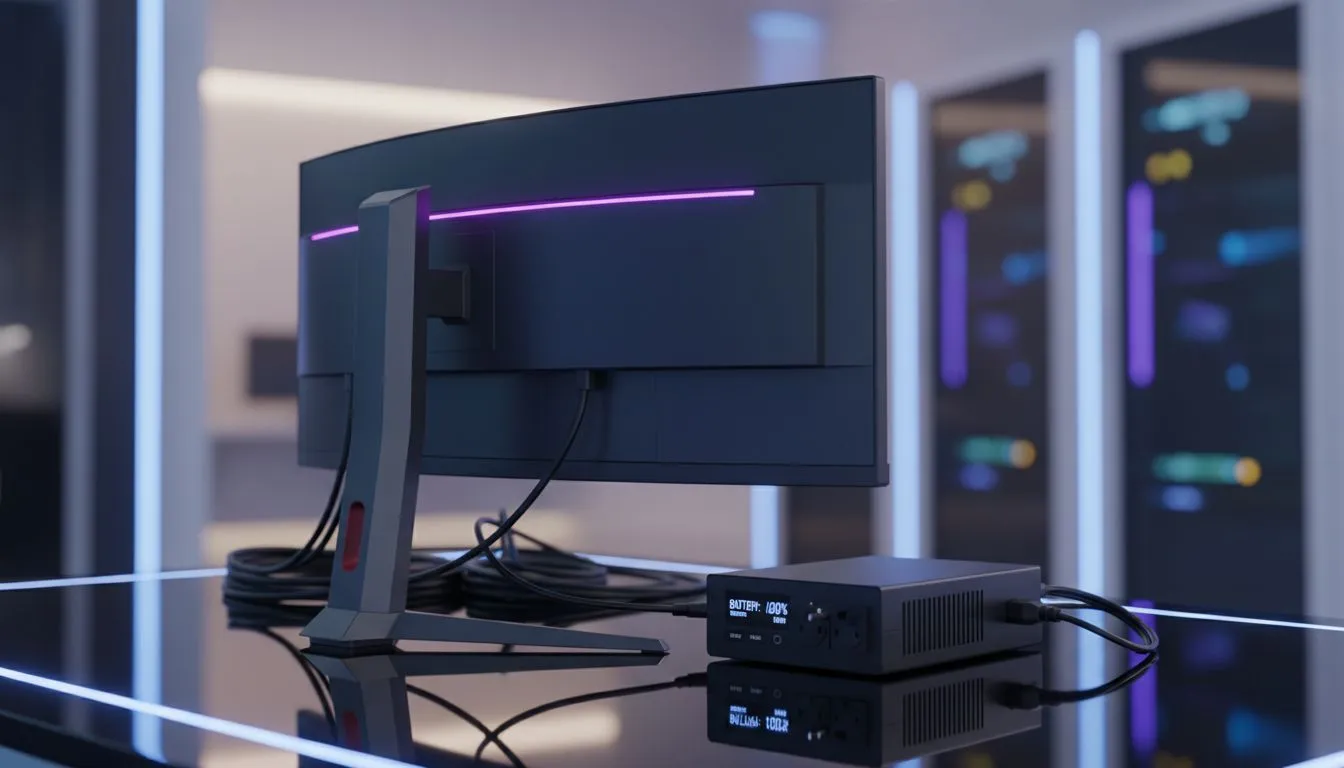
Protect Gaming Monitor During Loadshedding ⚡🎮
South African gamers know the fear: mid-match black screen, then the slow realisation that loadshedding hit. This short guide—Protect Gaming Monitor Loadshedding: Guide for South African Gamers—gives practical steps to protect your monitor and your game, fast. Read on for quick buys, easy setup tips, and a few Evetech links to get you match-ready without breaking the bank.
Why monitor protection matters in SA
When Eskom flips the lights, your display can suffer from sudden power cuts and surges. Protecting your monitor isn't just about avoiding a dead panel; it’s about keeping your GPU, peripherals, and progress safe. For example, check current offers to compare replacement and upgrade prices on the Evetech best PC monitor deals if you're shopping on a budget: best PC monitor deals.
Choose the right display and accessories
Pick a monitor with robust build and easy serviceability. Browse the broader PC monitors range to match size, resolution, and refresh rate to your play style: PC monitors category. If you play competitively, see the dedicated selection of gaming screens: gaming monitors to balance speed and price.
Hardware that buys you time
A UPS (uninterruptible power supply) is the most direct defence. For flexible setups, combine a UPS with quality surge protection and consider alternative displays that draw less power. For immersive single-player sessions, curved panels are popular and can still be protected affordably—compare options here: curved monitors. If you need a light, mobile option for LAN nights or work-from-home backups, portable monitors are a great fallback: portable monitors.
Power Tip ⚡
Use a UPS sized for your full gaming rig (monitor plus PC). Aim for a UPS that lets you safely shut down your system, rather than one that only powers the monitor. That protects your files and hardware.
Resolution, refresh and practical choices
High-resolution monitors are lovely, but they often need more power and stronger GPUs. If you’re worried about loadshedding and future-proofing, weigh 4K/5K options against uptime priorities before upgrading: 4K and 5K monitors. Often a fast 1080p or 1440p screen plus a small UPS gives the best playtime-per-Rand.
Small buys that make a big difference 🔧
Don’t skip accessories that protect your investment: surge protectors, quality power cables, and monitor mounts that avoid accidental falls during power disruptions. Check Evetech’s monitor accessories for practical, ZAR-priced options you can add today: monitor accessories.
Quick checklist before the next outage
- Set power options to auto-save and fast sleep.
- Keep a UPS or quality surge protector inline.
- Unplug non-essential devices during severe storms.
- Test your backup solution once a month.
Final thoughts — practical, local, actionable 🚀
Loadshedding is part of South African tech life. You don’t need to overspend to protect your monitor; a targeted combination of a reliable UPS, surge protection, and smart gear choices will preserve your hardware and your sanity. If you’re upgrading, use Evetech deals and categories above to compare options quickly and in ZAR.
Ready to Find Your Perfect Match? The Mac vs Windows debate is complex, but for maximum power, choice, and value in South Africa, Windows is hard to beat. Explore our massive range of laptop specials and find the perfect machine to conquer your world.











