

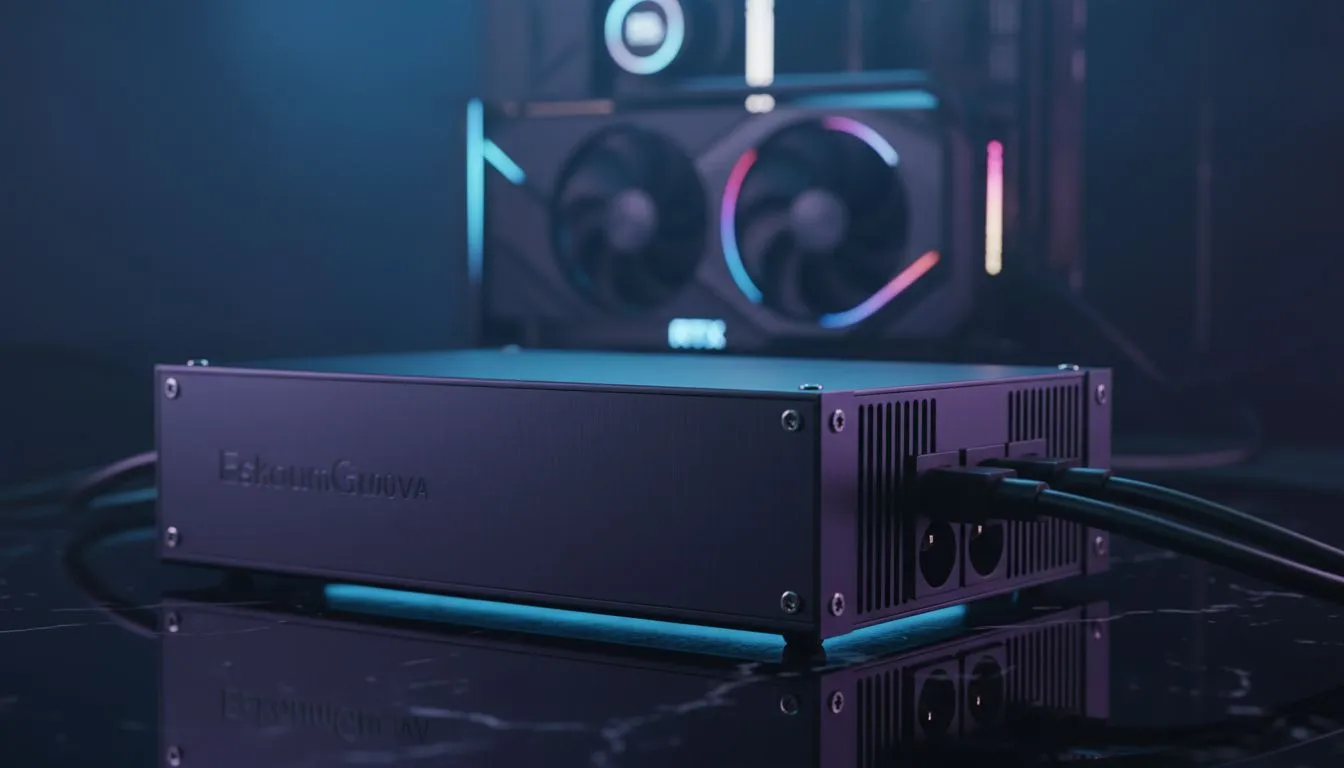
Loadshedding is a reality every South African gamer faces daily. One moment you are deep in a match... the next, everything goes dark. While losing progress is frustrating, the real danger happens when the power returns. Voltage spikes can easily fry sensitive electronics. Learning how to protect graphics card during loadshedding is essential to save your hardware and your wallet. ⚡
The Silent Killer: Power Surges
When the grid comes back online, voltage spikes are common. These spikes can travel through your power supply. Sensitive GeForce Graphics Cards are often the first to suffer. A surge can bypass cheap power supplies and fry the delicate circuitry. This results in a very expensive paperweight. High-end hardware is an investment worth thousands of Rands (ZAR). Protecting it is a priority.
The Role of a UPS
An Uninterruptible Power Supply (UPS) is essential. It provides a battery buffer when the lights go out. This gives you enough time to shut down properly. Even the most efficient Radeon Graphics Cards need a stable shutdown sequence. A UPS also filters the incoming power. This ensures your components receive a clean signal without dangerous fluctuations. It is the best way to avoid hardware failure.
Pro Tip: The Five-Minute Rule ⚡
Always shut down your gaming rig five minutes before the scheduled loadshedding time. Sudden cuts can cause data corruption and electrical stress. Being proactive is the easiest way to ensure your hardware lives a long life. Don't wait for the blackout to happen.
Why Build Quality Matters
Some brands offer better protection than others. For example, MSI uses military-grade components in many of their designs. These parts handle heat and electrical load more effectively. When you look at the full graphics card range, check for reinforced power delivery systems. Higher phase counts often mean better stability during power transitions. Quality components are less likely to fail during a spike.
Software and Physical Safety
You can also use software to help. Reducing your power limit in utility tools can lower the stress on your system. This is helpful if your UPS is nearing its capacity. Finally, always unplug your PC during extended outages. This is the only 100% effective way to avoid a massive surge. Stay safe and keep your frames high. 🚀
Ready to Secure Your Gaming Rig? Don't let the next power cut be the end of your gaming rig. From high-end GPUs to robust power solutions, we have everything you need to stay in the game. Explore our massive range of graphics cards and protect your investment today.











