

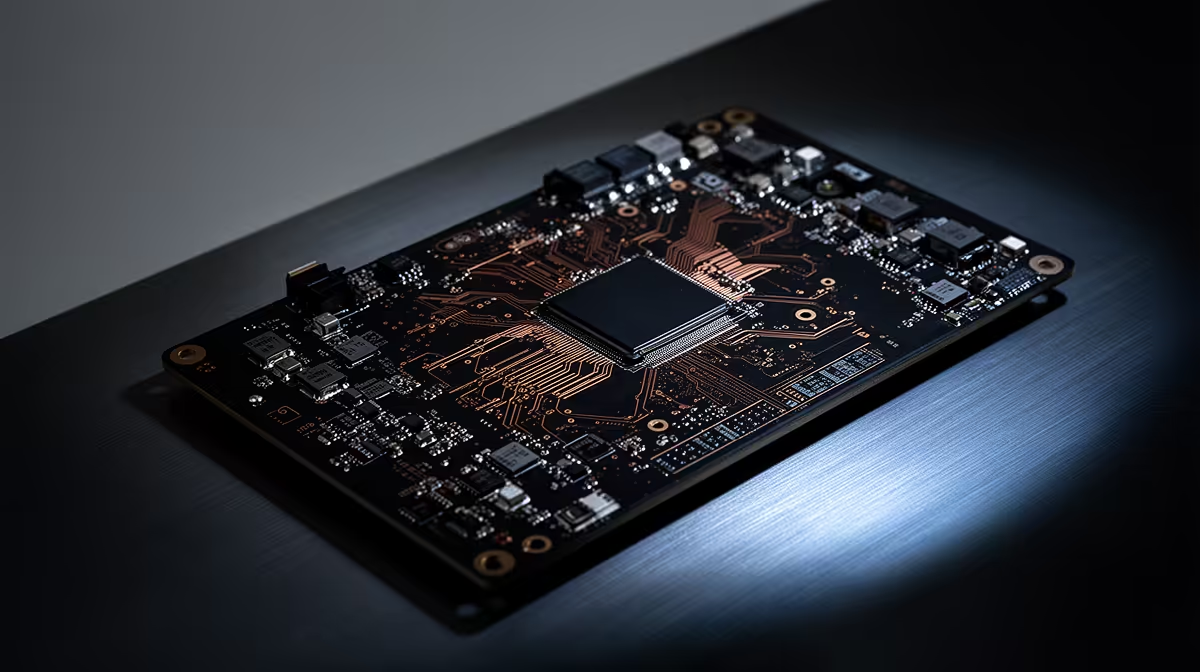
You hear the hum of your PC, the whir of the fans... you're deep in a ranked match, and then... silence. The loadshedding switch has flipped. But the real danger isn't the power going out; it's the chaotic surge when it returns. That single jolt of unstable electricity can be a death sentence for your PC's nerve centre. Learning how to protect your Intel motherboard from power surges is no longer a luxury in South Africa, it's essential.
Why Loadshedding is Your Motherboard's Worst Enemy
That sudden return of power after a loadshedding cycle is rarely clean. It often comes back as a powerful surge or a series of unstable spikes. These electrical jolts can overwhelm the delicate circuits on your motherboard, causing irreparable damage to capacitors, VRMs, and integrated chips. It's like sending a tidal wave through a network of tiny garden streams. ⚡
Even if a surge doesn't kill your board outright, repeated exposure to "dirty power" and brownouts (dips in voltage) can degrade components over time, leading to mysterious crashes, instability, and a shortened lifespan for your entire rig. Protecting your motherboard is about safeguarding the expensive components connected to it, like your CPU and GPU. The cost of prevention is tiny compared to replacing a high-end gaming PC's core, and this applies even to the most cheap Intel & AMD based motherboards on the market.
Your First Line of Defence: Essential Hardware
You wouldn't leave your front door unlocked, so why leave your PC's digital door wide open to electrical chaos? A few key pieces of hardware are non-negotiable for anyone serious about Intel motherboard protection from loadshedding.
The Surge Protector: A Non-Negotiable Basic
Think of a surge protector as a basic gatekeeper. It's a power strip with built-in circuitry (called a Metal Oxide Varistor or MOV) designed to absorb and divert excess voltage away from your connected devices. It's your absolute minimum defence.
However, a surge protector has its limits. It offers no protection against brownouts or a complete loss of power, and its protective capabilities wear out after absorbing a few significant surges. It’s a crucial first step, but it’s not the complete solution to protect an Intel motherboard from power surges.
The UPS: Your Loadshedding Lifesaver 🛡️
This is the real solution. An Uninterruptible Power Supply (UPS) is a device with a built-in battery that your PC plugs into. When loadshedding hits, the battery instantly takes over, giving you clean, stable power. This gives you precious minutes to save your work, exit your game properly, and perform a safe shutdown.
More importantly, a good UPS constantly conditions the power, smoothing out the dips and spikes from the grid. It's the ultimate shield, ensuring your high-performance Intel motherboards and all connected components only ever receive clean, stable electricity.
UPS Sizing Tip 💡
To choose the right UPS, check the VA (Volt-Amps) rating. Add up the wattage of your PC and monitor (e.g., a 650W PC + 50W monitor = 700W). A good rule of thumb is to multiply your total wattage by 1.6 to get a safe VA rating. For a 700W setup, you'd look for a UPS around 1120VA or higher to give you enough runtime for a safe shutdown.
Don't Forget the Unsung Hero: Your PSU
Your PC's Power Supply Unit (PSU) is the final line of defence. A high-quality PSU from a reputable brand includes its own internal protections against over-voltage, under-voltage, and short circuits. Skimping on your PSU is one of the biggest mistakes a builder can make. A cheap, unrated PSU can fail under stress and take your entire system with it.
Investing in a good 80 Plus Bronze, Gold, or Platinum rated PSU ensures that the power being delivered to your motherboard is already filtered and stable. This principle is universal for PC building; owners of AMD motherboards face the exact same risks and benefit equally from a top-tier PSU. When combined with a UPS, it creates a multi-layered defence that makes your system incredibly resilient against South Africa's unpredictable power grid.
Ready to Build a Resilient Rig? Loadshedding isn't going away, but your PC can be ready for it. A quality motherboard is the foundation of a stable system. Whether you're upgrading or building new, make a smart choice. Explore our massive range of Intel motherboards and build a PC that's truly South Africa-proof.











