

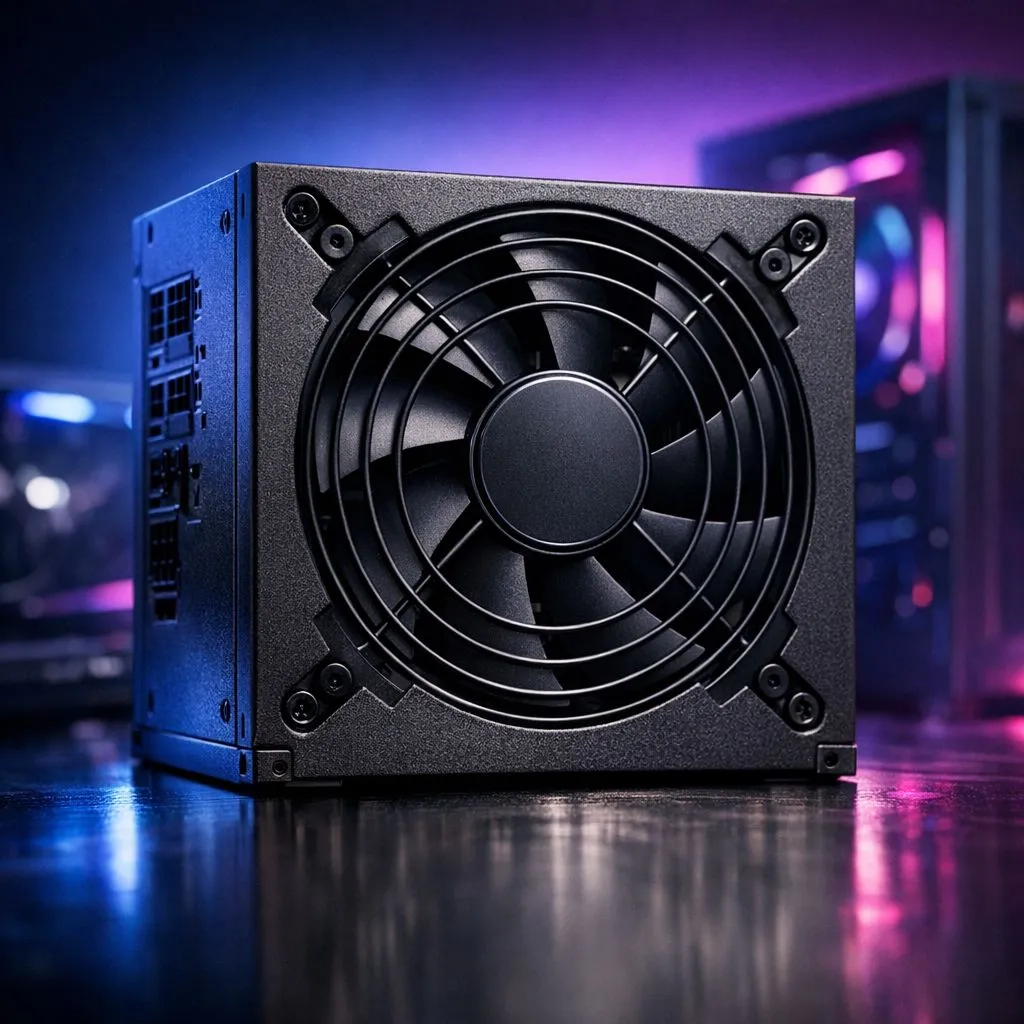
Master PSU Fan Control for a Silent Gaming PC
There is nothing more distracting than a jet engine taking off under your desk while you are clutching a 1v4 in Counter-Strike 2. Every South African gamer knows the struggle of balancing performance with acoustics. Achieving total silence starts with mastering PSU fan control, an often overlooked part of the building process. Let’s look at how to keep your rig whisper-quiet.
Understanding Thermal Efficiency and Noise
The loudest part of your PC is often the component you notice least. When your power supply works hard, it generates heat. To dissipate this heat, the internal fan must spin faster. This creates that annoying drone. By choosing a unit with high efficiency, you reduce the amount of wasted energy turned into heat.
Many high-end Corsair power supplies feature Zero RPM technology. This allows the fan to stay completely still during low to medium loads. If you are just browsing the web or watching YouTube, your PSU remains silent. The fan only kicks in when you launch a demanding title like Cyberpunk 2077.
Smart Features and Fan Curves
Modern hardware allows for much more granular control than older systems. Some units come with physical "ECO" or "Silent" switches on the back. These toggles change the fan profile to prioritise lower decibels over aggressive cooling.
If you are building a budget-friendly rig, certain Gamdias units offer optimised fan curves that balance cost and noise levels effectively. These are great for South African gamers who want a quiet experience without spending thousands of Rands on premium cooling solutions.
Dust Management ⚡
Keep your PSU intake filter clean to prevent the fan from ramping up. A clogged filter forces the fan to spin faster to maintain safe temperatures... which ruins your silent build profile. Check your filters at least once a month for the best results.
Why 80 Plus Ratings Matter for Silence
Efficiency isn't just about your electricity bill. A Gold or Platinum rated unit is more efficient at converting AC power from your wall into DC power for your components. Less energy is "lost" as heat... and less heat means the fan does not need to spin as often or as fast.
Selecting 80 Plus certified models is the most reliable way to ensure your build stays cool and quiet. When your PSU operates at its peak efficiency curve... usually around 50% load... it generates the least amount of noise. Over-speccing your wattage slightly can actually result in a quieter PC because the fan never needs to reach its maximum speed.
Optimise Your Airflow
The position of your PSU also affects fan noise. Most modern cases allow you to mount the PSU with the fan facing downwards. This lets it pull fresh, cool air from outside the chassis rather than sucking in hot air from your GPU. This simple adjustment can significantly reduce how often the internal fan needs to ramp up.
Ready to Build Your Silent Rig? A quiet PC starts with the right foundation. Whether you need high-efficiency ratings or Zero RPM technology, we have the hardware to keep your focus on the game. Explore our massive range of power supplies and find the perfect match for your silent gaming PC.











