

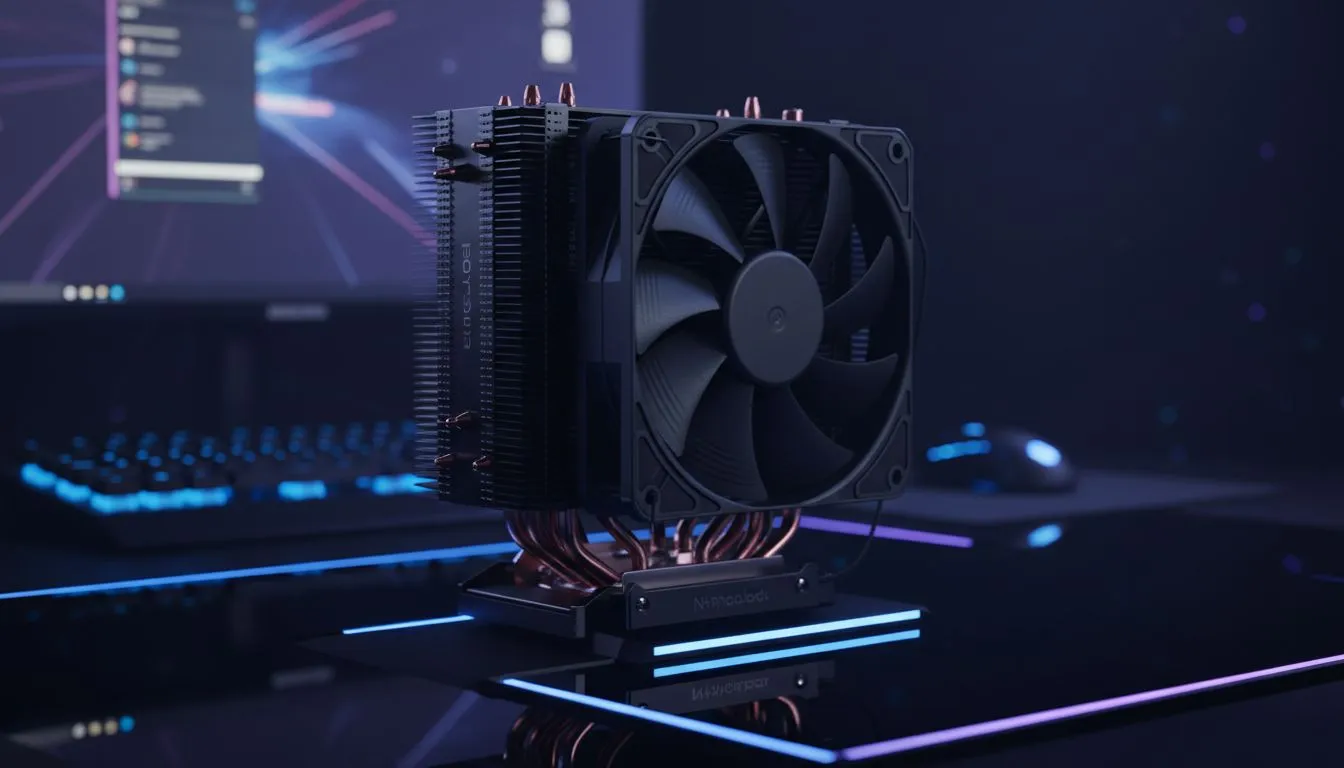
Quiet CPU cooling tips for late-night sessions 🔧
If you play after lights-out, you know a loud PC can ruin the vibe. Quiet CPU Cooling for Late-Night Gaming isn't just about swapping fans; it's about choosing the right cooler, tuning fan curves and mounting it properly so your rig hums instead of roars. Read on for practical South African tips to keep frame rates high and bedroom peace intact.
Choose the right cooler for whisper-quiet performance
Start at the category level and compare form factors. Evetech’s CPU coolers hub is a good place to begin when hunting for quiet options and checking compatibility with South African builds: browse CPU coolers. 🔎
Why air coolers still make sense for low noise
Air coolers with well-designed heatpipes often give better passive damping than compact AIO pumps. If you prefer towers, filter the Evetech range to air coolers to see many budget and premium models that balance noise and thermal headroom: air cooler selections.
Fan size, bearings and why 120mm matters ⚡
Larger fans can move the same air at lower RPMs, which reduces noise. For quick shopping, Evetech’s 120mm fan-filtered list shows common silent-friendly options and mounting compatibility: 120mm fan air coolers. When you pair a 120mm fan with rubber mounts and a good fan curve, idle noise drops noticeably.
Brand picks: deep-dives and when to choose specific models
Some brands tune fans and brackets for quieter operation. If you want proven quiet performers, browse brands like Deepcool on Evetech to compare designs and user reviews: Deepcool options. For budget-friendly but surprisingly quiet builds, check EINAREX listings too—some of their 3rd-party coolers punch above their price: EINAREX models.
Night-Time Setup Tip ✨
Lower idle noise by setting a shallow fan curve up to 50% fan speed under light load, add rubber fan mounts, and enable motherboard BIOS fan controls. If a cooler lists 120mm fans, that’s often a sign it’s optimised for quieter RPMs — double-check the product page for fan specs.
Quick setup checklist before you game
- Install anti-vibration mounts and tighten screws evenly.
- Use the motherboard fan curve or software to prioritise silence during desktop and low-load periods.
- Place intake fans away from dusty floor carpets and use filters.
- Test different fan profiles while running a game to find the best compromise of temperature and noise.
Final thoughts — make late-night sessions peaceful
Quiet CPU Cooling for Late-Night Gaming is achievable without breaking the bank. Pick the right cooler, favour larger, quality fans, and tune curves. You’ll keep your FPS and your household happy.
Ready to Find Your Perfect Match? The Mac vs Windows debate is complex, but for maximum power, choice, and value in South Africa, Windows is hard to beat. Explore our massive range of laptop specials and find the perfect machine to conquer your world.











