

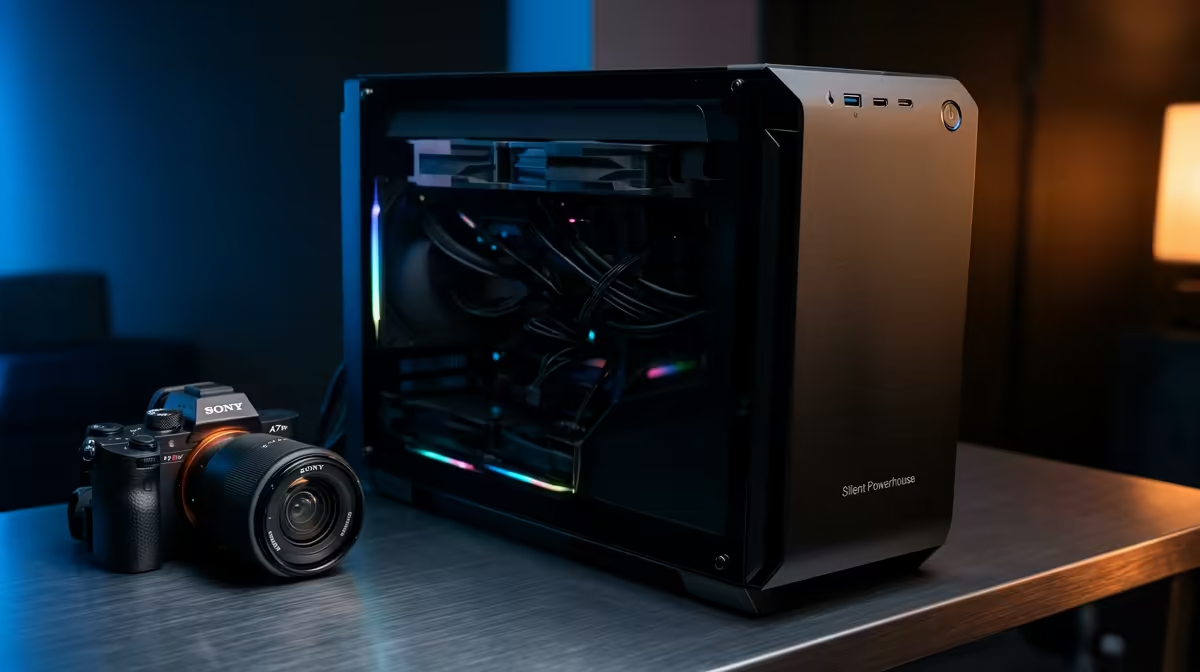
Is your PC a creative partner or a noisy distraction? You’re deep in the zone, colour grading a project or laying down a perfect voiceover, when it starts… the low hum escalating into a jet engine whine. Suddenly, your focus is shattered. For South African creators, streamers, and editors, a loud computer isn’t just an annoyance; it’s a workflow killer. It's time to build a silent powerhouse that lets your creativity, not your fans, make all the noise.
Why a Quiet Editing PC is Non-Negotiable
In the creative world, your environment is everything. A quiet editing PC isn't a luxury; it's a fundamental tool for producing high-quality work. The constant drone of fans can mask subtle audio imperfections you’d otherwise catch, contaminate microphone recordings, and create a stressful work atmosphere.
Imagine editing your next short film without the distracting fan noise bleeding into your headphones. Or streaming to your audience with crystal-clear audio, free from the hum of your machine. This is the advantage a purpose-built quiet editing PC in South Africa provides. It’s about creating a sanctuary for focus, where the only sound is the one you’re creating. 🤫
The Core Components for a Silent Powerhouse
Building a whisper-quiet PC is an art, but it’s one you can master by choosing the right components. It’s all about balancing powerful performance with smart acoustic design.
### The Case: Your First Line of Defence
Don't underestimate the chassis. A cheap, flimsy case will vibrate and amplify every sound. Look for cases specifically designed for silence. These often feature:
- Sound-Dampening Materials: High-density foam or bitumen panels on the side, top, and front panels absorb internal noise.
- Intelligent Airflow: A well-designed case allows air to move efficiently with minimal obstruction, meaning your fans don't have to spin as fast (or as loud) to keep things cool.
- Solid Construction: A heavier, sturdier frame made from steel reduces vibrations from hard drives and fans.
### Cooling: The Art of Silent Heat Management 🔧
Your CPU is the brain of your operation, and it gets hot under load. The cooler's job is to dissipate that heat efficiently and quietly.
- Large Air Coolers: Bigger is often better. A large heatsink with a 120mm or 140mm fan can dissipate more heat at a lower RPM than a stock cooler. Brands like Noctua and Be Quiet! are legendary for a reason. Many of our powerful Intel-based systems can be configured with premium, quiet air coolers.
- All-in-One (AIO) Liquid Coolers: AIOs move heat away from the CPU to a radiator, which can sometimes lead to lower overall noise if paired with quality fans. The pump can be a source of noise, so choosing a reputable model is key.
Pro Tip: Master Your Fan Curves ⚡
Most modern motherboards let you set custom fan curves in the BIOS UEFI. Instead of letting fans ramp up aggressively at the slightest temperature change, you can create a gentle curve. This keeps your PC near-silent during light tasks like writing or browsing, and only ramps up smoothly when you're rendering a 4K timeline. Software like Fan Control offers even more granular control within Windows.
### Fans, GPUs, and Power Supplies
The final pieces of the quiet puzzle are the components that move air or have their own cooling systems.
- Case Fans: Swap out stock fans for models designed for low noise. Look for fans with high static pressure for radiators and high airflow for general case cooling, always prioritising a low dB rating.
- Graphics Card (GPU): Modern GPUs from NVIDIA and AMD often include a "zero RPM" or "fan stop" mode. The fans won't even spin until the card hits a certain temperature (usually around 50-60°C), making it completely silent during desktop use or light editing tasks. This is a common feature in many of our high-performance AMD Ryzen PCs.
- Power Supply (PSU): An often-overlooked source of noise. A high-quality PSU with a "hybrid" or "zero RPM" mode will keep its fan off under low to medium loads, contributing significantly to a silent build.
Pre-Built or DIY: Your Path to a Quiet PC
So, should you build it yourself or buy a pre-configured silent machine?
Building your own quiet editing PC can be a rewarding experience, giving you total control over every component. However, it requires research and time.
For those who want a guaranteed silent powerhouse right out of the box, a professionally assembled system from Evetech is the perfect solution. Our experts know exactly which components work best together for optimal thermal performance and minimal noise. You don't have to spend a fortune either; we have some great options under R20,000 that can serve as a fantastic starting point for a quiet editing build. ✨
Ready to Build Your Silent Sanctuary? A quiet PC transforms your creative space from a noisy workshop into a focused studio. Stop fighting fan noise and start creating. Design your perfect silent powerhouse with our Custom PC Builder and hear the difference for yourself.











