

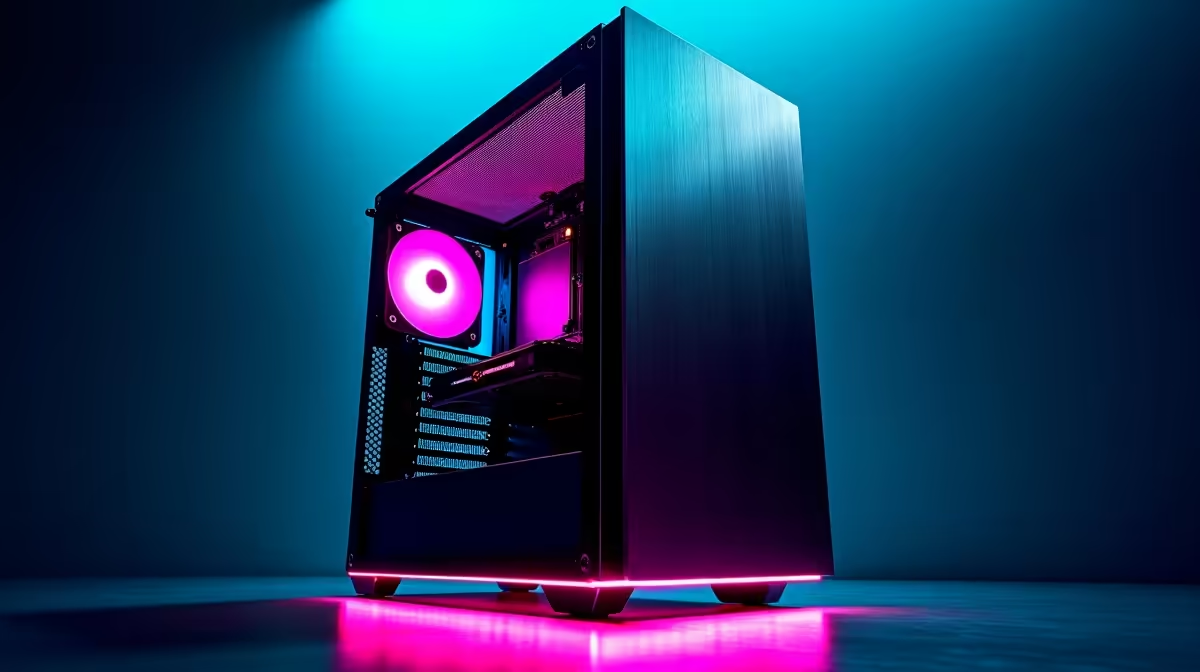
Is your PC starting to sound like a jet engine during a heavy gaming session or when training an AI model? In the quiet of a South African evening, that constant fan whine can be incredibly distracting. You deserve raw power without the racket. This quiet PC build guide is your roadmap to creating a whisper-quiet yet potent machine, perfect for both intense gaming and focused productivity right here in SA. Let's get building. 🔧
Why a Quiet PC Build Is a True Upgrade
Beyond just escaping annoying noise, a silent PC offers tangible benefits. For creators and developers, a quiet environment means deeper focus and higher quality audio recordings. For gamers, it’s about total immersion… hearing every footstep without the drone of your own hardware. Building a quiet PC isn't about sacrificing performance; it's about optimising it for a better experience. Modern components are more efficient than ever, making a silent rig an achievable goal for any high-end setup.
The Blueprint for Your Silent Rig: Key Components
Achieving near-silence is a game of smart choices. It’s not about one magic component, but how several parts work together. Here’s where to focus your attention for a successful low-noise build.
The Case: Your First Line of Defence
Think of your PC case as the foundation of your quiet PC build. Look for models with features specifically designed for noise reduction:
- Sound-Dampening Materials: Cases lined with high-density foam or bitumen panels (like those from Be Quiet! or Fractal Design) absorb vibrations and internal noise.
- Restricted Airflow Design: While it sounds counterintuitive, cases with solid front panels often muffle sound more effectively than all-mesh designs, relying on clever side-venting for intake.
- Build Quality: A sturdy, well-built chassis made from thick steel will vibrate less than a flimsy one.
Cooling: The Heart of a Silent System
Your cooling system is the biggest potential source of noise. The core principle for silence is simple: move more air, more slowly.
- CPU Coolers: Large air coolers with 140mm fans are often quieter under load than many All-in-One (AIO) liquid coolers. The larger heatsink provides more surface area, allowing the fan to spin slower.
- Case Fans: Bigger is better. A 140mm fan spinning at 900 RPM moves a similar amount of air as a 120mm fan at 1200 RPM, but does so far more quietly. Always opt for PWM (Pulse Width Modulation) fans that allow for precise speed control.
Pro Tip: Master Your Fan Curves ⚡
Your motherboard's BIOS or UEFI is your best friend for a silent build. Instead of using default fan settings, create a custom fan curve. Set fans to run at their minimum speed (e.g., 20-30%) until the CPU or GPU hits a certain temperature (like 60°C). This ensures your PC stays virtually silent during everyday tasks like browsing or watching videos.
Graphics Cards & Power: Performance Without the Roar
Thankfully, GPU manufacturers know that noise matters. Most modern cards feature "0 RPM" or "Fan Stop" technology, where the fans don't spin at all under light loads. When choosing a GPU, look for models with three fans and a chunky heatsink, as this design dissipates heat more effectively at lower fan speeds. Whether you're considering the AI-accelerated power in high-performance NVIDIA GeForce gaming PCs or the incredible gaming value offered by powerful AMD Radeon gaming PCs, a well-designed cooler is non-negotiable for a quiet build.
Don't forget the Power Supply Unit (PSU). A PSU with a semi-passive mode will only spin its fan when the load reaches a certain threshold, keeping it completely silent during less demanding tasks.
Assembling Silent AI Rigs for Serious Workloads
For those building silent AI rigs or video editing stations, the stakes are higher. These machines can run at 100% load for hours, making thermal and acoustic management critical. Meticulous cable management is essential not just for looks, but for promoting unobstructed airflow, which allows fans to work less. For professionals who need guaranteed stability and optimised acoustics out of the box, exploring pre-configured workstation PCs can be the most reliable path to silent, sustained performance. ✨
Ready to Build in Peace and Quiet? Crafting the perfect silent PC is a rewarding challenge. Whether you're hand-picking every component or looking for a professionally optimised silent AI rig, the perfect build is waiting. Explore our custom-built PCs and configure your dream machine today.











