

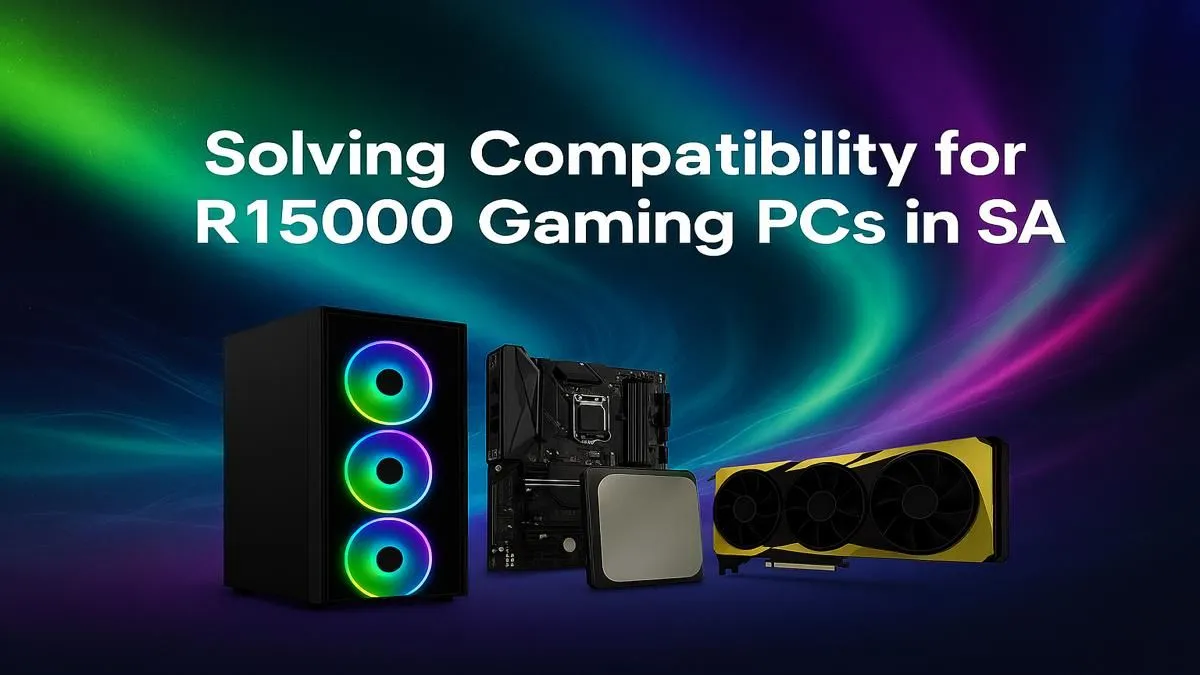
So, you’ve got R15,000 saved up and a dream of hitting lekker frame rates in your favourite games? Welcome to the club. Crafting the perfect R15,000 gaming PC build in South Africa is a thrilling challenge, but one wrong move with compatibility can turn your dream rig into an expensive paperweight. Don't stress... we're here to make sure every part plays nicely together, getting you from box to boot-up without the headaches. Let's get it right.
Core Components for Your R15,000 Gaming PC Build
Nailing a build at this price point is all about smart balance. You want to allocate your budget where it counts most for gaming… without creating bottlenecks. Think of your PC as a team; every player needs to pull their weight.
The CPU & Motherboard Handshake
This is the foundation of your entire R15,000 PC build. The Central Processing Unit (CPU) is the brain, and the motherboard is the nervous system connecting everything. The most critical compatibility check starts here: the CPU socket. An AMD Ryzen 5 CPU won't fit in an Intel motherboard, and vice versa.
For a budget around R15k, you're likely looking at AMD's AM4 or Intel's LGA1700 platforms. Ensure your chosen motherboard explicitly supports your CPU model. A B550 motherboard for a Ryzen 5 5600, for example, is a classic, value-packed combo found in many excellent budget gaming PCs.
The Graphics Card (GPU): Your Framerate Engine 🚀
Here’s where the magic happens. The GPU renders the beautiful worlds you explore and is the single biggest factor in your gaming performance. In a R15,000 budget, you're aiming for a graphics card that delivers a fantastic 1080p experience, pushing high frame rates in titles like Apex Legends, Warzone, and Valorant.
Look for cards like the NVIDIA GeForce RTX 3050 or AMD's Radeon RX 6600. These GPUs offer great value and are the heart of many powerful gaming rigs under R20k. They provide enough VRAM (video memory) for modern game textures without breaking the bank. While they won't compete with the 4K beasts found in high-performance PCs over R20k, they are the undisputed champions of the 1080p arena.
RAM & Storage: The Need for Speed
Don't skimp here. For modern gaming, 16GB of DDR4 RAM is the sweet spot. It gives your system enough breathing room to run games smoothly while having other apps like Discord open in the background.
For storage, a Solid State Drive (SSD) is non-negotiable. An NVMe M.2 SSD, which plugs directly into the motherboard, offers lightning-fast boot times and drastically reduces game loading screens. A 500GB or 1TB NVMe SSD is the perfect starting point for your R15k gaming PC—you can always add more storage later. It’s a quality-of-life upgrade you'll feel every single day and a standard feature in the best gaming PC deals available today.
Your R15k Build Compatibility Checklist 🔧
Getting the big parts is one thing; making them work together is another. A cheap power supply can fry your expensive components, and a case that's too small can turn your PC into an oven.
Pre-Flight Compatibility Check ✨
you click "buy," run through this quick checklist:
- PSU Wattage: Does your Power Supply Unit have enough wattage for your CPU and GPU? Add their power draw together and add at least 100W headroom.
- Case Clearance: Will your GPU physically fit in your chosen case? Check the case's max GPU length spec.
- CPU Cooler Height: If you're buying an aftermarket CPU cooler, will it fit in the case? Check the max cooler height spec.
- RAM Slots: Does your motherboard have enough RAM slots for a future upgrade? (4 is ideal).
Is a DIY Build Right for You?
Building your own PC is an incredibly rewarding experience. You learn exactly how your machine works and get to customise every single detail. However, it also comes with risks… one bent CPU pin or a forgotten cable can lead to hours of troubleshooting.
If you want to skip the stress and get straight to gaming, a professionally assembled PC is a fantastic option. You get the peace of mind of a warranty, expert cable management, and the guarantee that every component is 100% compatible and optimised. Why not browse our pre-built PC deals to see what your budget can get you, completely hassle-free?
Ready to Power Up Your Gaming? Whether you build it yourself or want a rig that's ready to go, the right components make all the difference. For a guaranteed compatible, expertly-built machine that maximises your budget, look no further. Explore our massive range of gaming PCs and find the perfect build to dominate the competition.











