

Balancing the Load for Flight Simulation
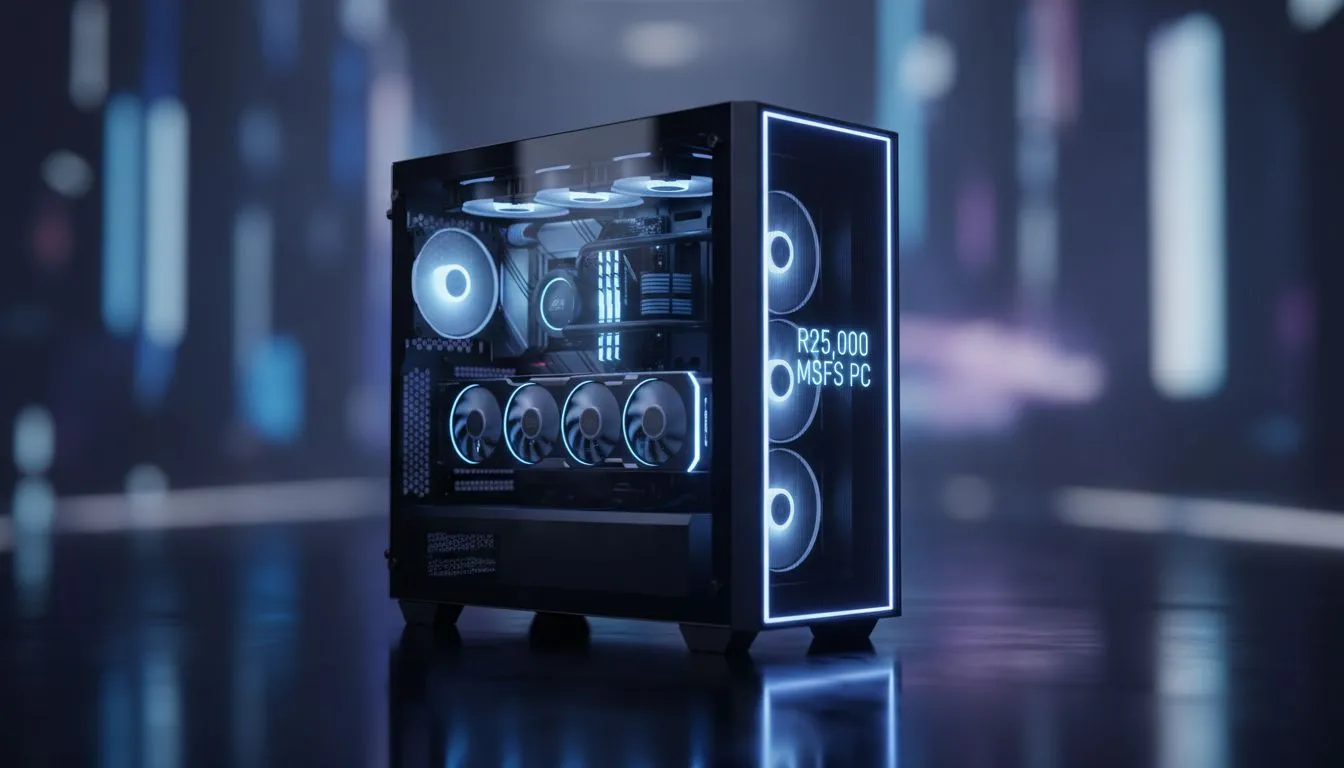
Microsoft Flight Simulator is a hardware-heavy title that demands serious power. Getting smooth 1440p frames over the local scenery shouldn't cost a fortune. With a R25000 budget, you can build a machine that handles High settings with ease. If you are looking for a R25000 MSFS PC, this guide covers everything you need to know for a smooth takeoff.
This simulator is a unique beast. It demands high single-core CPU speeds and plenty of VRAM. For a R25000 MSFS PC, we focus on the Ryzen 5 or Core i5 sweet spot. While some budget gaming PCs might struggle with 1440p, this budget allows for much better hardware. ✈️
Why 1440p is the High Settings Goal
Flying over the Drakensberg looks okay at 1080p, but 1440p brings the world to life. To maintain smooth frame rates on High settings, you need a modern GPU. Many of our current pre-built PC deals feature the RTX 40-series... which is perfect for this task. These cards offer the efficiency needed for long haul flights.
MSFS Performance Tip ⚡
Turn on Frame Generation if you have an RTX 40-series card. It can nearly double your perceived frame rate in dense areas like airports. Also, ensure your Rolling Cache is set to at least 20GB on a fast SSD. This prevents stuttering while the simulator streams map data.
Finding Value in the R20,000 to R25,000 Range
When you buy PCs above R20k, you move into the enthusiast tier. You get better cooling and faster NVMe storage. This is crucial because MSFS loads massive amounts of data. If your budget is tighter, you can buy PCs under R20k... but you might need to drop to Medium settings for stability.
Storage and Memory Requirements
Don't overlook the importance of a fast SSD. MSFS can take up over 150GB with all the world updates. A R25000 MSFS PC should ideally include a 1TB Gen4 NVMe drive. This ensures that textures load quickly as you descend toward Cape Town International. High-speed memory also helps keep those 1% lows stable during heavy weather. 🚀
Getting the best value means watching the market closely. We constantly update our best gaming PC deals to reflect the latest hardware price drops. For a R25000 MSFS PC, 32GB of RAM is now the recommended standard for the best experience. 🔧
Ready to Take to the Skies? Building a cockpit that handles 1440p High settings is easier than ever with the right hardware. Explore our massive range of gaming PC specials and find the perfect machine to conquer the virtual skies.











