

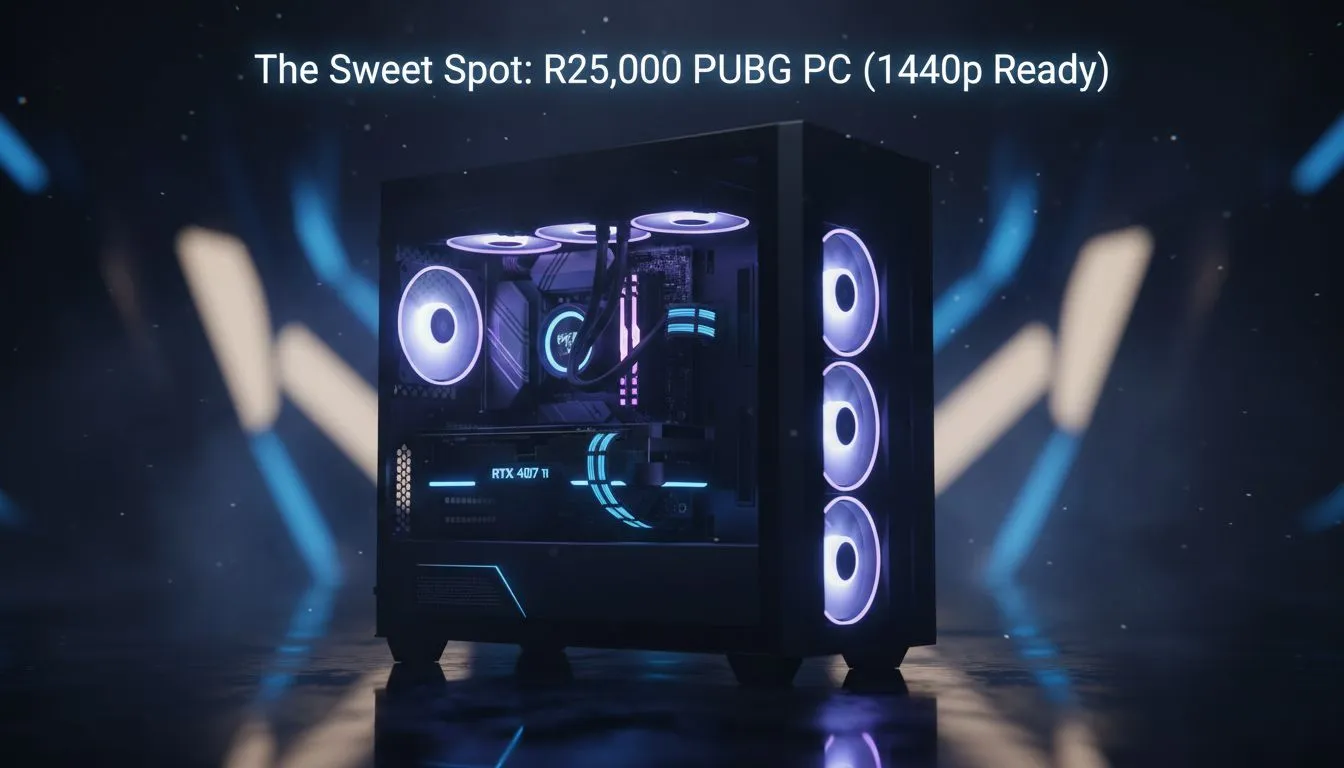
Landing a Chicken Dinner in PUBG requires more than just luck... it requires frames. If you are tired of 1080p blur, stepping up to 1440p is the logical move. This R25,000 PUBG PC: 1440p Ready Build Guide breaks down how to achieve high-fidelity gaming without overspending. In South Africa, getting the best value for your ZAR is essential for a smooth, competitive experience. 🚀
Why 1440p is the Sweet Spot for PUBG
Moving from 1080p to 1440p increases your pixel count by nearly 80 percent. In a tactical shooter like PUBG, this extra clarity helps you spot snipers hiding in the Miramar ridgelines. While many players start their journey with budget gaming PCs, the jump to Quad HD requires a more capable graphics card.
You want to maintain at least 100 FPS to ensure your aim remains fluid. Achieving this on a budget means you must optimise your component choices. If you try to buy PCs under R20k, you might find yourself stuck at 1080p for stable performance. To truly unlock 1440p, we need to look at the next tier of hardware.
The Core Components of an R25,000 PUBG PC
To stay within our budget, we focus on the "Price-to-Performance" champions. A modern six-core processor paired with 16GB of high-speed DDR4 or DDR5 RAM is the baseline. PUBG is notoriously unoptimised... it loves fast memory and strong single-core CPU performance.
Finding the best gaming PC deals often involves looking for bundles that include a solid B760 or B650 motherboard. This ensures you have a stable platform for your GPU to shine. At this price point, we typically recommend an RTX 4060 Ti or an RX 7700 XT. Both cards handle 1440p with ease when using competitive settings.
PUBG Performance Tip ⚡
To get the most out of your 1440p build, set your 'View Distance' to Ultra but keep 'Shadows' and 'Foliage' on Very Low. This reduces visual clutter and ensures your frame rate stays high during intense final-circle firefights. It is the secret setup used by most competitive South African players.
Balancing the Budget for High Refresh Rates
When you buy PCs above R20k, you are investing in longevity. You are not just buying for today... you are buying for the next three years of updates. High refresh rate monitors are now the standard. Pushing 144Hz at 1440p is the goal for this build guide.
If you are not comfortable building the system yourself, looking at pre-built PC deals is a smart move. These systems are professionally assembled and tested. This saves you the stress of troubleshooting hardware issues after a long day at work. 🔧
Final Thoughts on the 1440p Build
The R25,000 PUBG PC: 1440p Ready Build Guide is all about balance. By spending wisely on the GPU and not overspending on aesthetic RGB, you create a powerhouse. This setup ensures you see the enemy before they see you. It provides the crispness needed for long-range engagements on Taego or Deston. ✨
Ready to Find Your Perfect Match? Landing that winning shot requires a PC that won't let you down when the blue zone closes in. Explore our massive range of gaming PC specials and find the perfect machine to dominate the battlegrounds today.











