

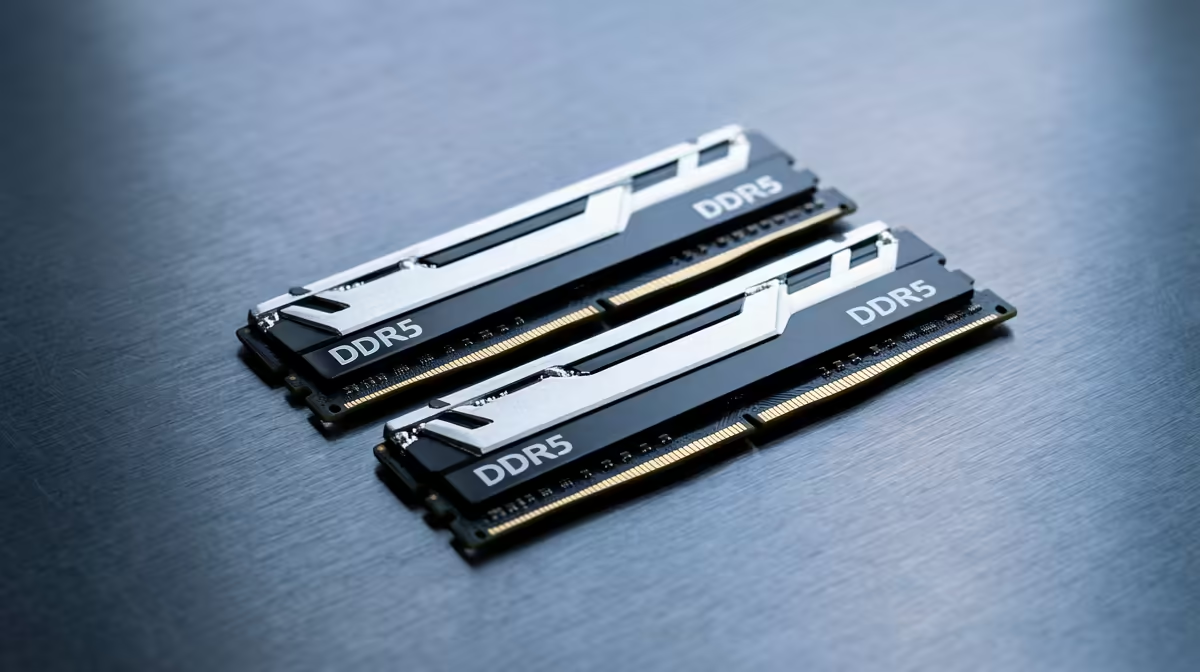
Staring at a stuttering timeline in Premiere Pro? Or maybe you’ve just made a cup of coffee… and your 4K video render is still only at 10%. We’ve all been there. In South Africa, where every second of productivity counts, a slow PC is more than just frustrating; it’s a bottleneck for your creativity. Often, the main culprit isn’t your processor, but a simple lack of RAM for video editing. But how much do you really need?
Breaking Down Your RAM Requirements
Think of RAM (Random Access Memory) as your computer's workbench. The more RAM you have, the bigger your workbench, allowing you to handle more tools (apps) and larger projects (high-res footage, effects) at once without slowing down. The ideal amount of RAM for video editing depends entirely on the complexity of your work and the footage you're handling.
16GB: The Entry-Level Standard
For aspiring creators working primarily with 1080p footage, 16GB is a solid starting point. It’s enough to handle basic editing, simple colour correction, and shorter timelines in apps like DaVinci Resolve or Premiere Pro. You might need to close other applications while rendering, but it gets the job done. It’s a great budget-friendly option, especially when you see what's possible with some of our powerful PCs under R20,000.
32GB: The Creator's Sweet Spot ✨
This is the new gold standard. With 32GB of RAM, you can comfortably edit 4K footage, juggle multiple video layers, apply visual effects, and multitask with other creative apps open simultaneously. The performance jump from 16GB is significant, making it the best value-for-money choice for most YouTubers and freelancers. Many of our best-selling AMD Ryzen-powered editing rigs are configured with 32GB for this exact reason.
64GB and Beyond: For the Pros 🚀
Are you working with 6K or 8K RAW footage? Doing complex 3D animation in After Effects or Cinema 4D? This is where 64GB or even 128GB becomes essential. This amount of RAM for video editing prevents system bottlenecks when dealing with massive files and intensive rendering tasks, saving you valuable time. Professionals who can't afford to wait will find their perfect match in our range of high-performance Intel PCs, which can be customised for extreme workloads.
Check Your RAM Usage 🔧
Curious if you're hitting your RAM limit? On Windows, open Task Manager (Ctrl+Shift+Esc) and go to the "Performance" tab. Click on "Memory". If you see your memory usage consistently hitting 90% or more during editing or rendering, it’s a clear sign you need an upgrade. This simple check can tell you exactly how much RAM your video editing workflow demands.
It's Not Just About Gigabytes
Simply having enough RAM isn't the whole story. To truly optimise your video editing experience, you also need to consider the speed and configuration of your memory modules.
RAM Speed and Latency
RAM speed is measured in Megahertz (MHz). Faster RAM allows your CPU to access data more quickly, which can lead to smoother timeline scrubbing and slightly faster render times. While capacity is the most important factor, pairing high-capacity RAM with good speeds ensures you're not leaving any performance on the table.
Why Dual-Channel is a Must
Always try to install RAM in pairs (e.g., 2x16GB for 32GB) rather than a single stick. This enables "dual-channel mode," which effectively doubles the communication bandwidth between your RAM and CPU. It's a simple configuration choice that provides a noticeable performance boost for free.
Choosing the right amount of RAM for video editing is about matching your hardware to your ambition. For most South African creators, 32GB offers the perfect blend of power and price. But whether you're just starting out or rendering a feature film, ensuring your PC has the right memory is the key to a smooth, frustration-free workflow.
Ready to Build Your Ultimate Editing PC? Getting the right amount of RAM is a great start, but a truly powerful editing rig is a balanced machine. From CPU to storage, let our experts help you configure the perfect PC for your workflow and budget. Start customising your dream PC with Evetech today!











