

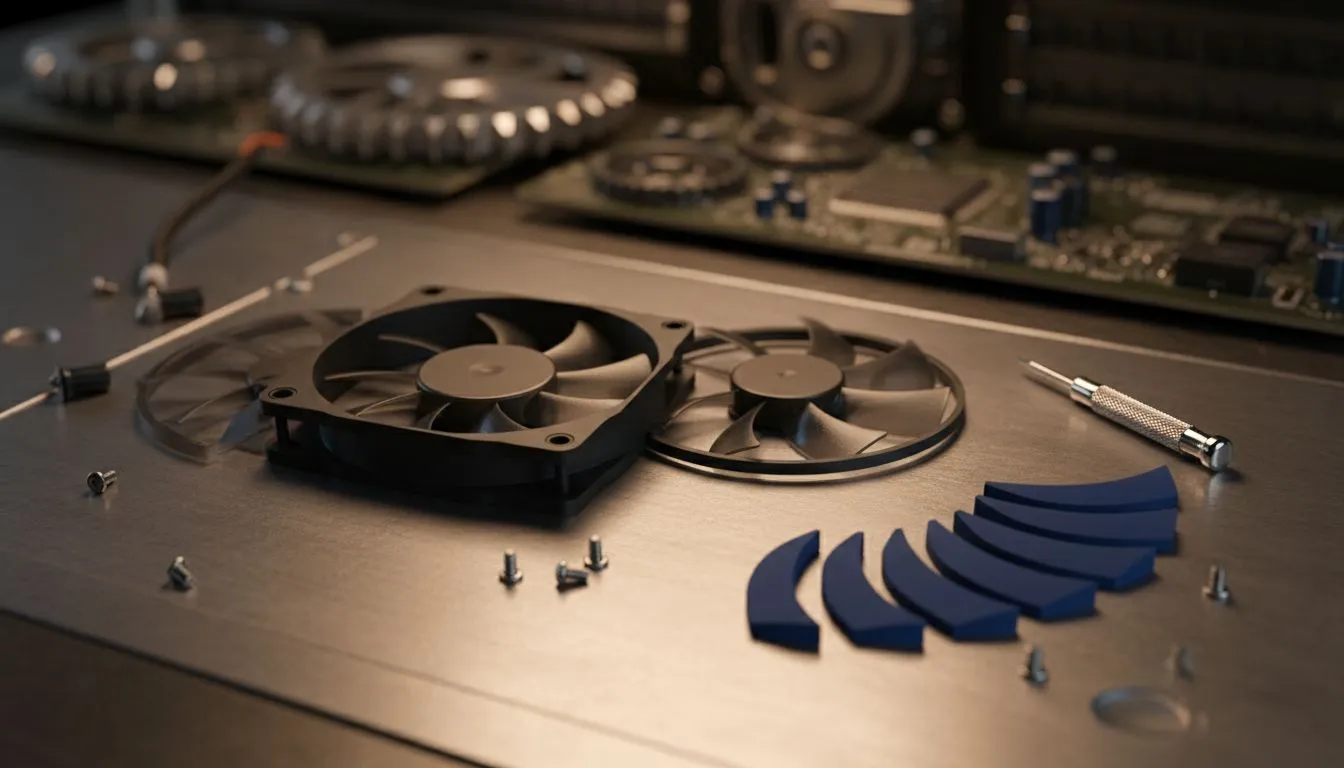
South African gamers know the struggle of keeping a rig cool and clean during a dusty Highveld summer. When your airflow starts to dip, you usually have to replace the entire unit. However, modular fans allow you to pop the blades out for deep cleaning or aesthetic swaps. This Replace Modular Case Fan Blades: Step-by-Step Swap Guide ensures your PC stays frosty and looks incredible. 🔧
Why Modular Design is the Future of Cooling
Traditional fans are a nightmare to clean properly. You end up poking cotton buds into tight crevices while the motor stays exposed to grime. Modular fans change that. By choosing high-quality case fans, you gain the ability to remove the impeller entirely. This makes maintenance a breeze and allows you to switch between different blade orientations for intake or exhaust setups without flipping the frame.
Preparing Your Build for the Swap
Before you begin, ensure you have a clean, static-free workspace. Most modern builds utilise 120mm case fans for standard mounts, though larger enthusiast towers often rely on 140mm case fans for quieter operation. Check your fan's manual to confirm it supports blade removal... forcing a non-modular fan will simply snap the plastic spindle.
Maintenance Pro Tip ⚡
When the blades are removed, use a small drop of high-grade bearing oil if the motor hub looks dry. This simple step can extend the lifespan of your cooling system by months and keep your acoustic profile whisper-quiet during intense gaming sessions.
How to Replace Modular Case Fan Blades: Step-by-Step Swap Guide
Follow these steps to ensure a safe and successful transition:
- Power Down: Always turn off your PSU and unplug the PC.
- Remove the Fan: Unscrew the fan from the chassis for better leverage.
- The Pop Technique: Place your thumbs on the back of the motor hub and your fingers on the frame. Apply firm, even pressure to the centre of the blades until they click out.
- Clean and Inspect: Wipe the motor housing and the new blades with a microfibre cloth.
- Align and Seat: Line up the spindle with the motor hole. Press down firmly until you hear a satisfying click.
- Test Spin: Give the blade a manual flick to ensure it spins freely without hitting the frame.
Choosing Your Aesthetic: RGB vs Stealth
Modularity isn't just about cleaning... it is about style. If you want a vibrant, customisable light show, RGB case fans are the way to go. They allow you to sync your lighting with the rest of your peripherals. For those who prefer a professional, understated look, case fans with no lighting offer a sleek "blackout" aesthetic that focuses purely on performance. 🚀
Brands like CORSAIR have led the way in modular connectivity, while Deepcool offers fantastic value for South African builders looking for reliable cooling without a massive price tag. Whichever brand you choose, modularity ensures your investment lasts longer. ✨
Ready to Level Up Your Cooling? Whether you need a single replacement or a full set of high-performance fans to beat the heat, we have you covered. Explore our massive range of case fans and find the perfect match for your South African gaming rig today.











