

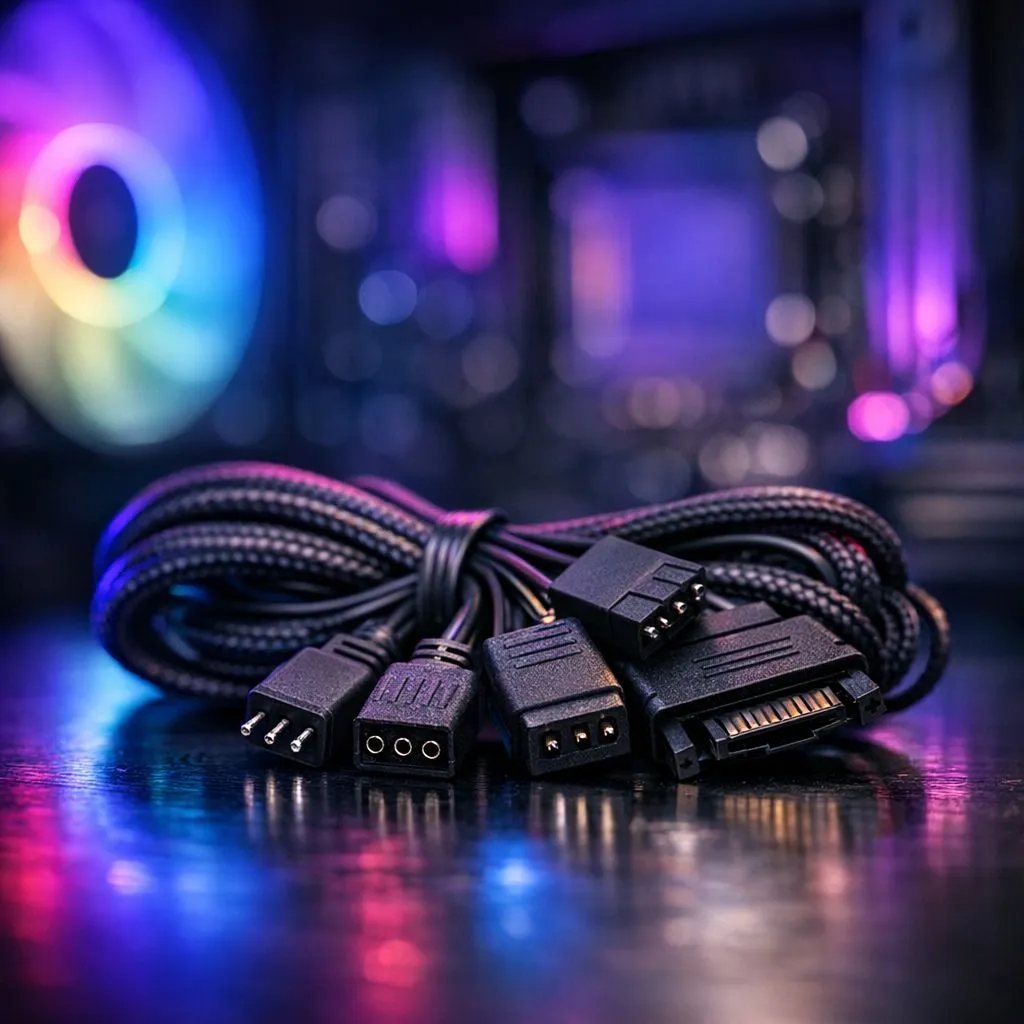
Building a Small Form Factor (SFF) PC in South Africa is like a high-stakes puzzle. You want that clean aesthetic... but those extra wires can turn your dream build into a nightmare. Managing RGB fan cable management for small form factor PCs requires patience and the right gear. Let’s look at how to keep your airflow high and your clutter low. 🔧
The Challenge of SFF Airflow and Lighting
When you are working in a chassis under 20 litres, every millimetre matters. Standard builds allow for lazy routing... SFF builds do not. The primary hurdle is the sheer volume of wires that come with modern lighting. Each fan typically has two leads: one for power and one for the LEDs. In a compact case, these can quickly block your intake or exhaust paths.
To start your journey, selecting high-quality case fans is the foundation of a successful build. You need to plan your route before you even screw the fans into the bracket.
Choosing Hardware for Tight Spaces
Not all fans are created equal when it comes to cable mess. If you want a premium experience with advanced software control, CORSAIR offers ecosystems that use dedicated hubs to centralise your connections. This is often easier than using multiple motherboard headers.
For those watching their budget in ZAR, Deepcool provides excellent performance-to-price ratios. Their daisy-chainable designs are particularly helpful for SFF enthusiasts because they reduce the number of cables returning to the controller.
If your goal is a vibrant light show, then high-quality RGB fans are essential. However, if you are building in an ultra-compact "sandwich" style case, you might find that fans with no lighting are more practical. These allow you to focus entirely on performance without the extra bulk of lighting controllers. ⚡
Sizing and Strategic Routing
Most SFF cases are designed around the 120mm standard. These are versatile and easy to find. If your case allows for it, using 140mm fans can be a secret weapon. They often move more air at lower speeds... which means less noise and fewer fans needed overall.
The Hidden Loop ⚡
Use the space behind the power supply bracket to tuck away excess RGB headers. Small zip ties or hook-and-loop straps are your best friends here. They keep cables away from spinning fan blades... preventing annoying clicking sounds or potential hardware damage during transport to your next LAN.
Pro-Level Cable Taming
When executing your RGB fan cable management for small form factor PCs, always route cables along the edges of the frame. Avoid crossing the middle of the motherboard where they can interfere with the CPU cooler or GPU fans. Use the "tuck and roll" method... loop the excess cable near the fan hub and secure it tightly. This keeps the visible area clean and professional. 🚀
Ready to Tame the Cable Chaos? Building a compact powerhouse shouldn't be a headache. Whether you need slim fans or advanced controllers, we have the stock to help you finish your build. Explore our massive range of case fans and start your SFF journey today.











