

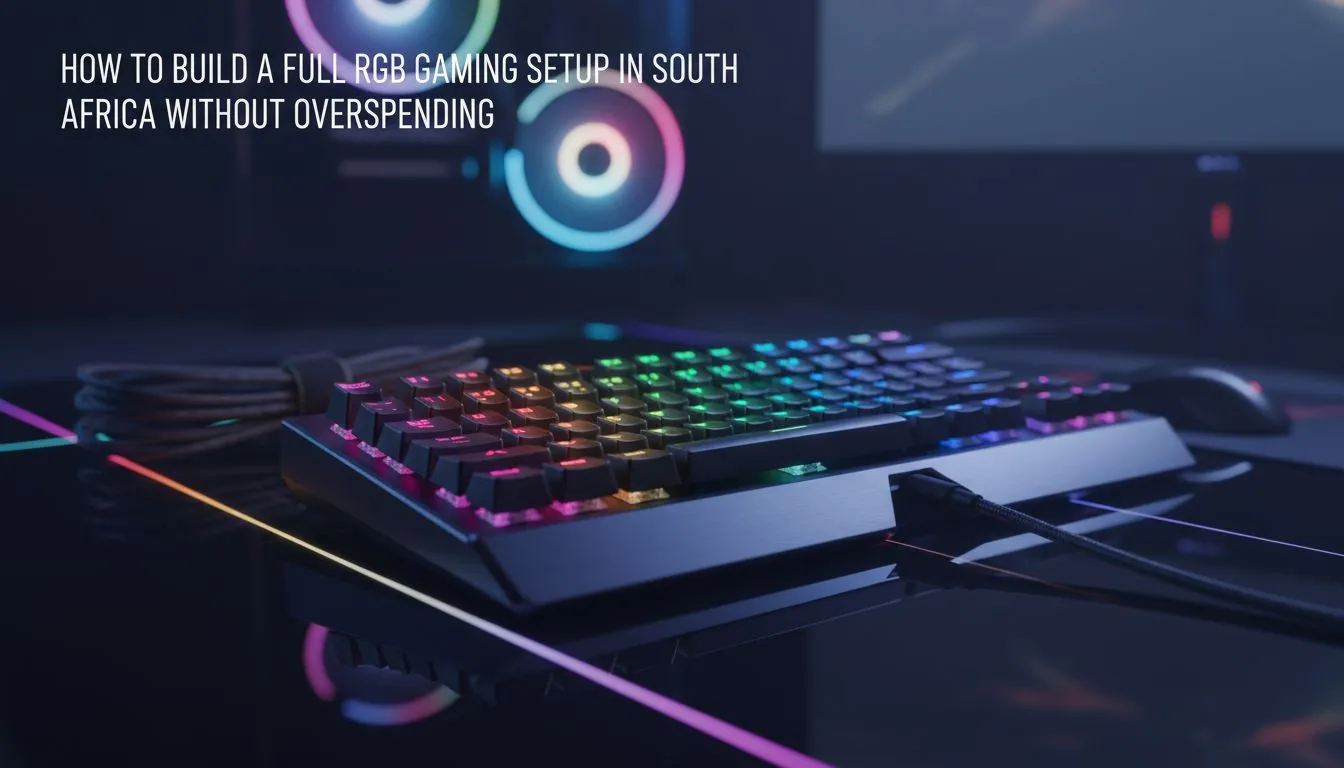
Budget RGB builds that actually shine for South African gamers
Ready to light up your battlestation without nuking your savings? Whether you’re in Joburg, Cape Town or a small town with fibre dreams, an RGB gaming setup South Africa — build on a budget can look pro with a few smart choices and local know‑how. Here’s how to get that cinematic glow, keep latency low, and still have cash for games. 🔧✨
Start with the core: PC, monitor and lighting
A balanced setup begins with the components you can’t compromise. Pick a monitor with good colour accuracy and a reasonable refresh rate; you don’t need the top-end 360Hz panel to enjoy sharp RGB. Use individually addressable RGB strips behind your monitor for ambience rather than chasing every peripheral with lighting — it’s cheaper and looks cleaner.
When choosing headsets, consider comfort and wireless latency. The Razer Barracuda X Chroma wireless headset has Chroma RGB and a compact wireless dongle; check its specs and availability on Evetech to compare features and warranty details: Razer Barracuda X Chroma wireless headset (phantom white). ⚡
Peripherals: where you can save, and where to splurge
Keyboards and mice are the easiest place to control cost. A solid mechanical keyboard with hot‑swappable switches lets you upgrade gradually. For mice, prioritise sensor and shape over gaudy lighting effects. If you want to browse a focused range of brand options, the Razer headsets collection on Evetech is a good place to compare peripherals and find bundled deals.
Bigger spends that matter: PSU quality, case airflow, and a reliable power strip with surge protection. These protect your investment and keep RGB controllers humming without interference.
Audio and headset selection that won’t break the bank
Sound immersion matters. You can get clear positional audio without premium prices if you know where to look. Browse Evetech’s headset category to compare wired and wireless options, reviews, and ZAR pricing so you can make a side‑by‑side decision: Evetech PC headset listings.
Setup tips, cable management and sync
- Use one RGB controller that supports multiple channels; syncing by software reduces driver conflicts.
- Place LED strips with diffuse backing for even light, not hotspots.
- Keep cables tucked and labelled; tidy rigs look more expensive. 🚀
Budget RGB Tip ✨
Use a single software ecosystem (for example your motherboard or a universal controller) to sync peripherals. It reduces CPU overhead and keeps lighting consistent across keyboard, mouse, and LED strips.
Quick build checklist for South African buyers
- Prioritise PSU and cooling first.
- Pick one focal RGB piece (keyboard or headset) and complement it with subtle LED strips.
- Check Evetech product pages and categories for up‑to‑date ZAR pricing and warranty information to compare value.
{{CALLTOACTION:
Ready to Find Your Perfect Match? The Mac vs Windows debate is complex, but for maximum power, choice, and value in South Africa, Windows is hard to beat. Explore our massive range of laptop specials and find the perfect machine to conquer your world. })











